5 PixiJS Examples
This collection introduces PixiJS, a 2D graphics engine that automatically leverages WebGL (or WebGPU) for hardware-accelerated rendering. The key technical feature is phenomenal performance, enabling the drawing of thousands of sprites at 60 FPS. The demos showcase working with containers and textures, creating a fast, cross-browser foundation for games and interactive interfaces.
Examples

Interactive WebGL Liquid Particle Typography
This interactive backdrop turns text into a dynamic liquid particle cluster over a starry sky. Powered by PIXI.js and WebGL, the engine reads pixel matrices from an offscreen canvas to map a swarm of coordinate-tracking particles. A custom metaball shader merges them with a gooey threshold filter, while pointer-tracking physics disperse the letters elastically on mouse swipe. (Requires: pixi.js)
 Chrome 79+
 Edge 79+
 Firefox 79+
 Safari 14.1+
See the Pen Interactive WebGL Liquid Particle Typography.
PixiJS Displacement Ripple Zoom
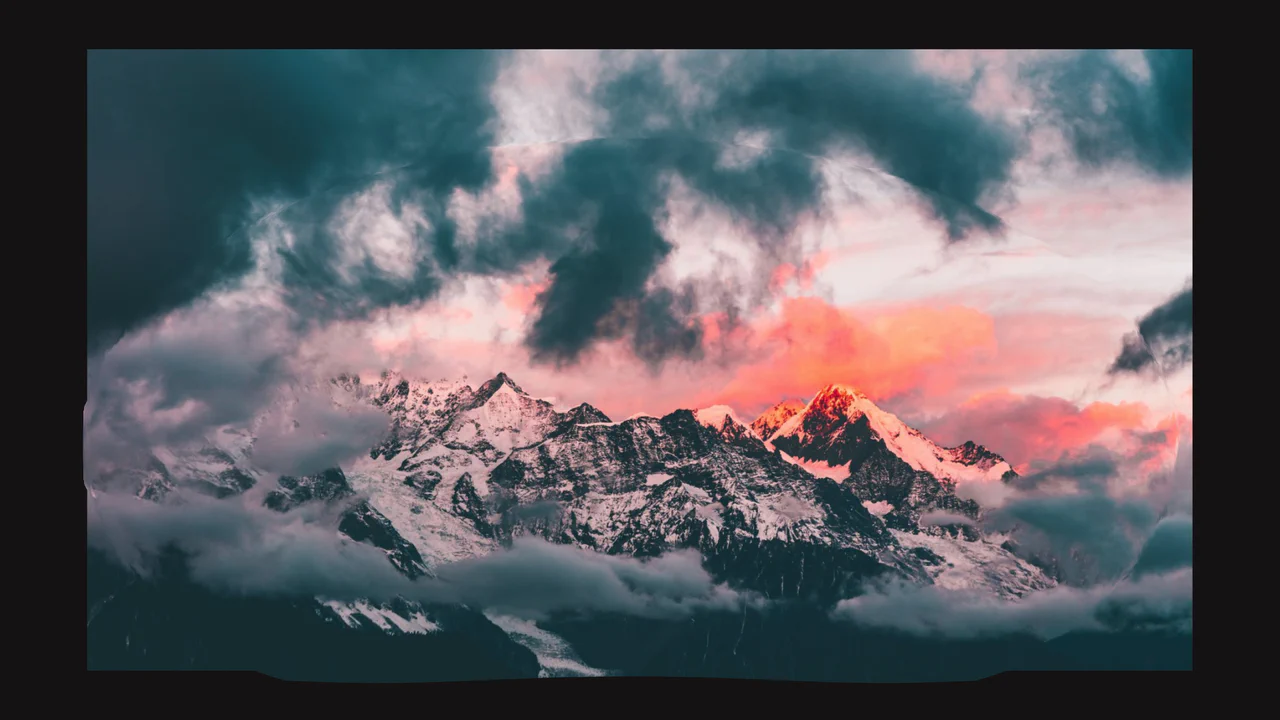
This is a PixiJS Displacement Ripple Zoom. It transforms a static background image into an interactive, liquid-like surface that expands outward from the user’s cursor upon clicking. Its function is to serve as a dramatic, cinematic entrance animation for hero sections or landing pages, shifting visual focus while seamlessly introducing secondary UI elements. (Requires: pixi-js, gsap-js, SplitText.js)
Chrome 60+
Edge 79+
Firefox 55+
Safari 11+
See the Pen PixiJS Displacement Ripple Zoom.

PixiJS Procedural GLSL Flame
This is a PixiJS Procedural GLSL Flame. It generates a hyper-realistic, endlessly animating flame entirely through mathematical functions inside a fragment shader. Its function is to provide a high-performance visual effect without relying on video files or sprite sheets, using procedural noise to simulate the chaotic turbulence of a real fire. (Requires: PixiJS)
Chrome 60+
Edge 79+
Firefox 55+
Safari 11+
See the Pen PixiJS Procedural GLSL Flame.
GSAP Pixi RGB Glitch
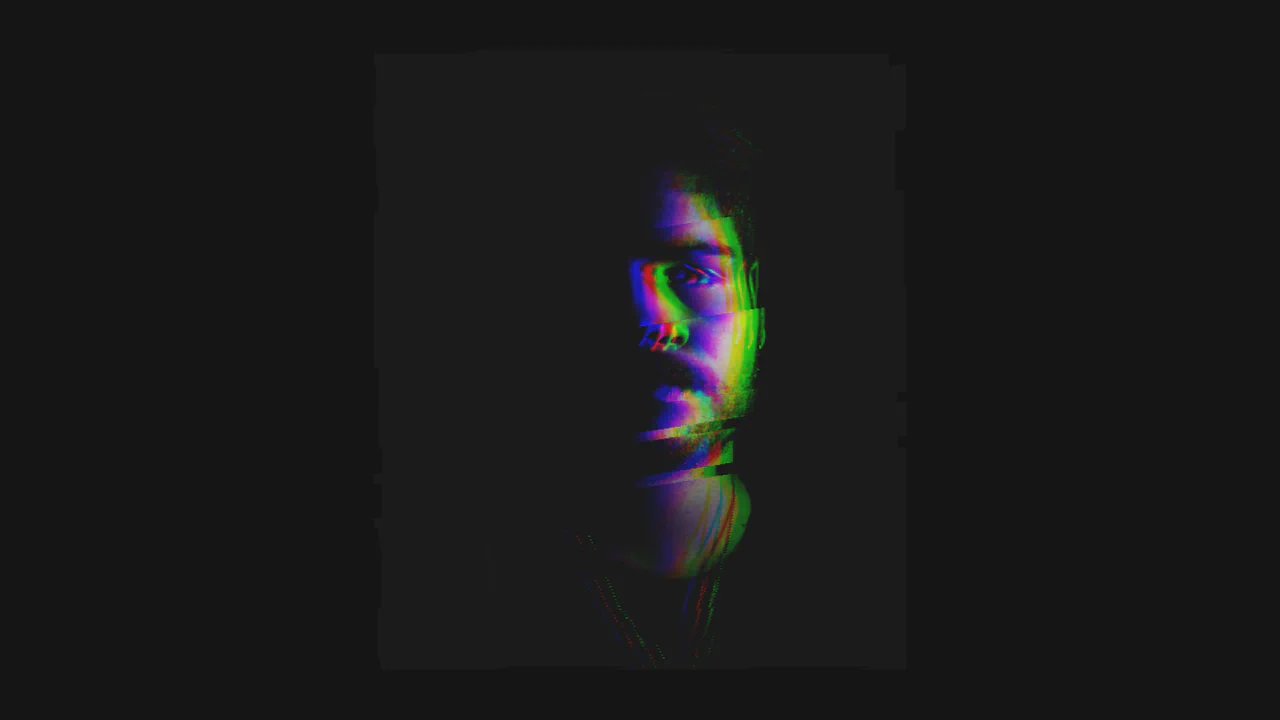
A highly specialized visual component leveraging Pixi.js for WebGL rendering and applying real-time filters.
See the Pen GSAP Pixi RGB Glitch.
Interactive Product Hotspots with GSAP and PIXI.js
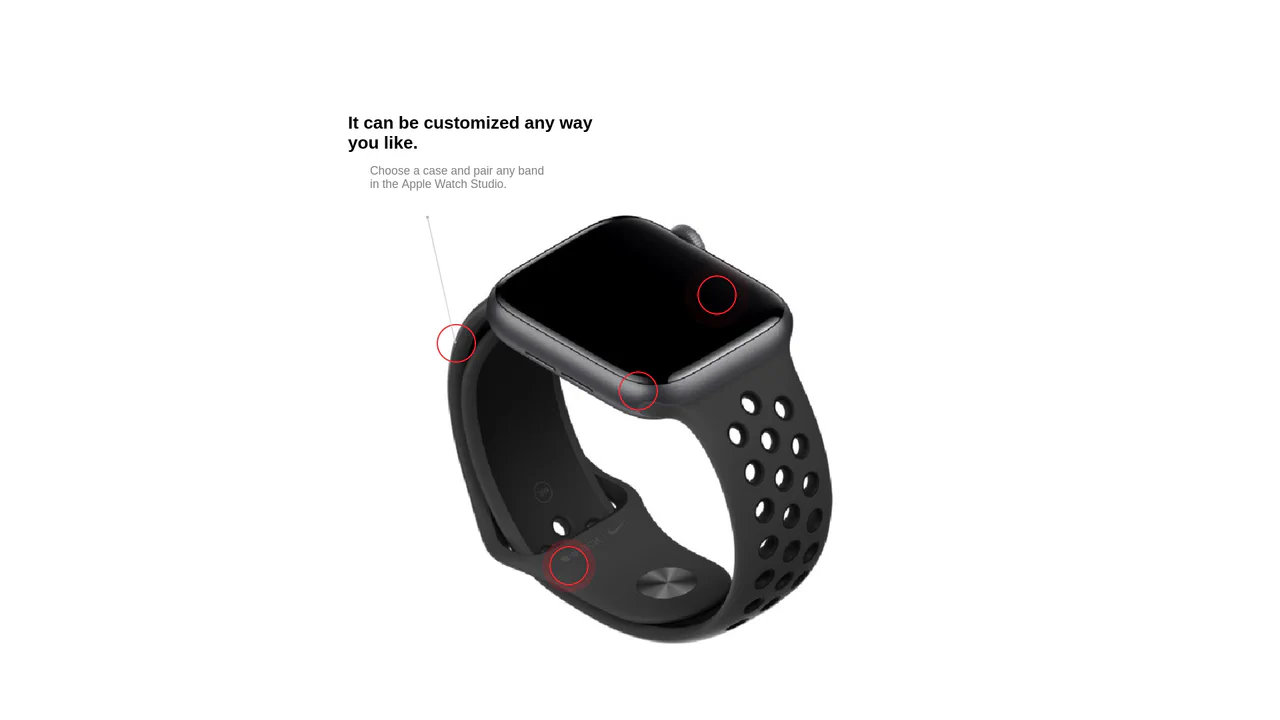
Uses the PIXI.js WebGL renderer to draw dynamic, hardware-accelerated connection lines between content hotspots, enhanced by GSAP for the smooth ‘magnetic’ displacement effect upon mouse hover.
See the Pen Interactive Product Hotspots with GSAP and PIXI.js.