40+ React Animations
Bring your interfaces to life with this collection of React animation demos. From smooth page transitions to animated components using Framer Motion, GSAP, and other libraries, these examples showcase how to build engaging, interactive user experiences in React.
Examples
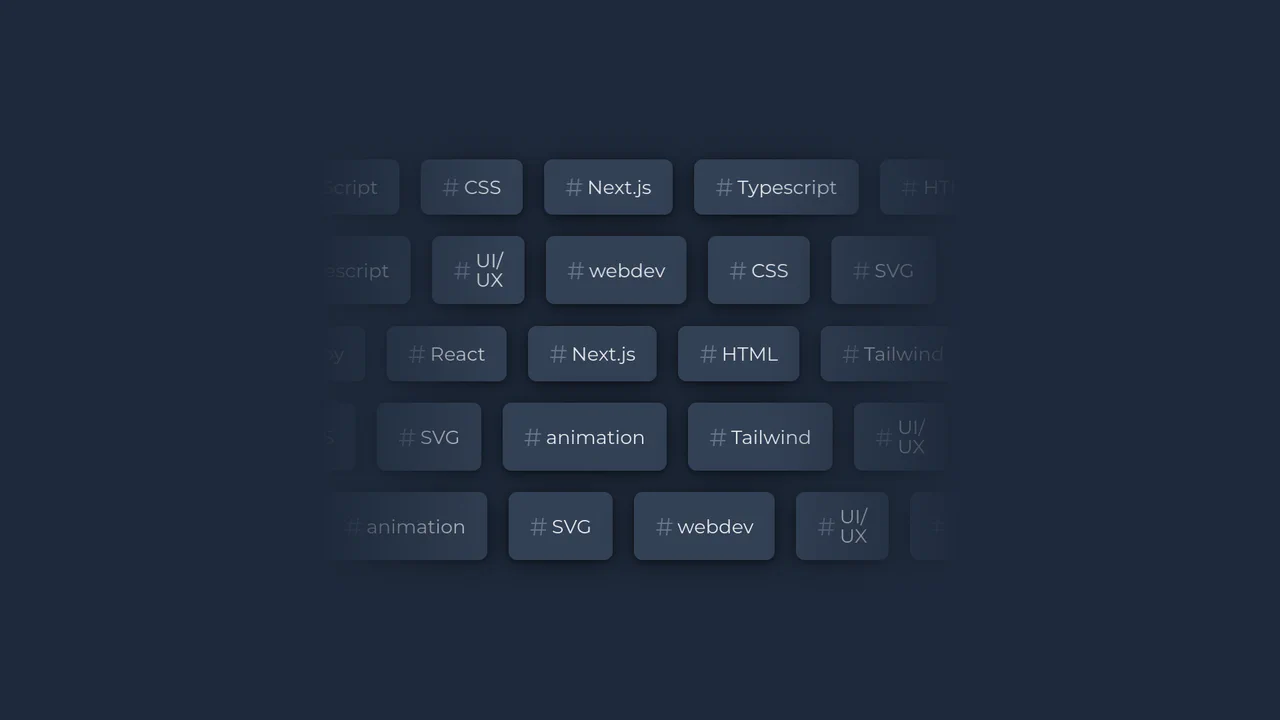
Bi-Directional Infinite Scrolling Tag Cloud
This typographic dashboard component showcases multiple rows of infinitely scrolling keyword tags. By combining React with custom CSS keyframes and variables, the script randomizes the scroll speed and flips the direction of alternating rows. A linear gradient mask overlay wraps the container boundaries to create a smooth, feathered blending fade. (Requires: react.js, react-dom.js)
 Chrome 49+
 Edge 12+
 Firefox 49+
 Safari 9.1+
See the Pen Bi-Directional Infinite Scrolling Tag Cloud.

React Circular Stat Dashboard
This is a React Circular Stat Dashboard. It replaces a standard linear or grid-based profile view with a dynamic, radial layout. Its function is to present a user’s avatar centrally while mathematically orbiting their related statistics and quotes around them, utilizing React state to handle smooth entering and exiting transitions between different profiles. (Requires: React, ReactDOM)
Chrome 80+
Safari 13.1+
Firefox 75+
Edge 80+
See the Pen React Circular Stat Dashboard.
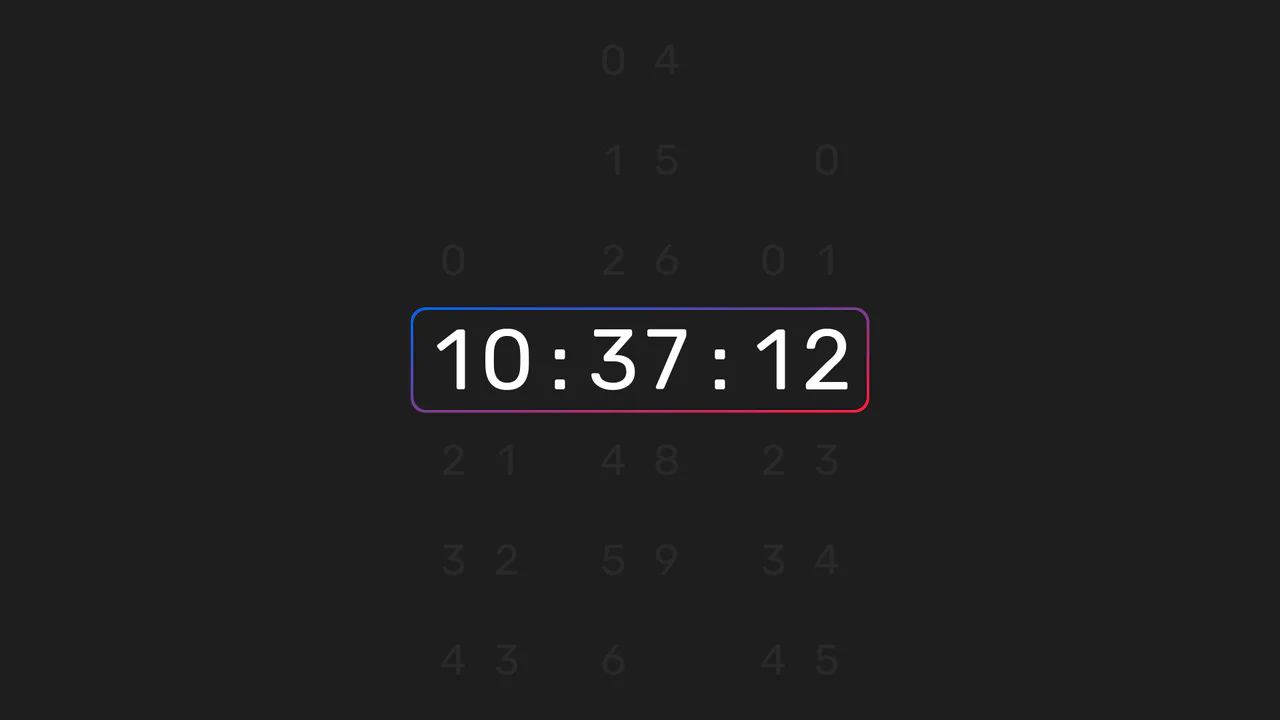
Animated Sliding Digital Clock
This is an Animated Sliding Digital Clock. It replaces instantaneous digit swapping with a vertical mechanical scrolling effect. Its function is to provide an engaging, high-fidelity timekeeping element for dashboards or hero sections, turning a passive metric into an active visual component. (Requires: React, ReactDOM, classnames)
Chrome 60+
Edge 79+
Firefox 55+
Safari 11+
See the Pen Animated Sliding Digital Clock.

React SVG Fireworks Celebration
This React SVG Fireworks Celebration component delivers a festive visual experience without the overhead of heavy animation libraries like GSAP or Framer Motion. By combining React’s component composition with the lightweight performance of native CSS animations and SVG vector graphics, it renders crisp, scalable explosions suitable for congratulations screens or holiday themes. (Requires: react, react-dom, clsx)
Chrome 100+
Edge 100+
Safari 14+
Firefox 90+
See the Pen React SVG Fireworks Celebration.
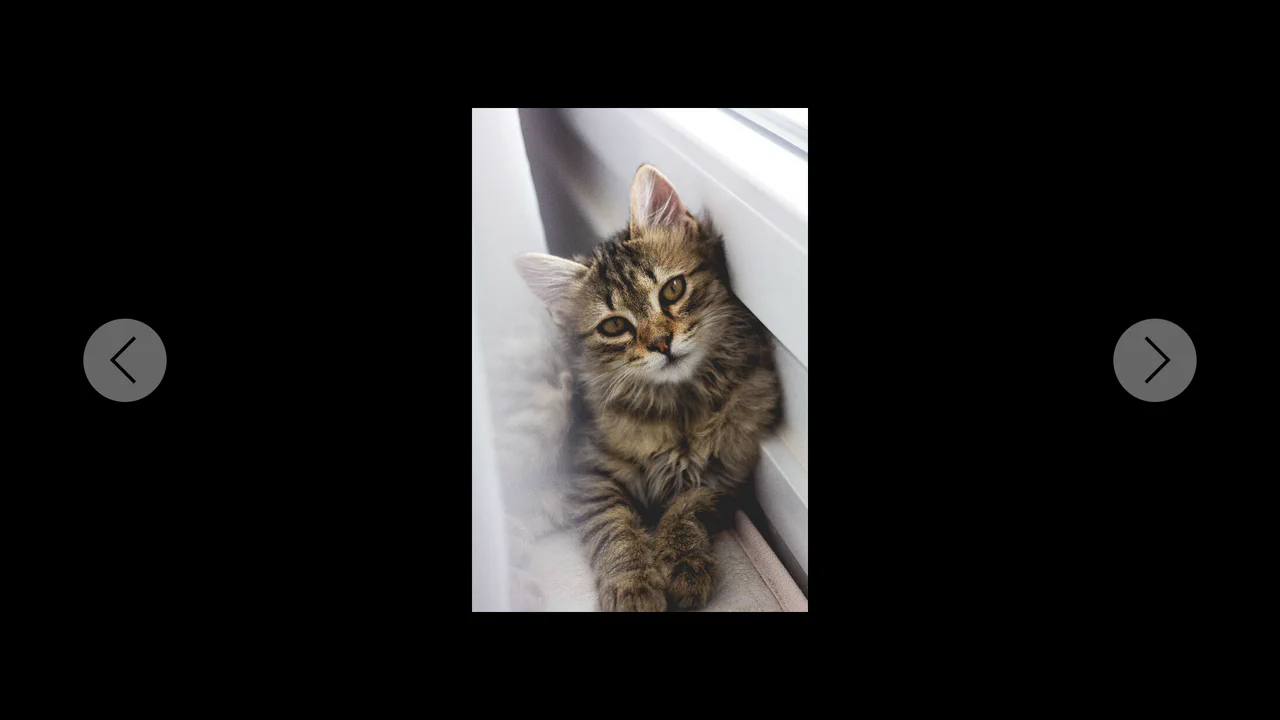
Distorted Gallery
This React component utilizes PureComponent for rendering optimization and manages complex state to create smooth 3D transitions between images. The distortion and perspective effects are achieved using CSS variables and transform properties.
See the Pen Distorted Gallery.

File Uploader React.js
An interactive component that uses modern React hooks (useReducer, useEffect) to simulate a file upload process, demonstrating how to effectively manage asynchronous operations and dynamically change the UI based on the current state.
See the Pen File Uploader React.js.
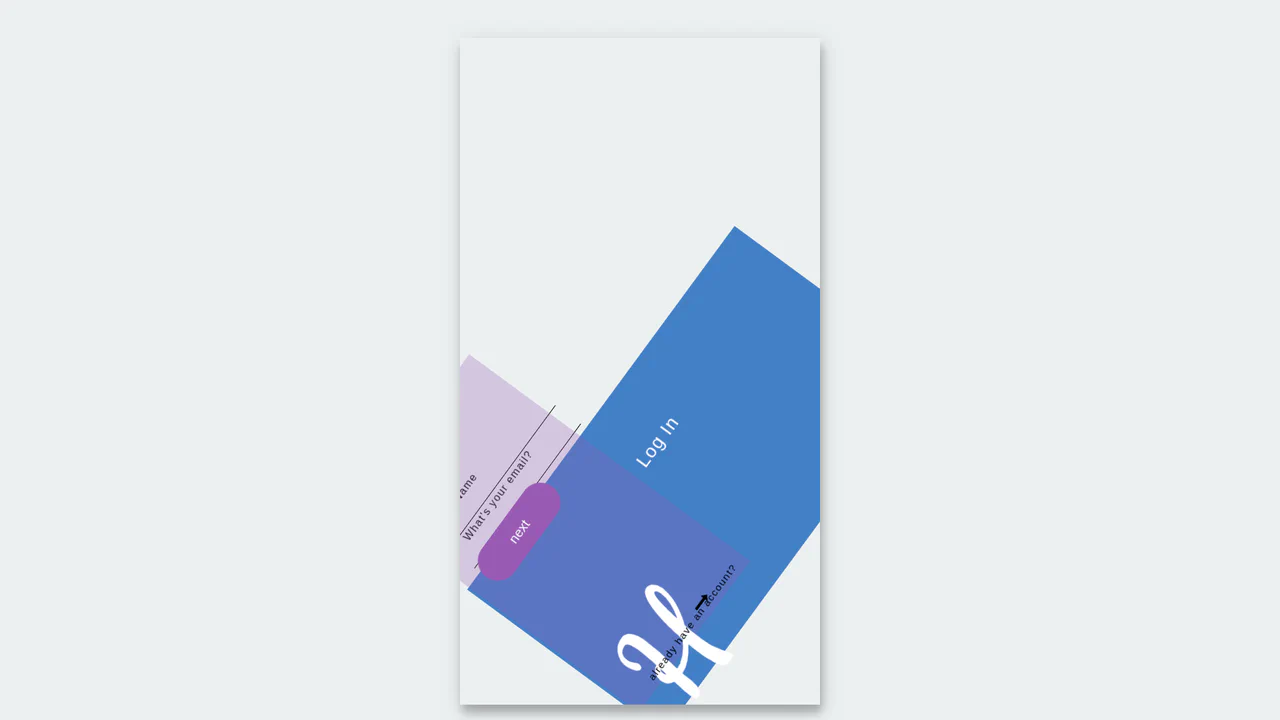
Log In / Sign Up Transition
This showcases an elegant UI/UX pattern for login and sign-up, leveraging React and the Posed library to stagger animations using predefined poses and transitions.
See the Pen Log In / Sign Up Transition.

React Bio Cards with Hover Transition
This component, built with a React class, demonstrates an approach to UI construction using reusable cards that receive data via props, while dynamic hover effects are entirely implemented using CSS transforms and pseudo-classes.
See the Pen React Bio Cards with Hover Transition.

React Component: Interactive Image Grid Flipper
The presented code demonstrates the power of combining React hooks (useState) and CSS data attributes to create a stunning visual effect. A single click locks the animation, while a double-click resets it, showing how to effectively manage UI behavior and state.
See the Pen React Component: Interactive Image Grid Flipper.

React CSS Transition Carousel
This interactive React slider leverages ReactCSSTransitionGroup to implement various dynamic transitions (like scale, blur, and rotate) and an “appear” effect where images seamlessly fade in from grayscale.
See the Pen React CSS Transition Carousel.
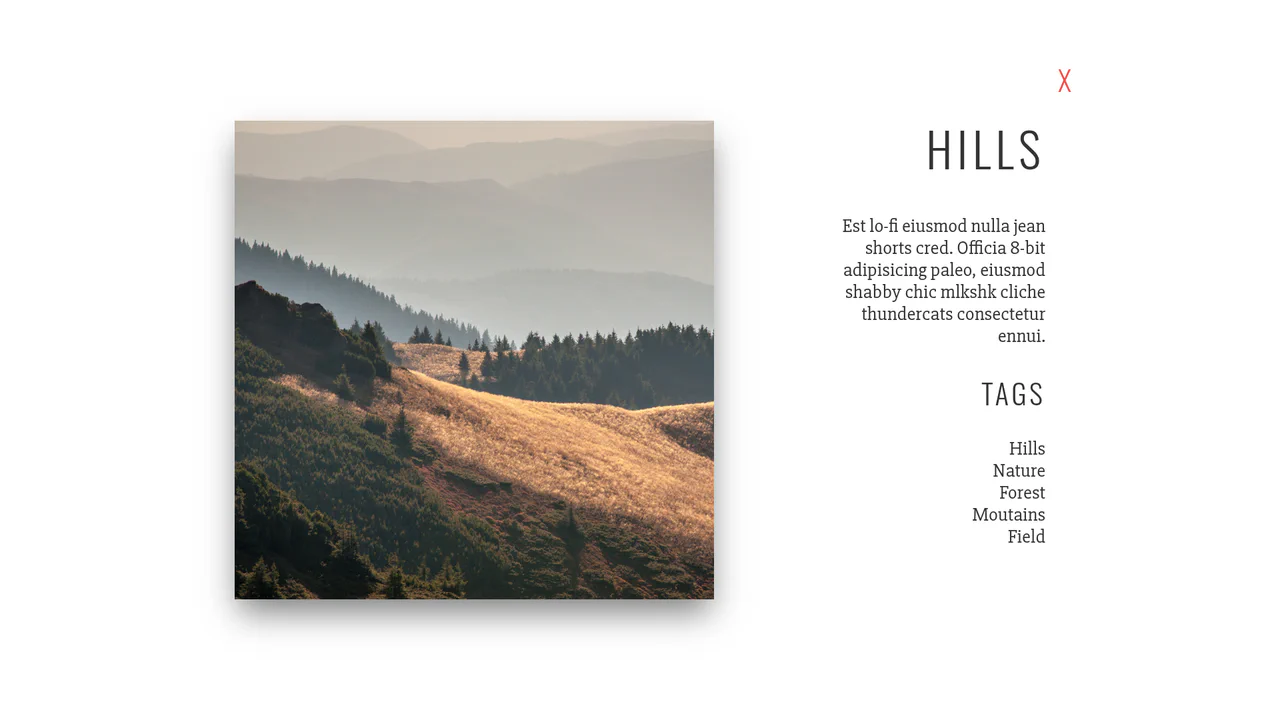
React Gallery v2
This interactive gallery demonstrates core React class component concepts, including local state management (this.state), property passing (this.props), and event binding, all while ensuring a smooth transition between different UI views.
See the Pen React Gallery v2.

React Slider with Hover Effect
This interactive slider, built with React classes, showcases fluid transformations and visual effects on slide changes and hover, leveraging CSS variables for dynamic behavior.
See the Pen React Slider with Hover Effect.

Slider Dots (React)
A simple React component that can be used for slideshows or other listing displays! It uses simple CSS transitions, and is responsive. The default sizes can be easily modified in the SCSS.
See the Pen Slider Dots (React).
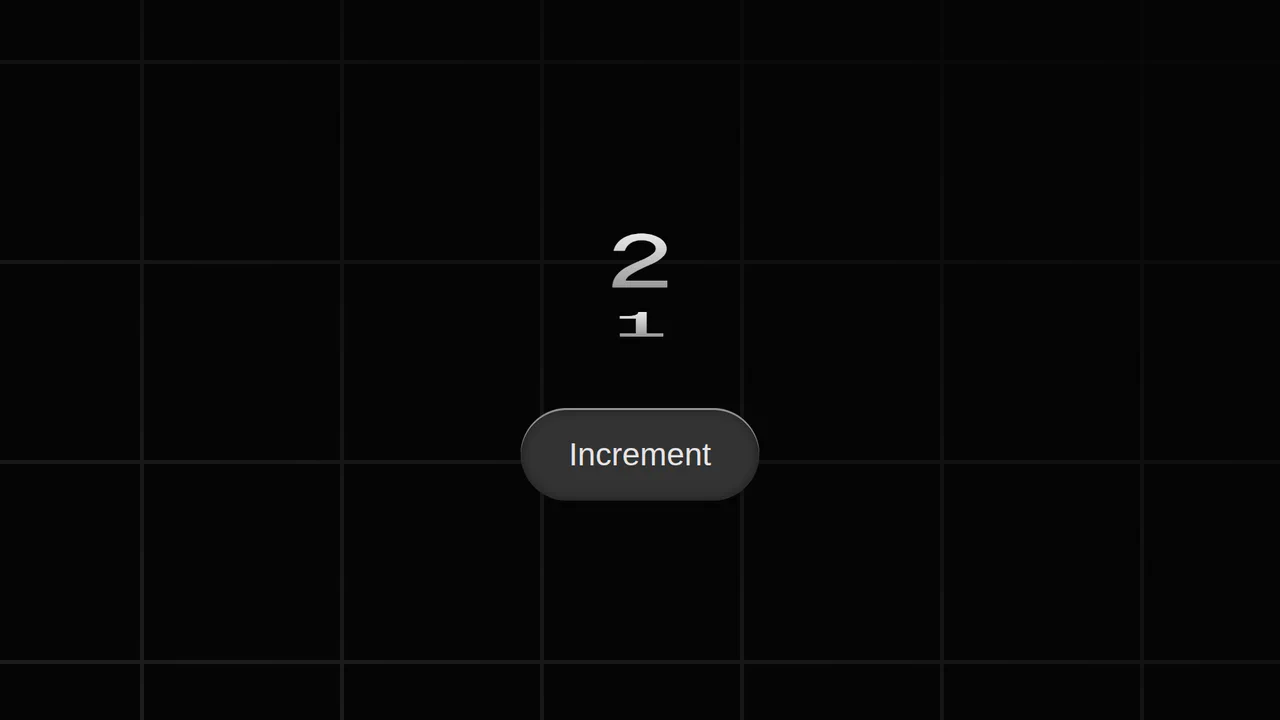
View Transitions in React
This counter demonstrates a modern approach to web animation using the experimental View Transitions API, providing a smooth and animated transition between element states without the need for complex JS libraries or manual animation.
See the Pen View Transitions in React.

Animated Apple Tear Strip with React and GSAP
This interactive animation, built with React and GSAP, lets the user “tear” a stylized seal. The complex effect is achieved by tracking cursor movement with Draggable.create() and then smoothly changing properties like clip-path and box-shadow to simulate the tear.
See the Pen Animated Apple Tear Strip with React and GSAP.

Animated Card Transitions with React and GSAP FLIP
An interactive React gallery where clicking a card triggers an impressive fly-out effect. This is accomplished with GSAP Flip, which automatically calculates the start and end states of the element to ensure a flawless and smooth transition.
See the Pen Animated Card Transitions with React and GSAP FLIP.
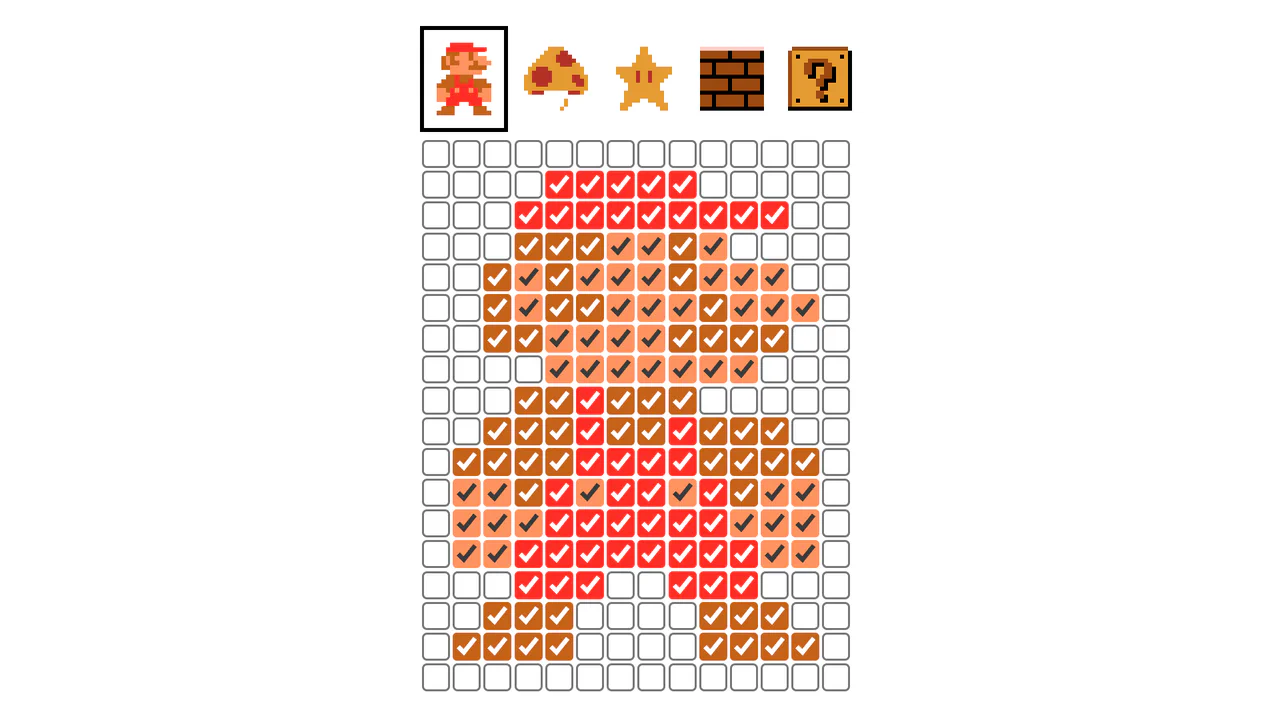
Checkbox Accent Color Pixel Art
This demo shows how to transform raster images into interactive UI elements. The generation and state management logic is handled by React, while the complex, coordinated animations are executed with GSAP to create a unique visual effect.
See the Pen Checkbox Accent Color Pixel Art.

Circle Swap Photo Gallery with React and GSAP
An interactive gallery built with React and GSAP, this demo shows how to use the MotionPathPlugin for dynamic element transitions. When a circle icon is clicked, the image follows a Bézier curve, scales up, and fills the entire screen.
See the Pen Circle Swap Photo Gallery with React and GSAP.
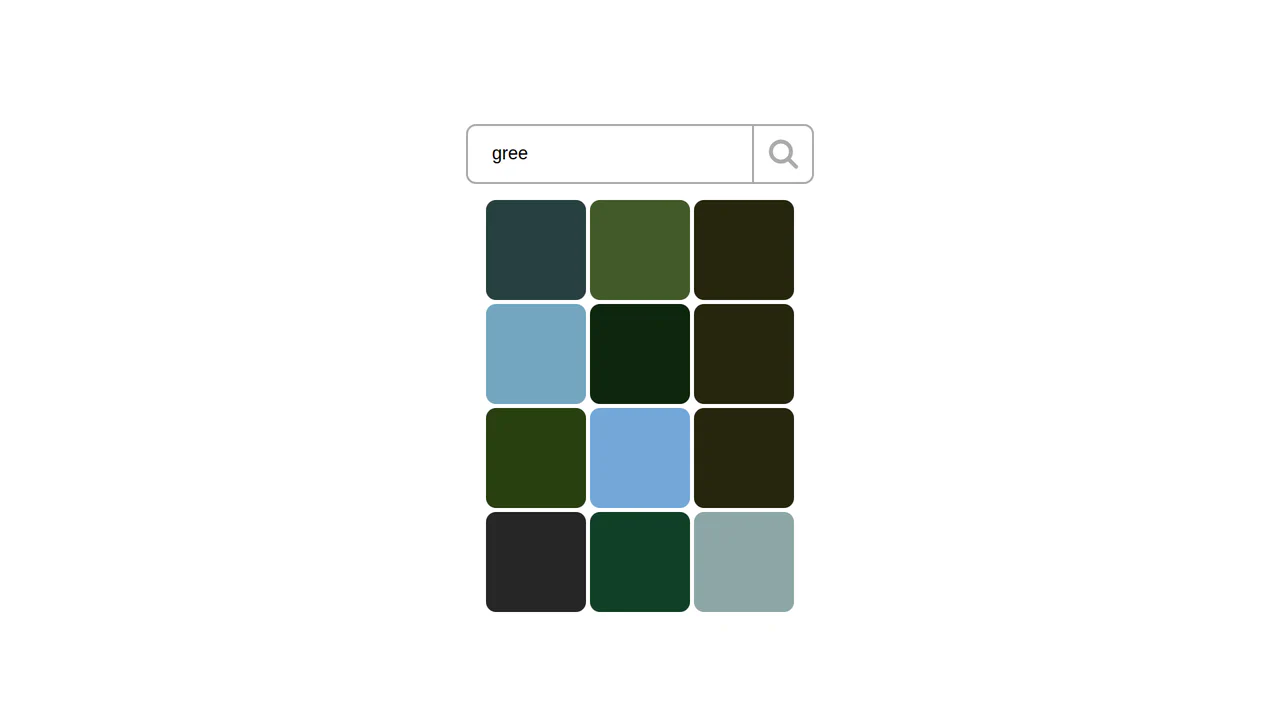
Color Search Engine with React and GSAP
This demo is a color search engine based on the Unsplash API, where each color click triggers a GSAP animation for a smooth reveal. The state of requests and display is managed using React with the useReducer hook for enhanced predictability.
See the Pen Color Search Engine with React and GSAP.

GSAP Parallax Effect in ReactJS
This demo uses a React and GSAP ScrollTrigger combination to create a parallax effect with smooth scrolling. The key feature is the animation’s synchronization with scroll movement, achieved through Lenis integration.
See the Pen GSAP Parallax Effect in ReactJS.

Interactive React Canvas Hero Image with GSAP and jQuery Integration
The demo showcases an advanced cursor-reactive animation built with React and GSAP. It utilizes HTML5 Canvas to display an an image broken into multiple fragments that spread out and scale as the cursor approaches, creating a unique visual effect.

Progress Button Microinteractions with ReactJS
This React progress bar button leverages GSAP to create a seamless, multi-step animation, from shape morphing to a full progress fill and a final checkmark reveal.
See the Pen Progress Button Microinteractions with ReactJS.

Quiz App with React and GSAP
This interactive quiz shows how to synchronize React Hooks (useState, useEffect) to manage app logic and GSAP to create micro-animations. The result is a clean, responsive interface with pleasing visual effects.
See the Pen Quiz App with React and GSAP.

React Inertia Section Scroller
This example implements responsive inertia scrolling that smoothly flips through sections. GSAP and React create a spectacular transition between full-screen blocks, while interactivity is provided by handling mouse wheel and touch events.
See the Pen React Inertia Section Scroller.

React Number Range Slider with GSAP
This demo is an animated counter built with React and GSAP that synchronizes a range slider with a smooth, scrolling digit display. This approach makes value manipulation both intuitive and visually appealing.
See the Pen React Number Range Slider with GSAP.

React Square Ripple Image Flipper on Hover
This demo showcases how to use React and the Canvas API to create a grid of elements, then utilize GSAP to animate a transition between two images. The ripple effect is achieved by calculating animation delay based on each tile’s distance from the cursor.
See the Pen React Square Ripple Image Flipper on Hover.

Responsive CSS Powered Parallax with React and GSAP
An interactive UI effect where separate scene elements move at different speeds in response to cursor motion, creating an illusion of depth. The implementation is based on React and GSAP, using pointermove for cursor tracking.
See the Pen Responsive CSS Powered Parallax with React and GSAP.

Simple Horizontal Scroll with GSAP in ReactJS
This demo shows how to use GSAP ScrollTrigger to create full-screen horizontal scrolling by pinning the container (pin: true) and synchronizing xPercent with the vertical scroll.
See the Pen Simple Horizontal Scroll with GSAP in ReactJS.

Stack Prototype with React and GSAP
The demo showcases a “card stack” UI effect where items can be navigated with buttons or by dragging with the mouse. It’s powered by React for state management and GSAP Draggable for the drag-and-drop logic and animation.
See the Pen Stack Prototype with React and GSAP.
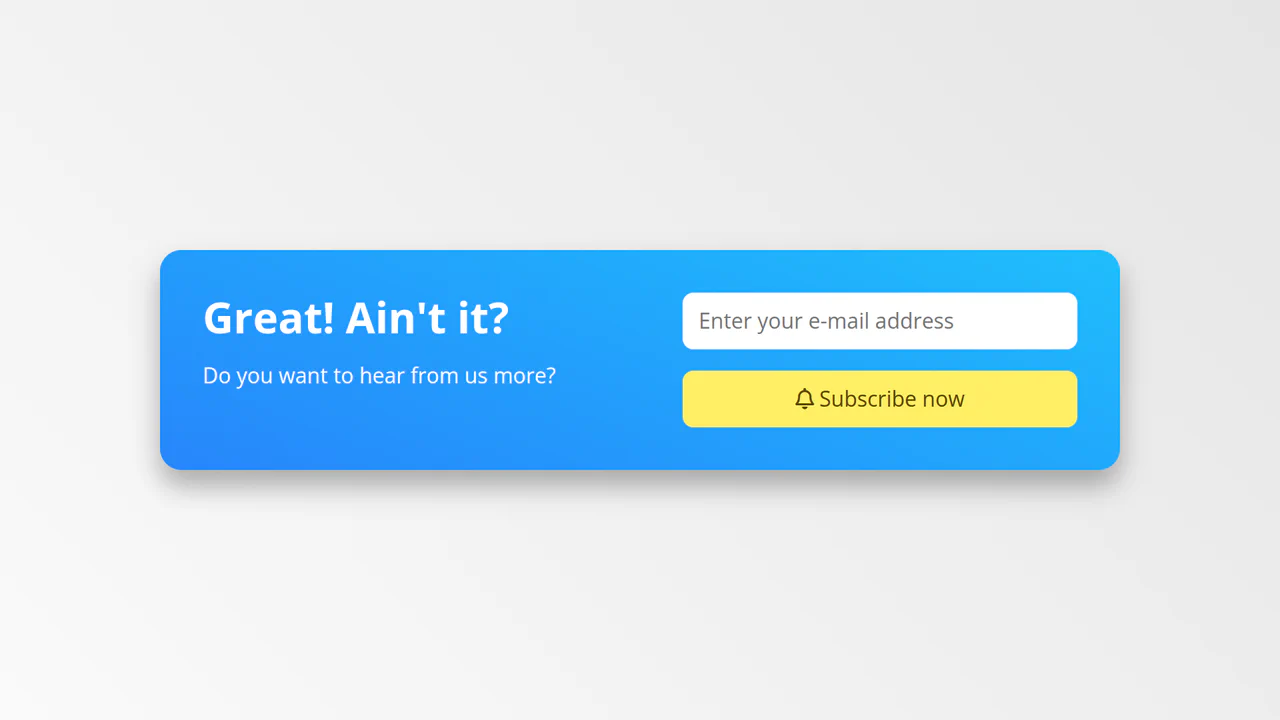
Subscribe Call to Action
This demo is an animated subscription form showcasing element transformation using GSAP. The key feature is the smooth animation that turns a rectangular form into a circle, followed by the appearance of a checkmark, creating a vivid and impressive action completion.
See the Pen Subscribe Call to Action.