40+ React Animations (Page 2)
Examples

VR Loader with React, CSS, and GSAP
This demo uses a combined approach: React to build a component-based 3D scene and GSAP for complex animation. The main highlight is the use of gsap.utils.selector to manage nested elements and well-thought-out timeline logic to create infinite motion.
See the Pen VR Loader with React, CSS, and GSAP.
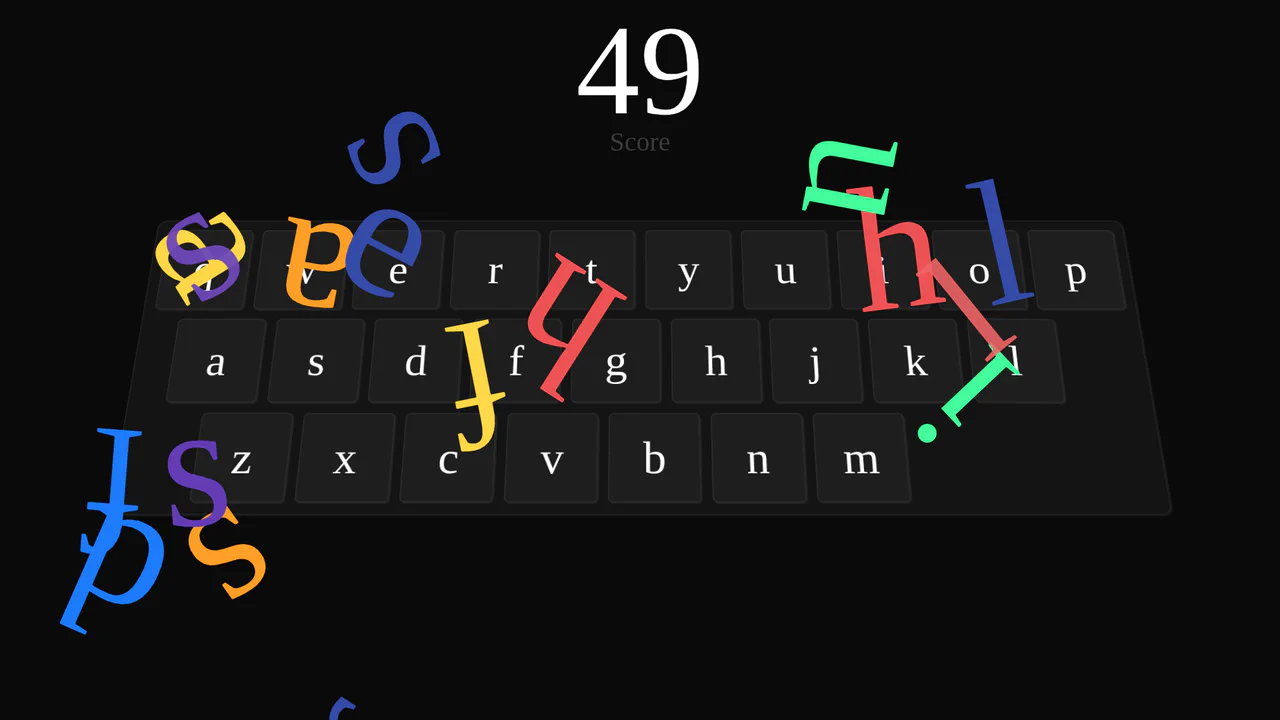
Wacky Keyboard with React and GSAP
The demo showcases the powerful combination of React and GSAP, creating a visually rich experience. A letter element is animated to fly out and fall with each keypress, while the key itself animates using a custom GSAP CustomWiggle for a “bouncing” effect.
See the Pen Wacky Keyboard with React and GSAP.
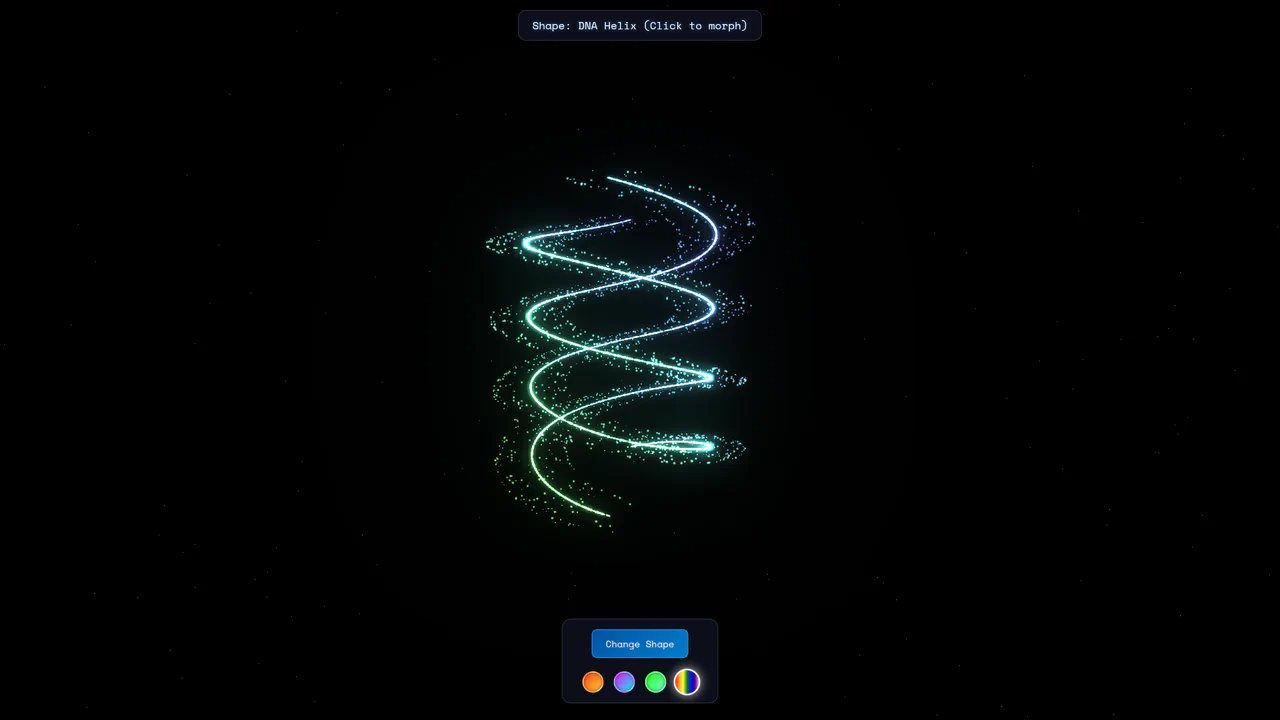
Three.js Particle Morphing Animation
Powered by Three.js and Anime.js, this demo showcases complex particle morphing between six different shapes with smooth, procedurally generated transitions and customizable color schemes.
See the Pen Three.js Particle Morphing Animation.

Advanced Framer Motion Demo
An advanced Framer Motion demo that combines multiple animation techniques. It features smooth navigation state transitions with layoutId, an animated sidebar with staggerChildren for staggered reveals, and interactive grid filtering using layout.
See the Pen Advanced Framer Motion Demo.

Cursor Menu Button Morph with React and Framer Motion
This demo shows how to create a responsive and interactive cursor using Framer Motion that smoothly follows the mouse. The main feature is the “magnet effect,” where the cursor morphs into a part of the button on hover, providing a unique user experience.

Drag and Rotate with Framer Motion
This demo shows how to create a complex yet intuitive interface where the movement of one element (useMotionValue) in real-time controls the animation of another. The use of perspective and rotateY creates a deep 3D effect.
See the Pen Drag and Rotate with Framer Motion.
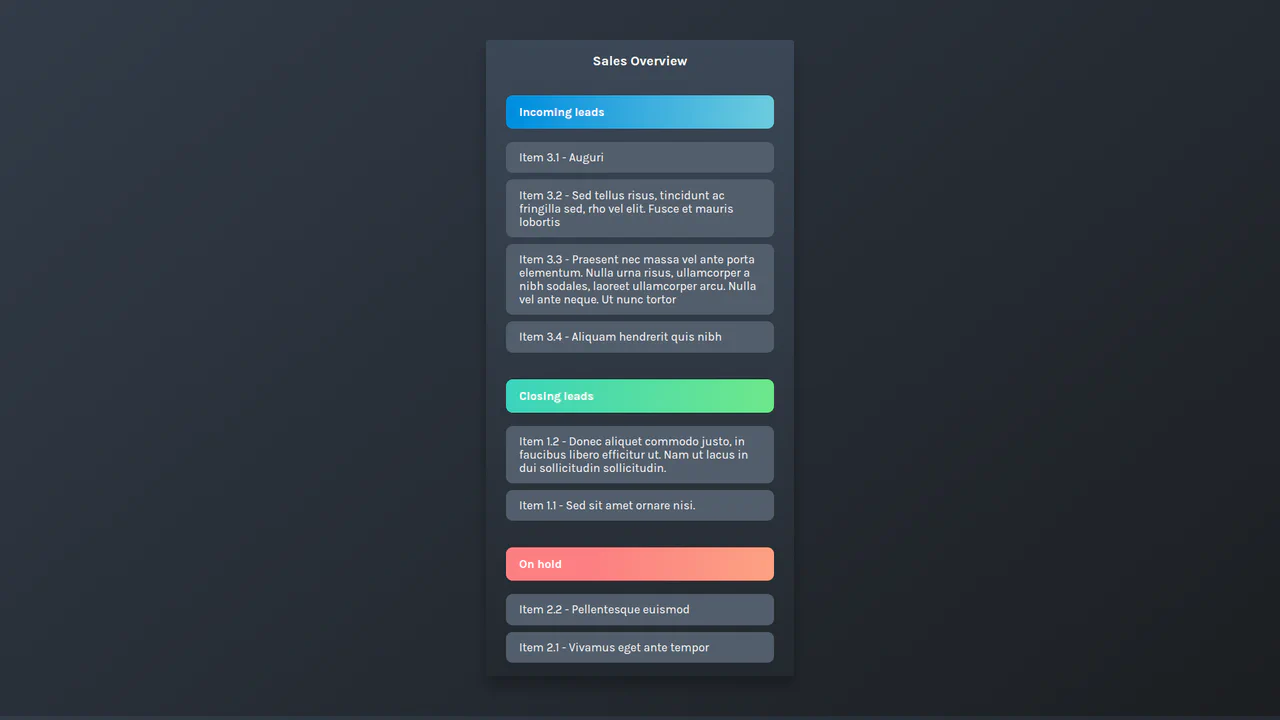
Drag-and-Drop Playground with Framer Motion
An implementation of a drag-and-drop list using React and Framer Motion, where smooth and interactive card dragging is achieved through the useRef and useMotionValue hooks and element position recalculation logic.
See the Pen Drag-and-Drop Playground with Framer Motion.
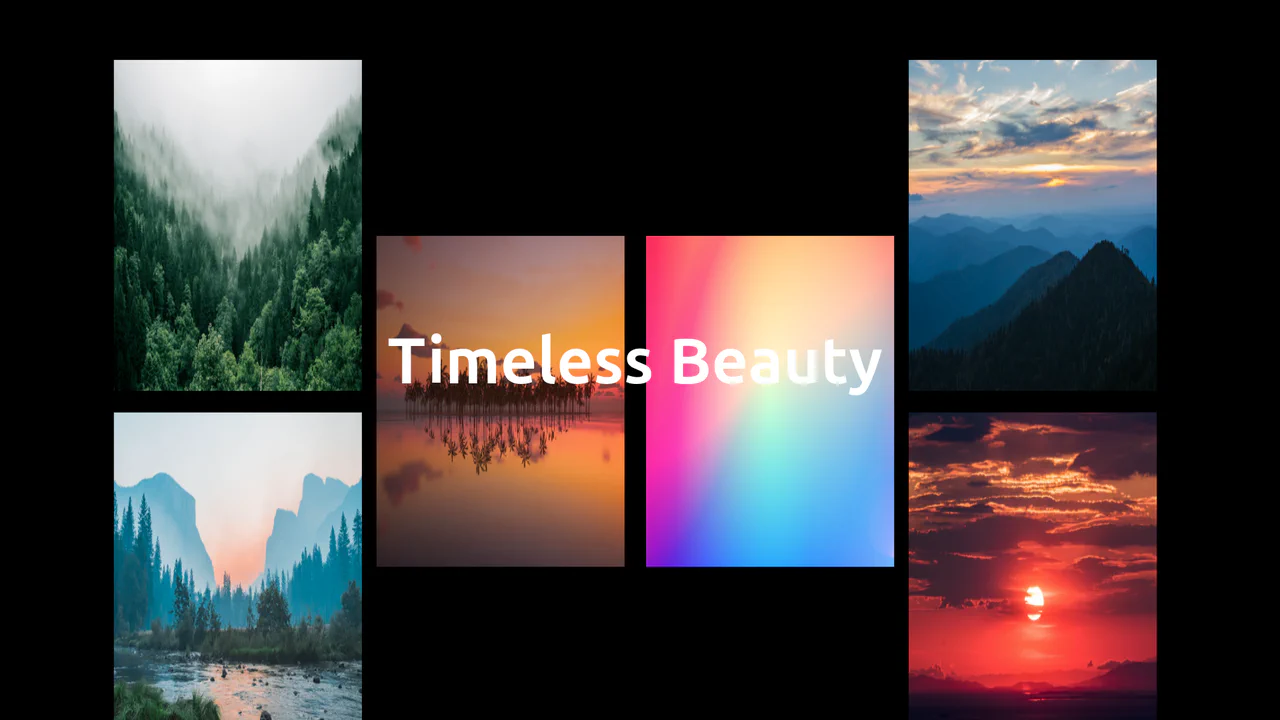
Image Grid Scroll Up with Framer Motion
A demonstration of advanced animation in React, where the useScroll and useTransform hooks from Framer Motion are used to implement dynamic scrolling with changes in image scale, position, and offset.
See the Pen Image Grid Scroll Up with Framer Motion.

Interactive List with Framer Motion
An interactive list in React using Framer Motion, showcasing the magic of AnimateSharedLayout for smoothly resizing and repositioning items on expansion. The content is revealed with AnimatePresence to handle animated entry and exit.
See the Pen Interactive List with Framer Motion.

Loaders Playground with Framer Motion
A collection of four unique loading indicators in React, where Framer Motion is used to create smooth, infinite animations with motion, animate, and transition props.
See the Pen Loaders Playground with Framer Motion.

Loading Animation with Framer Motion
Here you’ll find an example of how to create a loading animation with Framer Motion using just a few lines of code. The effect is achieved through Y-axis animation (y: ["0%", "100%", "0%"]) and infinite looping.
See the Pen Loading Animation with Framer Motion.
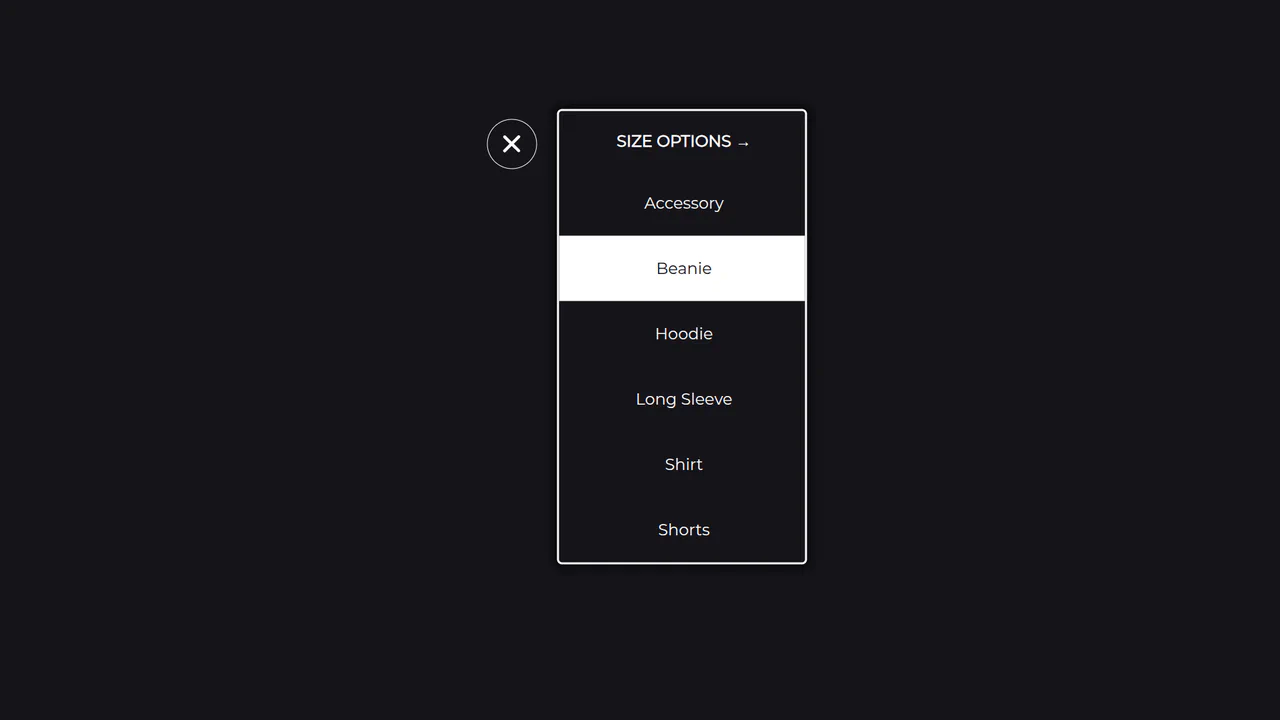
Multi-Level Dropdown Menu with Framer Motion
An elegant implementation of a responsive menu in React, where the useCycle hook is used to switch between two states — open/close and content change. The SVG icon animation and smooth transitions between blocks are realized with Framer Motion.
See the Pen Multi-Level Dropdown Menu with Framer Motion.

Multi-Step Form with Framer Motion
This is a multi-step form built with ReactJs and Framer Motion.
See the Pen Multi-Step Form with Framer Motion.

Progress Bar with Framer Motion
An infinite loading indicator created with Framer Motion.
See the Pen Progress Bar with Framer Motion.

React Framer Motion Card Animation
A demo showcasing dynamic, smooth animations powered by React and the Framer Motion library, illustrating how to easily create an interactive and lively UI with minimal code.
See the Pen React Framer Motion Card Animation.
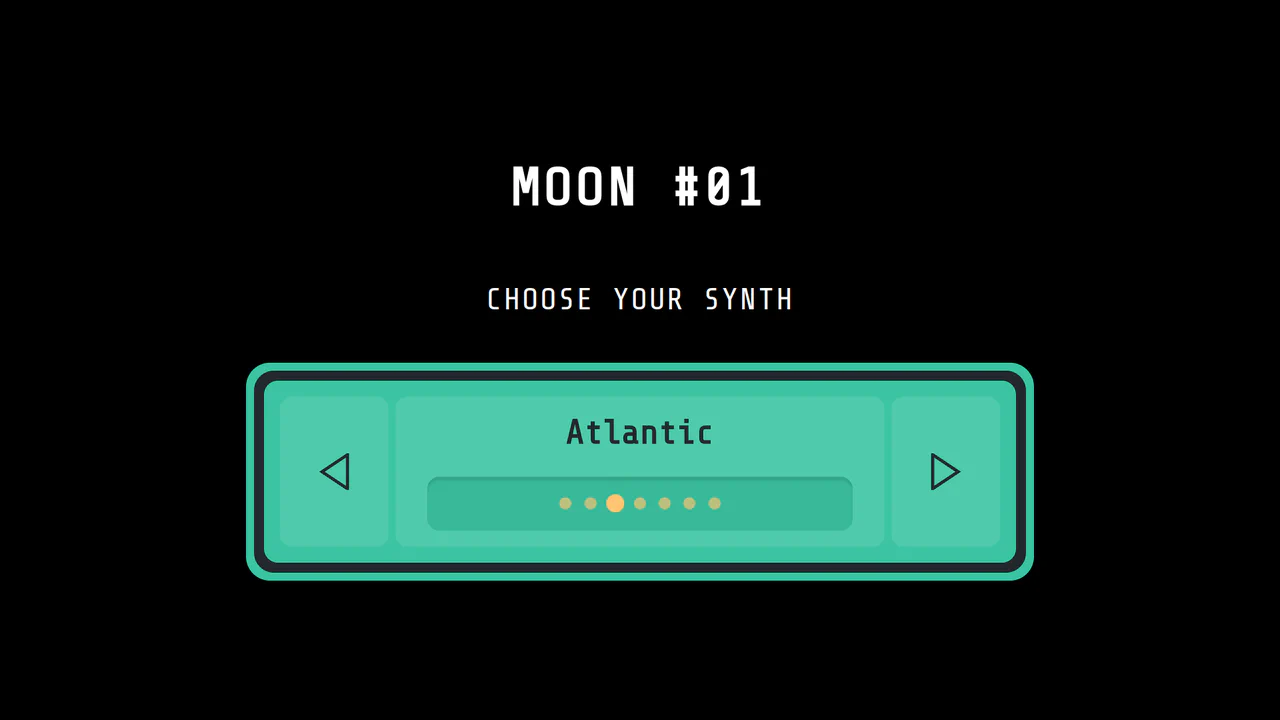
Synthesizer Selector with Framer Motion
A demonstration of an interactive UI component in React that uses Framer Motion to create dynamic animations. The main feature is the smooth content change that considers the direction of movement (motionDirection) and an animated side sheet.
See the Pen Synthesizer Selector with Framer Motion.
