10+ React Carousels
This collection of interactive demos showcases how to build responsive and performant carousels in React. You’ll see how to implement infinite looping, touch-based controls for mobile devices, and autoplay functionality. The demos illustrate various approaches, from using ready-made libraries like React-Slick to creating a custom component from scratch, which helps in understanding the principles of state management and rendering large lists of items.
Examples

React Circular Stat Dashboard
This is a React Circular Stat Dashboard. It replaces a standard linear or grid-based profile view with a dynamic, radial layout. Its function is to present a user’s avatar centrally while mathematically orbiting their related statistics and quotes around them, utilizing React state to handle smooth entering and exiting transitions between different profiles. (Requires: React, ReactDOM)
 Chrome 80+
 Safari 13.1+
 Firefox 75+
 Edge 80+
See the Pen React Circular Stat Dashboard.

Classic React Animated Carousel
A classic React component that implements a carousel by relying on state management to track the active slide and direction. Its unique feature is that all animations and transitions are entirely delegated to CSS classes, controlled from JavaScript, which keeps the logic code cleaner.
See the Pen Classic React Animated Carousel.

React 3D Carousel with CSS Variables
This React carousel component uses dynamic CSS variables to create a 3D perspective and blur effect. Card positions are calculated based on their index and the active slide, enabling a complex effect without direct DOM manipulation.
See the Pen React 3D Carousel with CSS Variables.

React 3D Carousel with Tilt Effect
This React carousel component merges a CSS variable based transform offset with an interactive tilt effect. The demo elegantly demonstrates how to use transform: perspective and transform: rotate to create a three-dimensional UI that literally follows the user’s gaze.
See the Pen React 3D Carousel with Tilt Effect.

React 3D Octagon Carousel
A dynamic React carousel with a unique element-positioning approach, using relative indices to manage CSS classes. This allows for smooth animation, resizing, and controlled visibility of slides using z-index and clip-path for a depth effect.
See the Pen React 3D Octagon Carousel.

React Animated Circular Carousel
An efficient 3D carousel implementation in React, where slide positioning and animation are calculated using custom hooks. The component dynamically adapts to the container size, ensuring smooth interaction on any device.
See the Pen React Animated Circular Carousel.

React Circular Carousel with Inertia
This demo illustrates how to build a custom, gesture-controlled carousel in React without external libraries. The key feature is the use of requestAnimationFrame and lerp for performance optimization and to create an inertia effect, making the scrolling feel incredibly realistic.
See the Pen React Circular Carousel with Inertia.

React Infinity 3D Carousel
A stunning implementation of an infinite 3D slider in React, controlled by mouse and touch gestures. This demo showcases how to create smooth transitions between slides using CSS translateZ and translateX transforms to simulate depth.
See the Pen React Infinity 3D Carousel.

React Mobile Carousel Animation
This demo is an example of using class components in React to simulate a mobile app. It shows how to handle screen transitions with setTimeout for animation effects and how to manage the application’s overall state through a root component.
See the Pen React Mobile Carousel Animation.
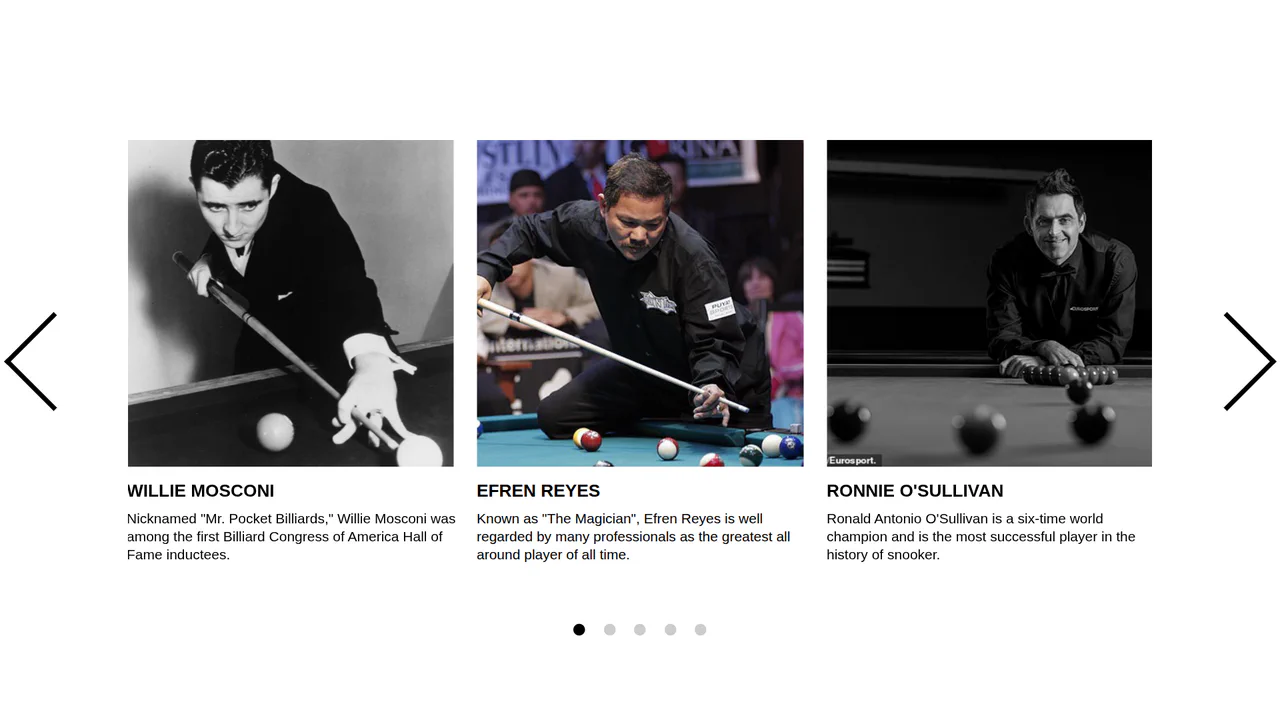
React Performant Slides Carousel
A demonstration of how to build a flexible and performant slider using React. A key detail is that instead of directly manipulating the DOM, slides are controlled through advanced state logic, where their position is dynamically calculated, making the component more reactive.
See the Pen React Performant Slides Carousel.

Simple React Card Carousel
A simple yet stylish slider implementation in React where the active card is the center of attention, with others blurred in the background. The component dynamically calculates the translateX offset based on the active index, allowing for easy navigation with buttons or dots.
See the Pen Simple React Card Carousel.

Simple React Product Carousel
A simple yet powerful React implementation of a product slider. Key features include a custom useFetch hook for API integration and a responsive design that ensures proper rendering across all devices.
See the Pen Simple React Product Carousel.