10+ React Drag and Drop Examples
Collections of React Drag and Drop demos show how to create intuitive interfaces for dragging and dropping elements. Key features to pay attention to include: using useState and useRef hooks to manage the state and position of the draggable element, and working with dragstart, dragover, and drop events. Current examples often use specialized libraries like react-dnd or @dnd-kit/core, which simplify working with the Drag and Drop API and provide excellent performance, including on mobile devices.
Examples
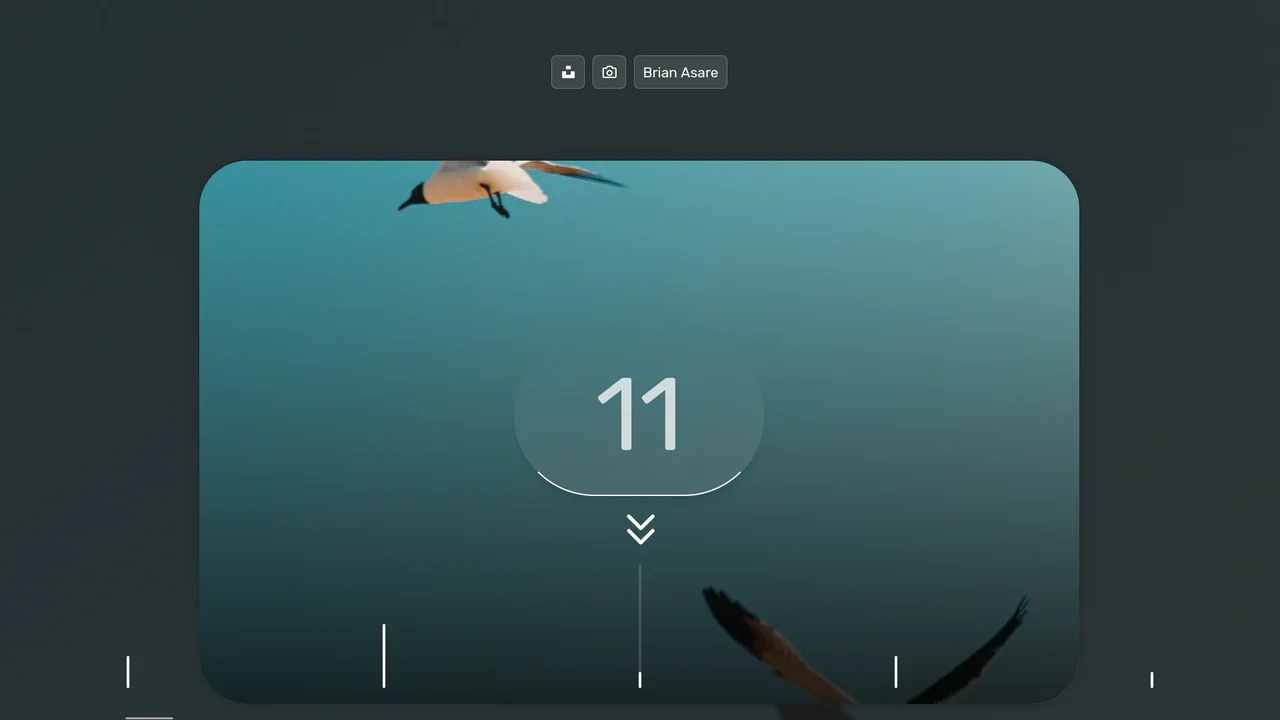
FizzBuzz Photo Gallery
An interactive horizontal timeline featuring drag-to-scroll navigation with synchronized multi-layer parallax effects for images, background, and labels, built with React and TypeScript.
See the Pen FizzBuzz Photo Gallery.

IKEA Room Gallery Redesign
A sophisticated React/Redux e-commerce SPA featuring seamless page transitions powered by GSAP. It utilizes clip-path animations for cinematic reveals and the Draggable plugin for interactive product grids, creating a fluid, app-like shopping experience.
See the Pen IKEA Room Gallery Redesign.

React App Menu with Lock Screen
An immersive OS-like dashboard where React Context orchestrates global state transitions alongside a custom onMouseMove drag-to-scroll implementation. The UI achieves a fluid, glassmorphic aesthetic through dynamic SCSS class switching, backdrop-filter effects, and intricate CSS animations.
See the Pen React App Menu with Lock Screen.

Animated Slider with Morphing Effects
This cinematic slider interface leverages GSAP timelines and sophisticated clip-path polygon transformations to orchestrate fluid transitions between full-screen slides and an overlay navigation system.
See the Pen Animated Slider with Morphing Effects.

React Hooks: Drag and Drop List
This React demo provides a robust example of a native Drag and Drop (DnD) list. It illustrates how to leverage core browser events (onDragStart, onDragOver, onDrop) and state management to reorder items dynamically, offering a smooth and responsive user experience without external dependencies.
See the Pen React Hooks: Drag and Drop List.

React: Custom Draggable List
This React demo shows a custom-built draggable list. It uses native mouse and touch events combined with requestAnimationFrame for smooth animations, demonstrating how to create a highly responsive and performant user experience without external libraries.
See the Pen React: Custom Draggable List.
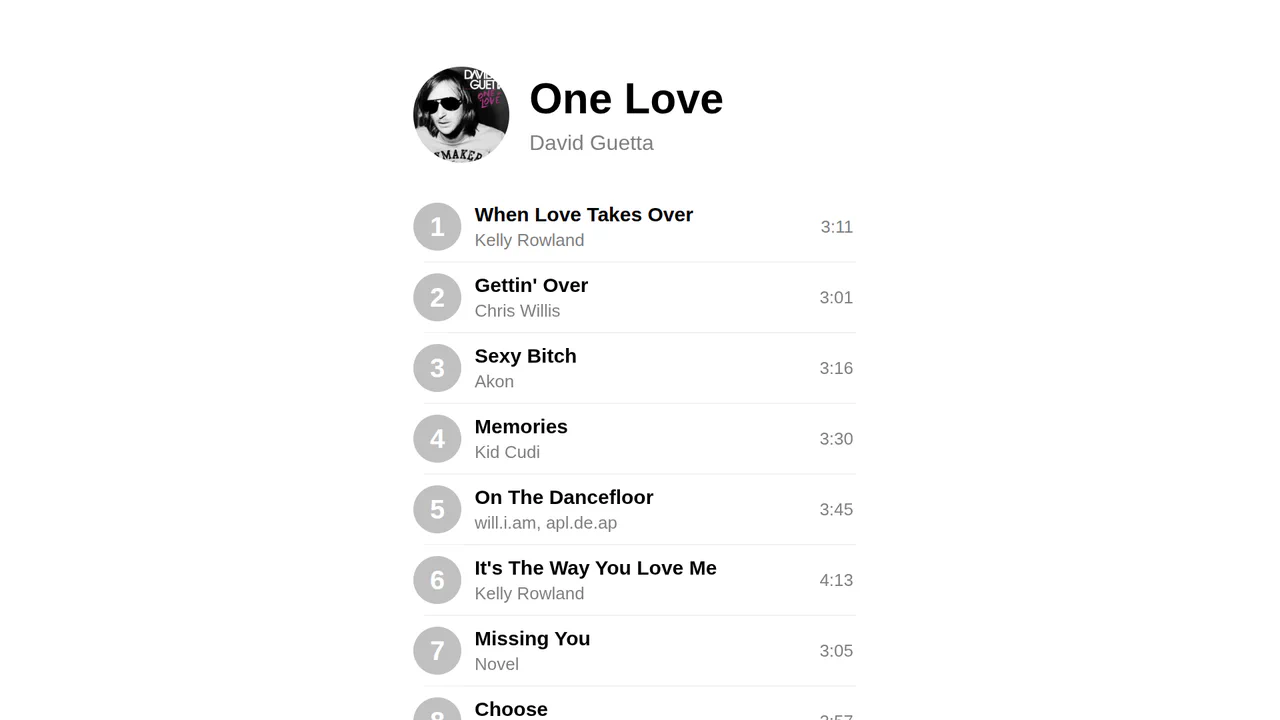
React: Sortable List
A clean, performant React demo showcasing Drag and Drop (DnD) functionality from scratch. It’s a great reference for how to track the draggedFrom and draggedTo state to manage and update the order of a list, highlighting efficient and native client-side implementation.
See the Pen React: Sortable List.

Stack Prototype with React and GSAP
The demo showcases a “card stack” UI effect where items can be navigated with buttons or by dragging with the mouse. It’s powered by React for state management and GSAP Draggable for the drag-and-drop logic and animation.
See the Pen Stack Prototype with React and GSAP.

Drag and Rotate with Framer Motion
This demo shows how to create a complex yet intuitive interface where the movement of one element (useMotionValue) in real-time controls the animation of another. The use of perspective and rotateY creates a deep 3D effect.
See the Pen Drag and Rotate with Framer Motion.
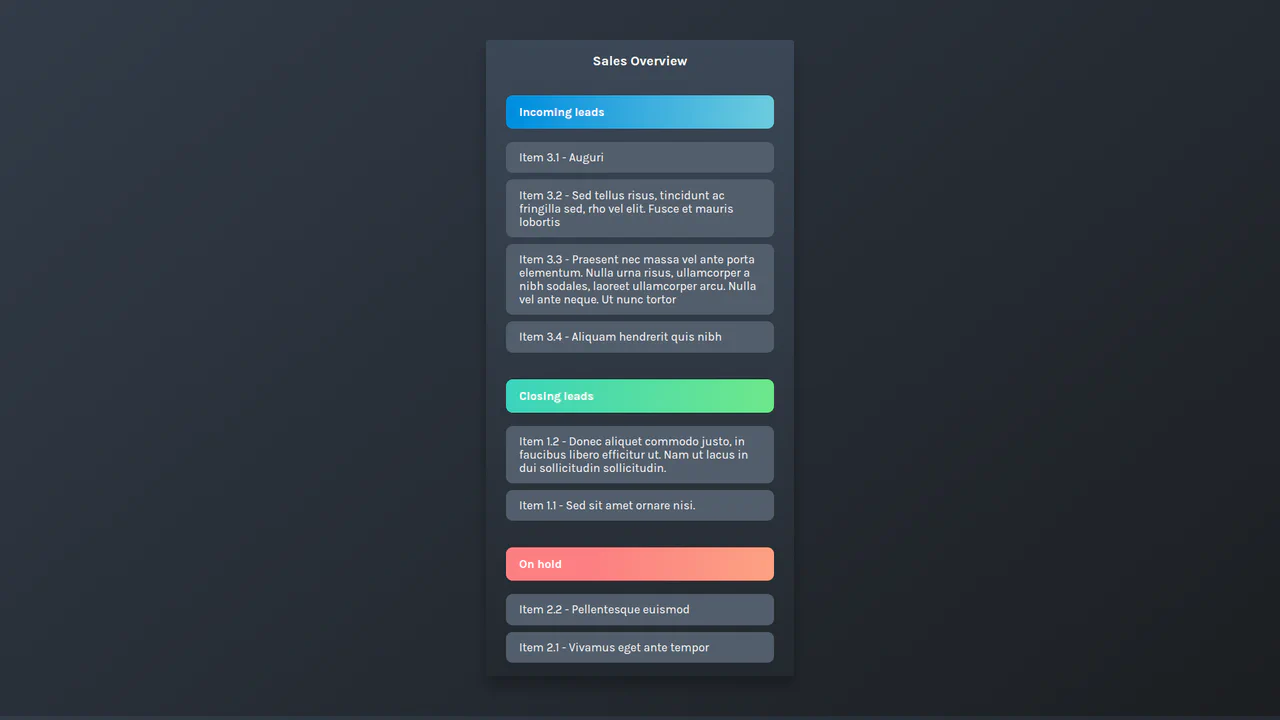
Drag-and-Drop Playground with Framer Motion
An implementation of a drag-and-drop list using React and Framer Motion, where smooth and interactive card dragging is achieved through the useRef and useMotionValue hooks and element position recalculation logic.
See the Pen Drag-and-Drop Playground with Framer Motion.