7 React Timelines
Master data control and display with this collection of React Timeline components. These demos focus on controlled patterns where the parent component dictates the state, sorting, and layout configuration (e.g., vertical or horizontal) via props. Learn to leverage lifecycle methods or Hooks (useEffect) for efficient initial data fetching, ensuring your chronological visualization is always synchronized with external data sources.
Examples
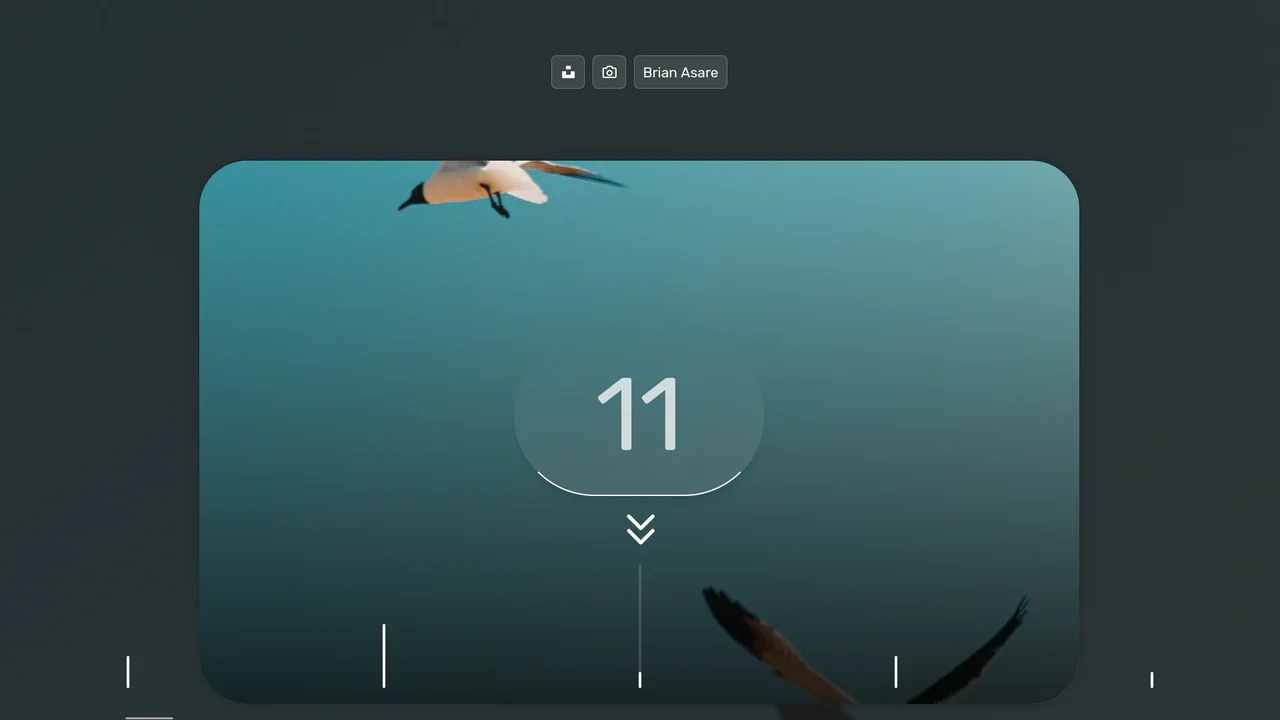
FizzBuzz Photo Gallery
An interactive horizontal timeline featuring drag-to-scroll navigation with synchronized multi-layer parallax effects for images, background, and labels, built with React and TypeScript.
See the Pen FizzBuzz Photo Gallery.
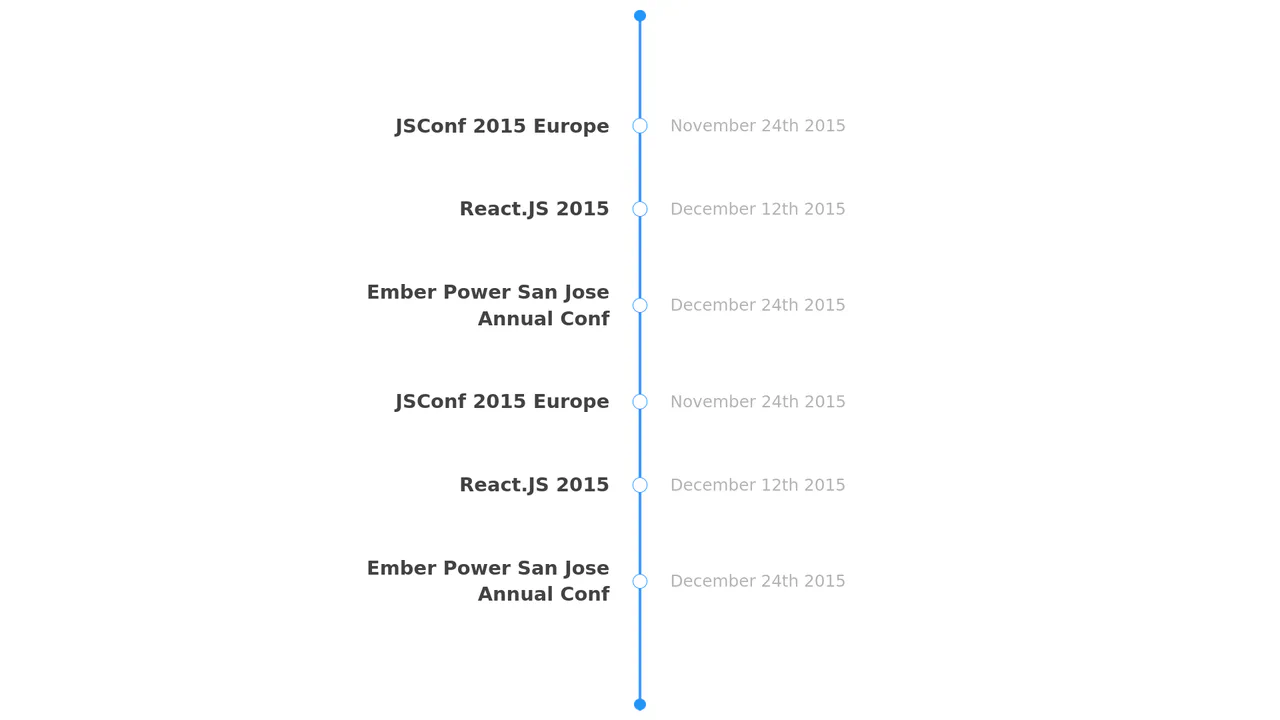
React Component: Timeline
A demonstration of React’s component architecture, where event data is rendered as a structured timeline via the App → Timeline → TimelineItem component hierarchy, utilizing the classic React.createClass syntax.
See the Pen React Component: Timeline.
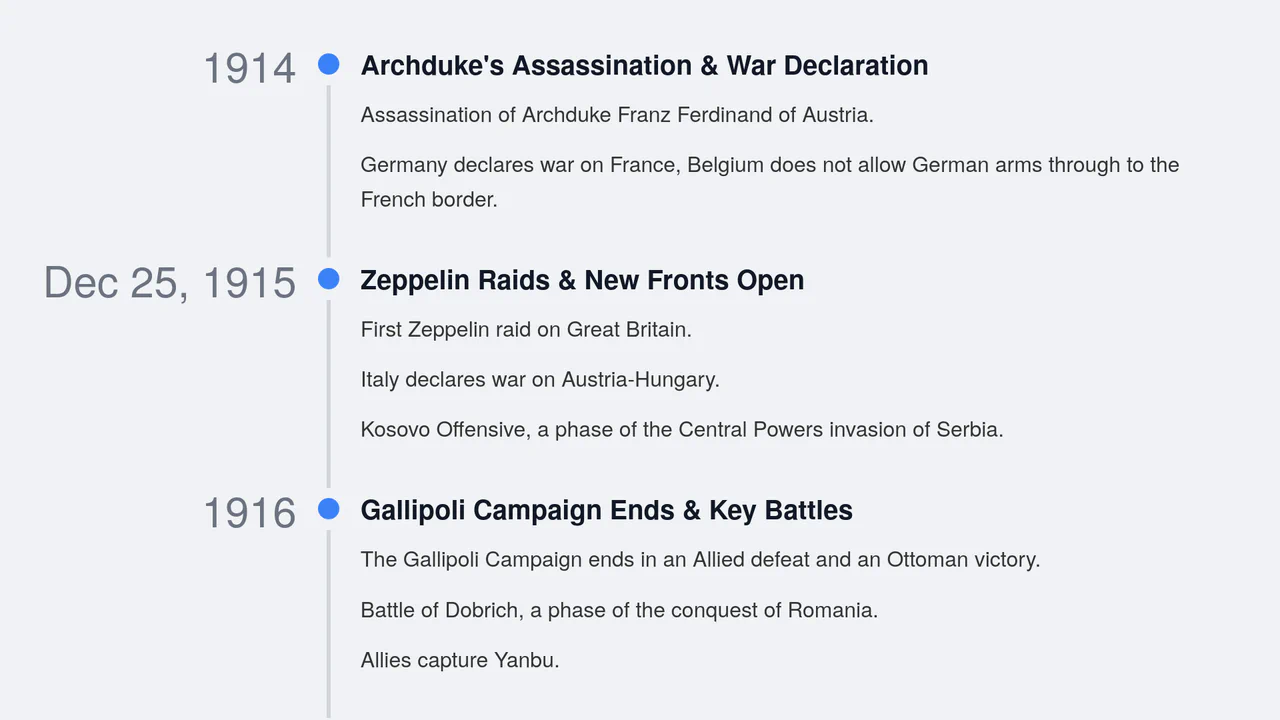
Accessible React Timeline Component with Emotion and CSS Grid
Explore a fully accessible A11y timeline built with React and Emotion, leveraging advanced CSS Grid features, including Subgrid, for perfect vertical alignment and clean separation of content.
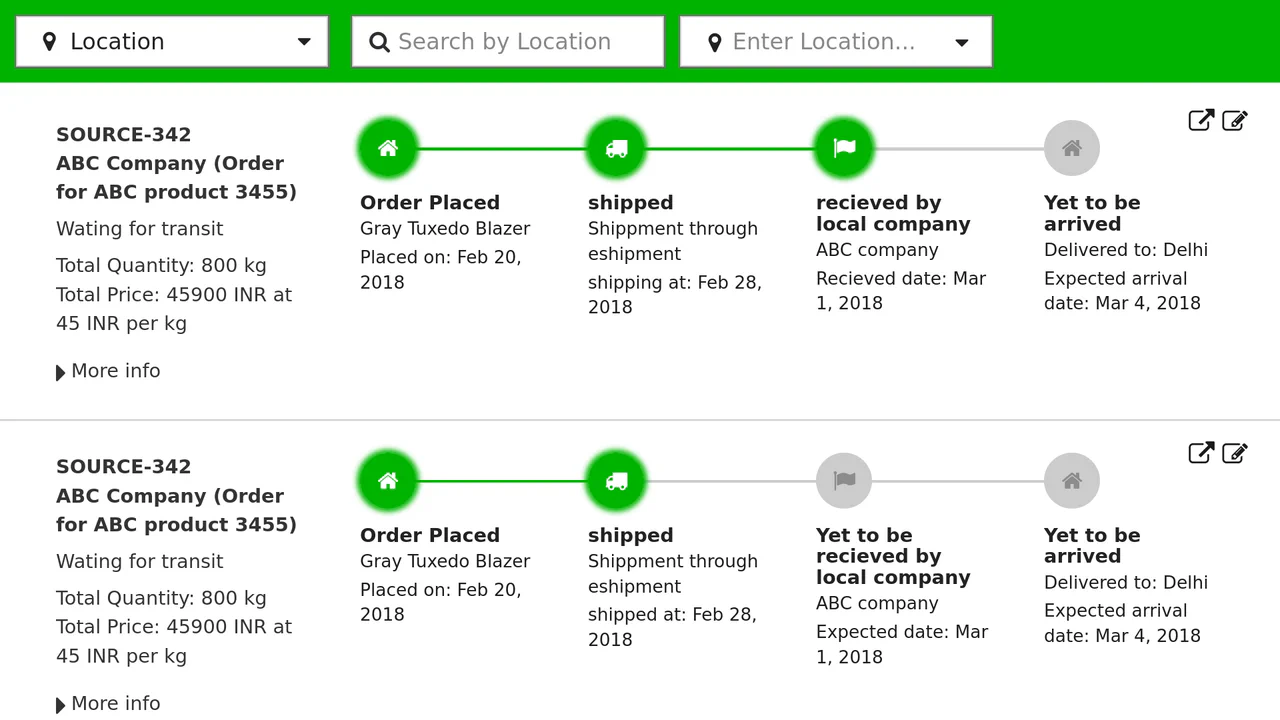
Responsive React Timeline Implementation
A robust React implementation of a data-driven, responsive timeline perfect for order tracking.
See the Pen Responsive React Timeline Implementation.

Star Wars: The Characters' Interactive Timeline
It uses React Hooks for data fetching and detail management, alongside dynamic styling to render a large, horizontally scrollable timeline with character points.
See the Pen Star Wars: The Characters' Interactive Timeline.
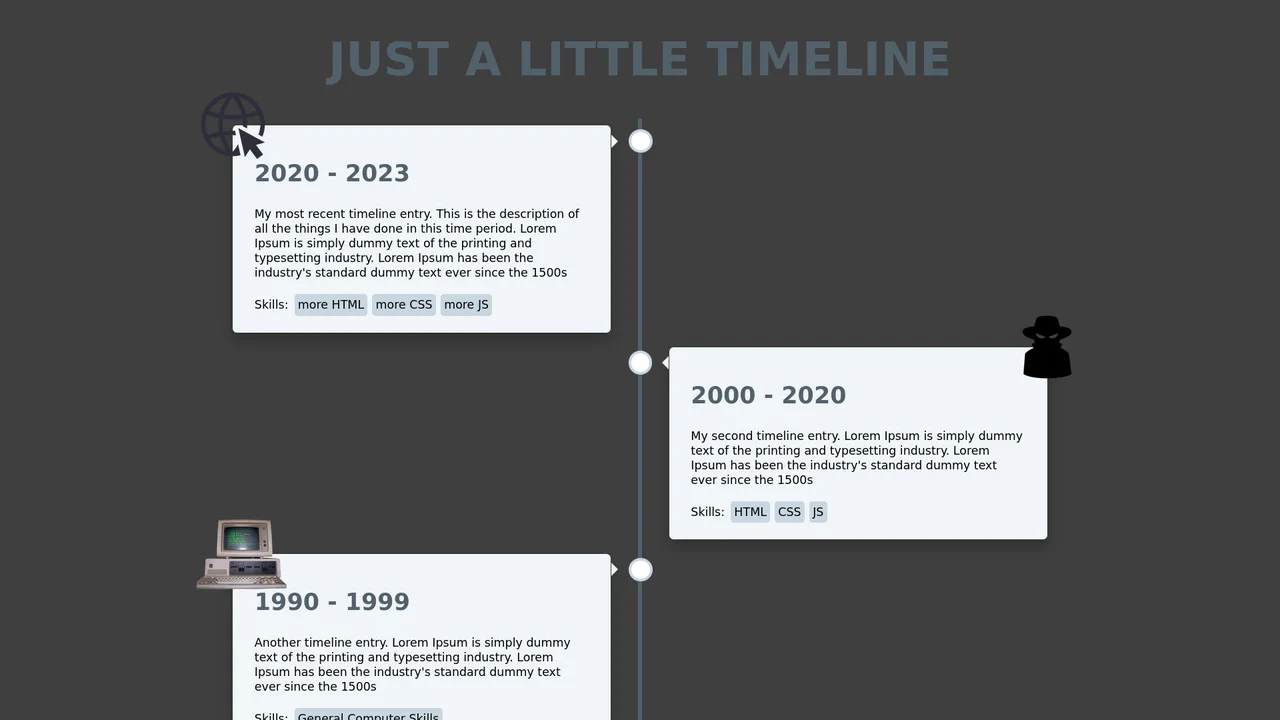
React Timeline Component
A responsive timeline built with class-based React components that dynamically switches card layout from two-sided to single-column, ensuring proper display on small screens via CSS media queries.
See the Pen React Timeline Component.
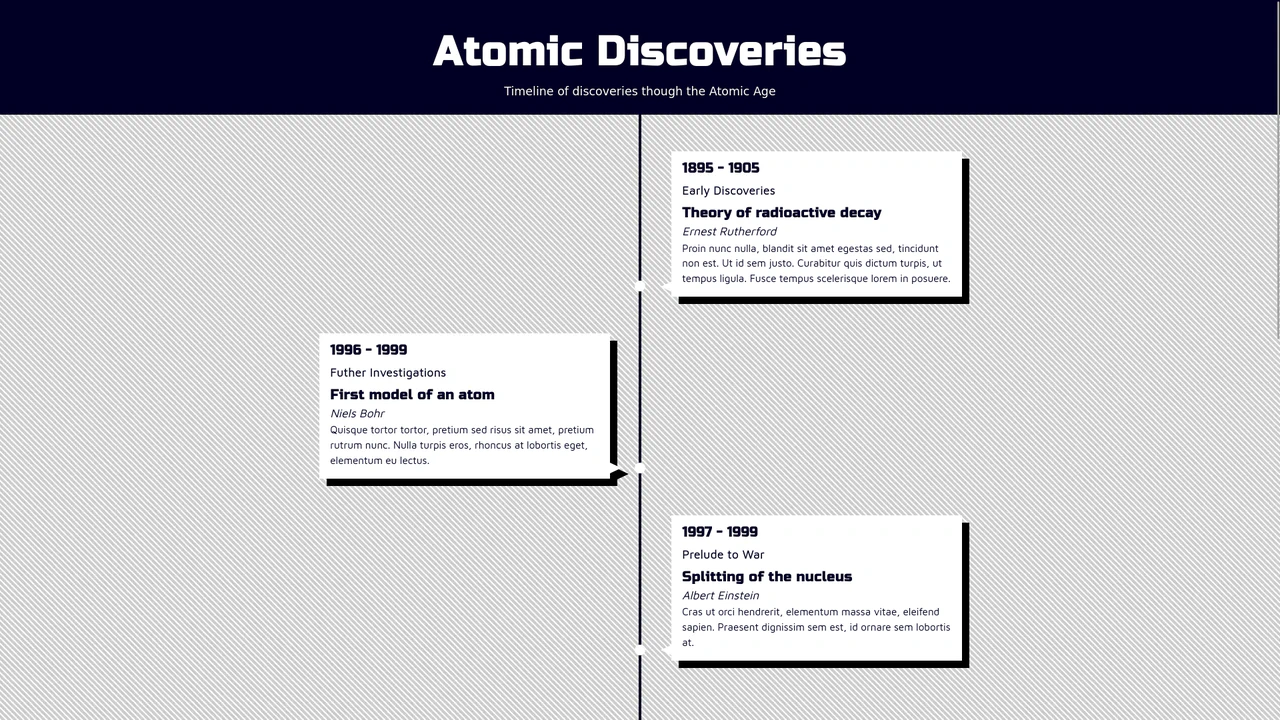
Animated Vertical Timeline with React Hooks
A dynamic React vertical timeline that utilizes a custom useScrollPosition hook with useLayoutEffect for high-precision scroll position tracking and creating a “fade-in on scroll” visual effect.
See the Pen Animated Vertical Timeline with React Hooks.