10+ React List Examples
In collections of React Lists examples, the main focus is on state management and interactivity. They demonstrate how to handle events (e.g., deleting an item on click) using callback functions passed through props, as well as how to use useState and useEffect for dynamically changing the list.
Examples
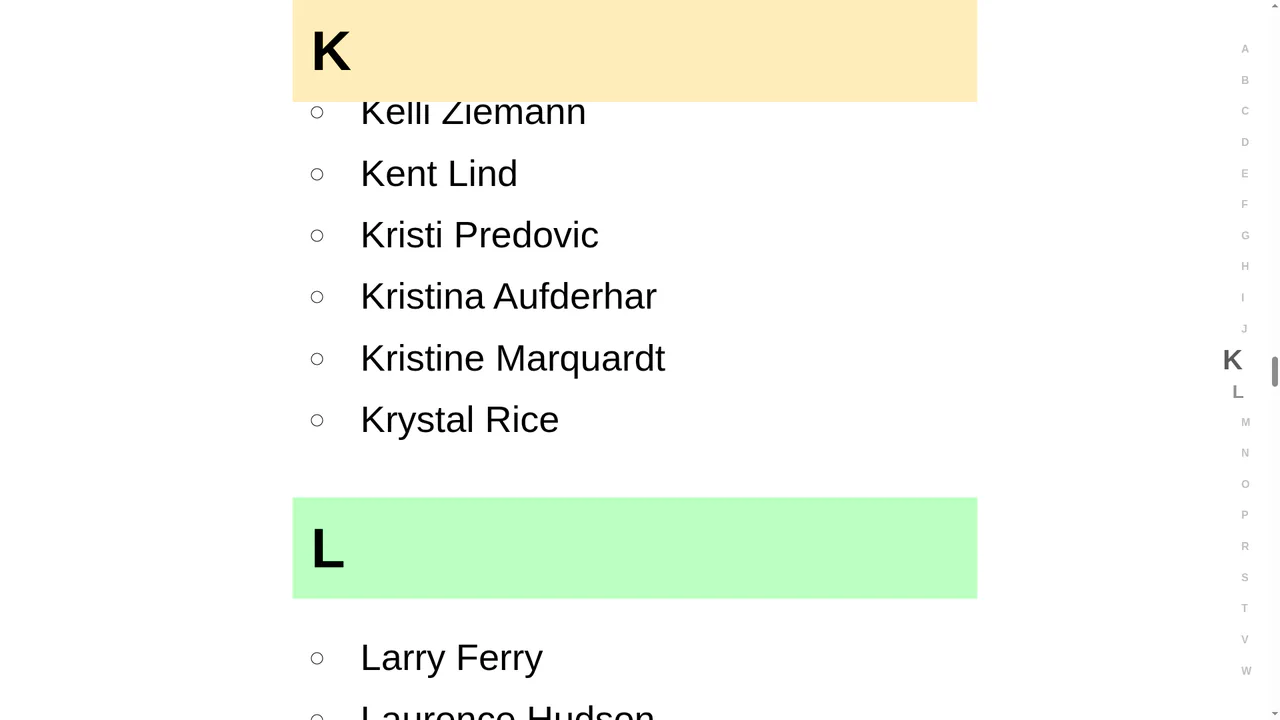
Scroll-Driven CSS Alphabet Indicator Sidebar
The “Scroll-Driven CSS Alphabet Indicator Sidebar” connects a scrollable contact list to a sidebar index using CSS Scroll-Driven Animations. It defines a timeline-scope on the parent and a view-timeline on each alphabetical section. Floating sidebar letters scale dynamically as sections cross the viewport, creating smooth, scroll-linked feedback without high-overhead JS scroll listeners. (Requires: react.js, react-dom.js, faker.js)
 Chrome 115+
 Edge 115+
 Safari 26+
See the Pen Scroll-Driven CSS Alphabet Indicator Sidebar.
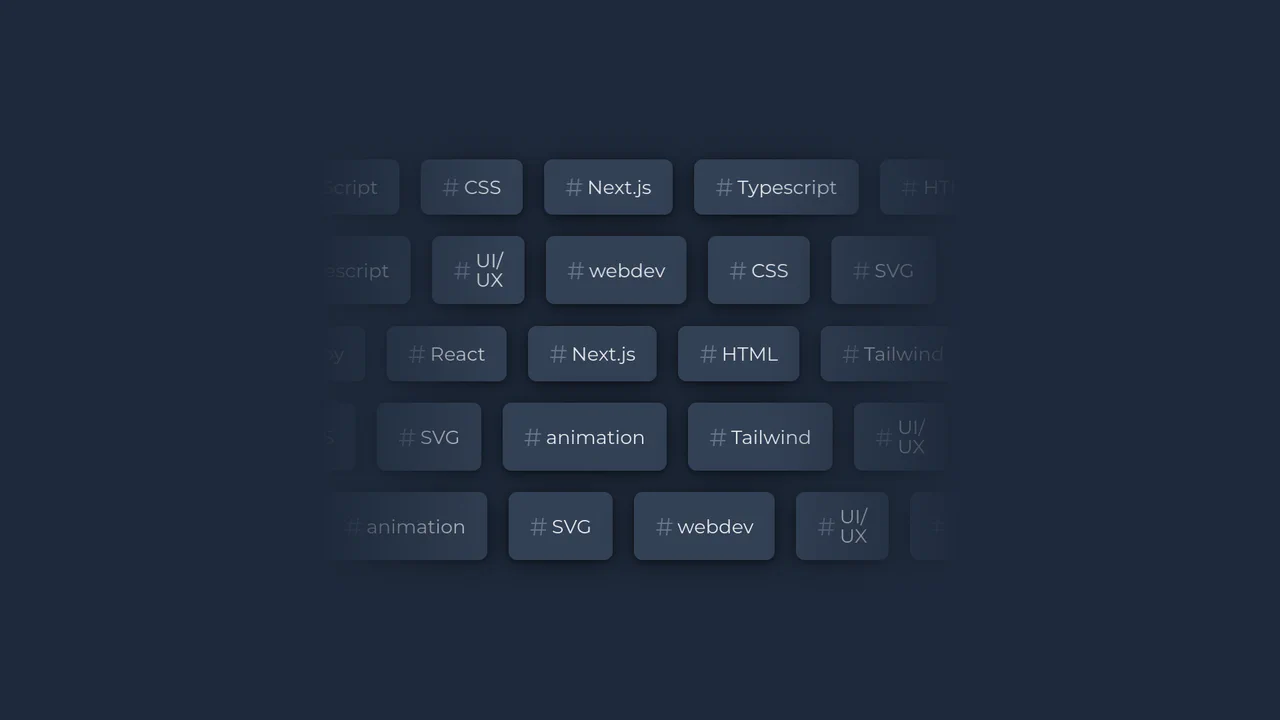
Bi-Directional Infinite Scrolling Tag Cloud
This typographic dashboard component showcases multiple rows of infinitely scrolling keyword tags. By combining React with custom CSS keyframes and variables, the script randomizes the scroll speed and flips the direction of alternating rows. A linear gradient mask overlay wraps the container boundaries to create a smooth, feathered blending fade. (Requires: react.js, react-dom.js)
Chrome 49+
Edge 12+
 Firefox 49+
Safari 9.1+
Firefox 49+
Safari 9.1+
See the Pen Bi-Directional Infinite Scrolling Tag Cloud.

Bear TODOs
A unique, “playful” application that uses advanced animation control to create a personalized and emotional user experience.
See the Pen Bear TODOs.

React Hooks: Drag and Drop List
This React demo provides a robust example of a native Drag and Drop (DnD) list. It illustrates how to leverage core browser events (onDragStart, onDragOver, onDrop) and state management to reorder items dynamically, offering a smooth and responsive user experience without external dependencies.
See the Pen React Hooks: Drag and Drop List.
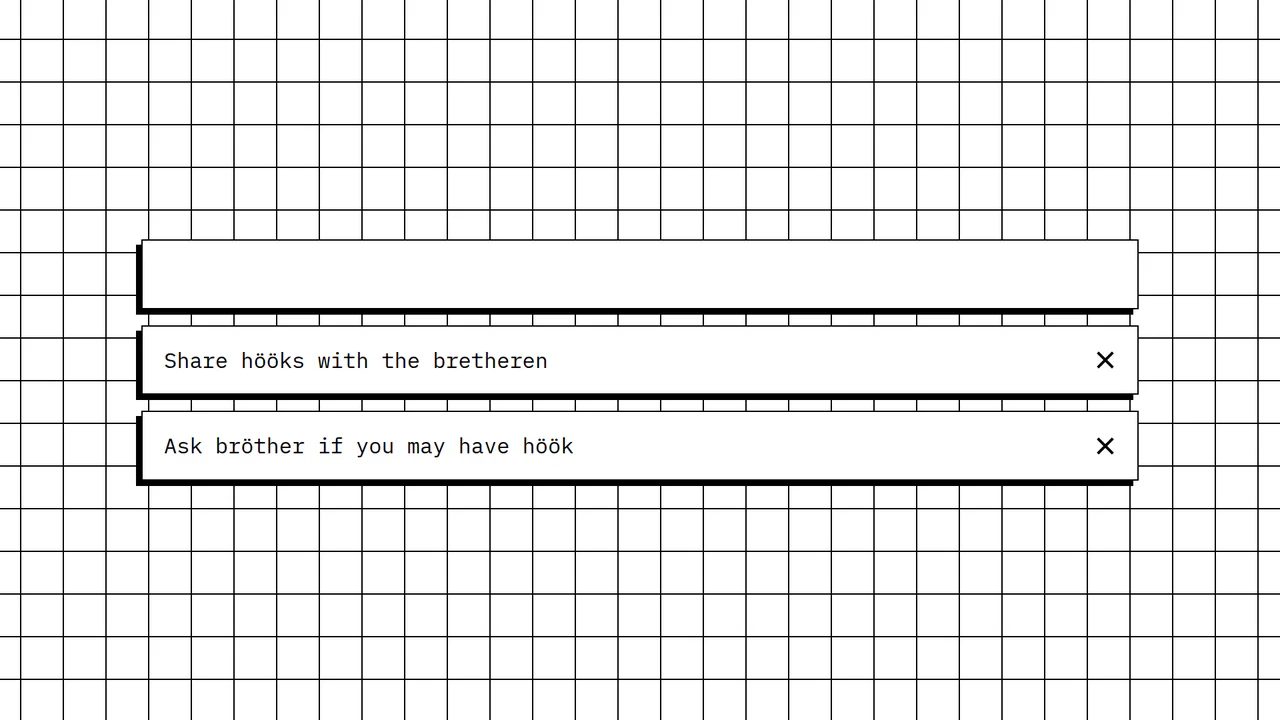
React Hooks: Todo List
Explore this clean React demo to learn how to build a dynamic list using hooks (useState) for real-time state updates. The app showcases how to handle user input from a form and update the list, along with a practical example of improving accessibility by making list items clickable via the Enter key.
See the Pen React Hooks: Todo List.

React: Custom Draggable List
This React demo shows a custom-built draggable list. It uses native mouse and touch events combined with requestAnimationFrame for smooth animations, demonstrating how to create a highly responsive and performant user experience without external libraries.
See the Pen React: Custom Draggable List.
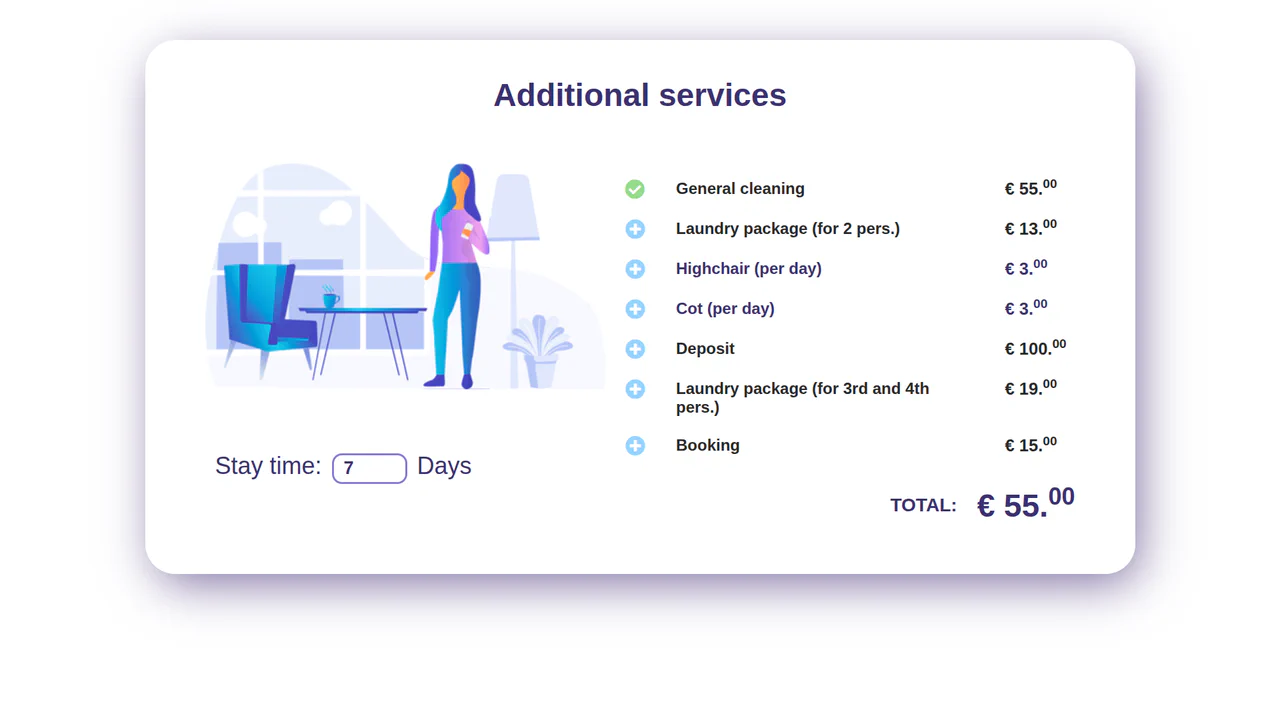
React: Dynamic Price List
This interactive demo, built with React class components, showcases a simple shopping cart with dynamic price calculation. It highlights instant state updates, conditional rendering, and the handling of different pricing models (per-stay vs. per-day) in a responsive UI.
See the Pen React: Dynamic Price List.
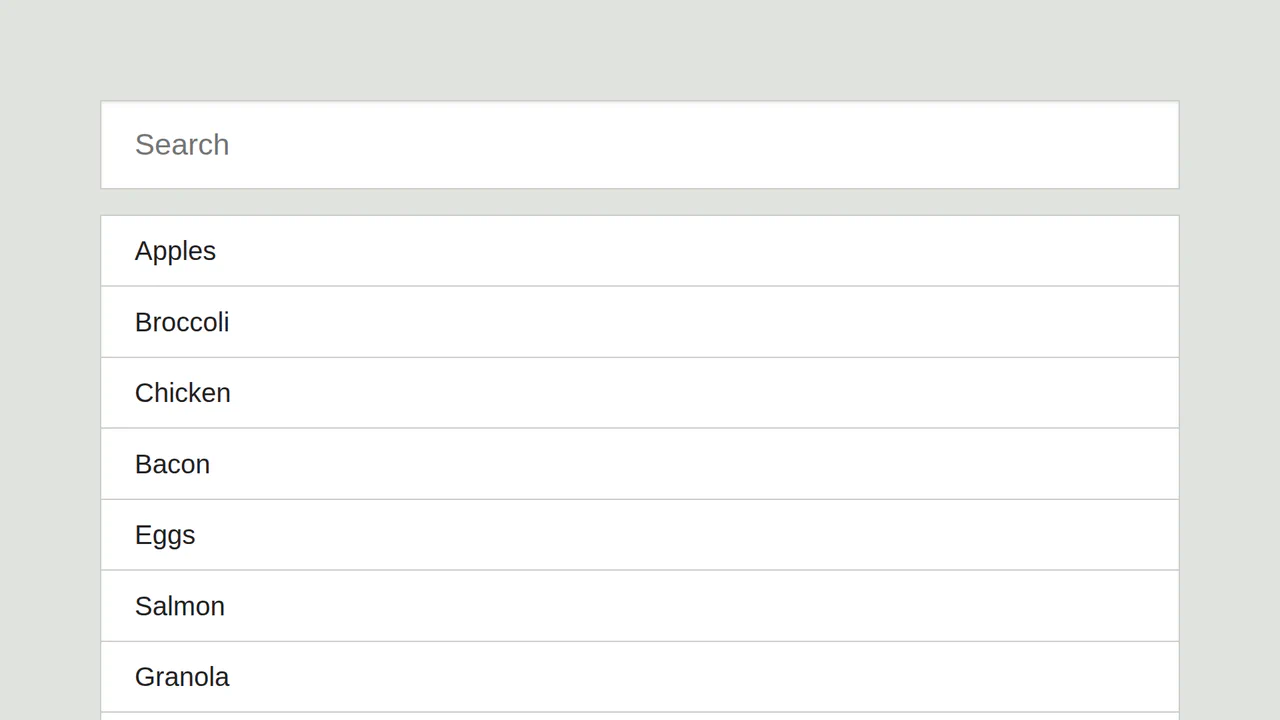
React: Filterable List
This React demo showcases a classic approach to building a live search and filter. The core logic uses the createClass syntax to manage component state, enabling instant list updates as you type, all within a clean and simple UI.
See the Pen React: Filterable List.

React: Filterable Price List
A solid example of a React Class Component implementing multiple list management features. This demo effectively combines live search, three different sorting options, and a simple voting system, all by manipulating the component’s state. It’s a great reference for how to build interactive data displays using older React syntax.
See the Pen React: Filterable Price List.
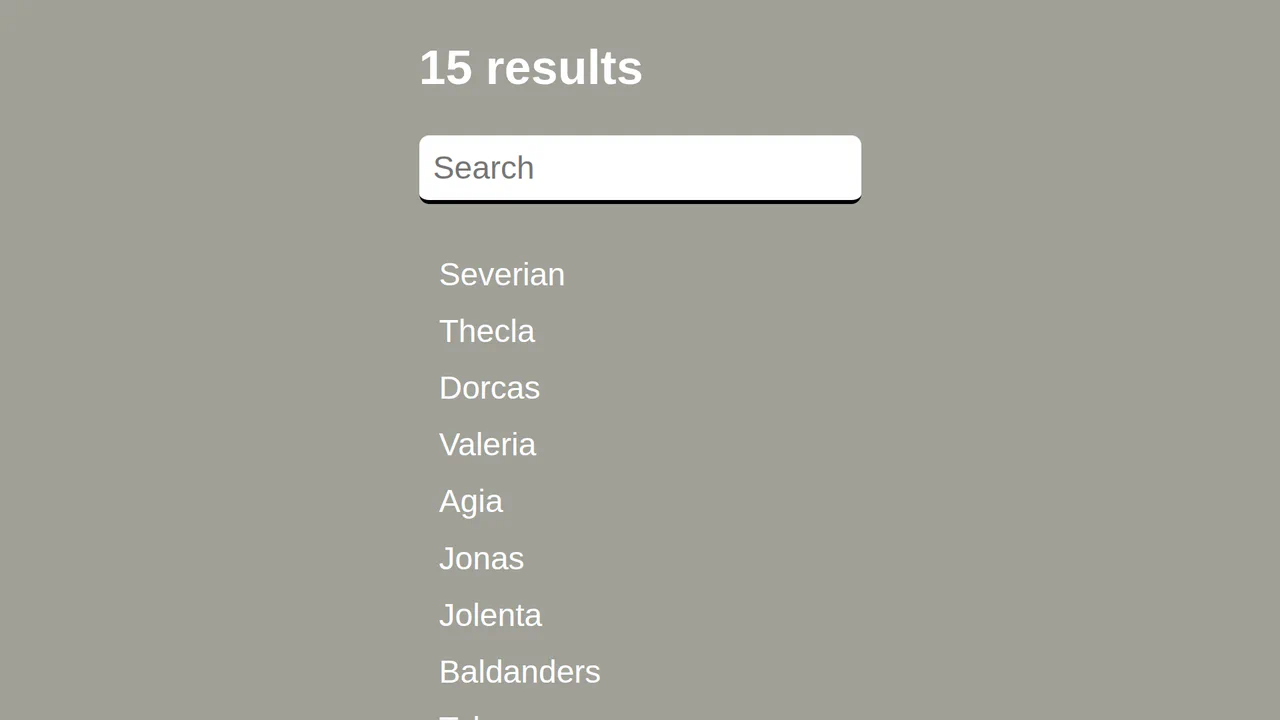
React: List Search
A simple yet powerful React demo that implements a dynamic filtering feature for a list. It’s a great reference for how to use the componentWillMount lifecycle method to set up initial data and then use the onChange event to update the list in real-time.
See the Pen React: List Search.
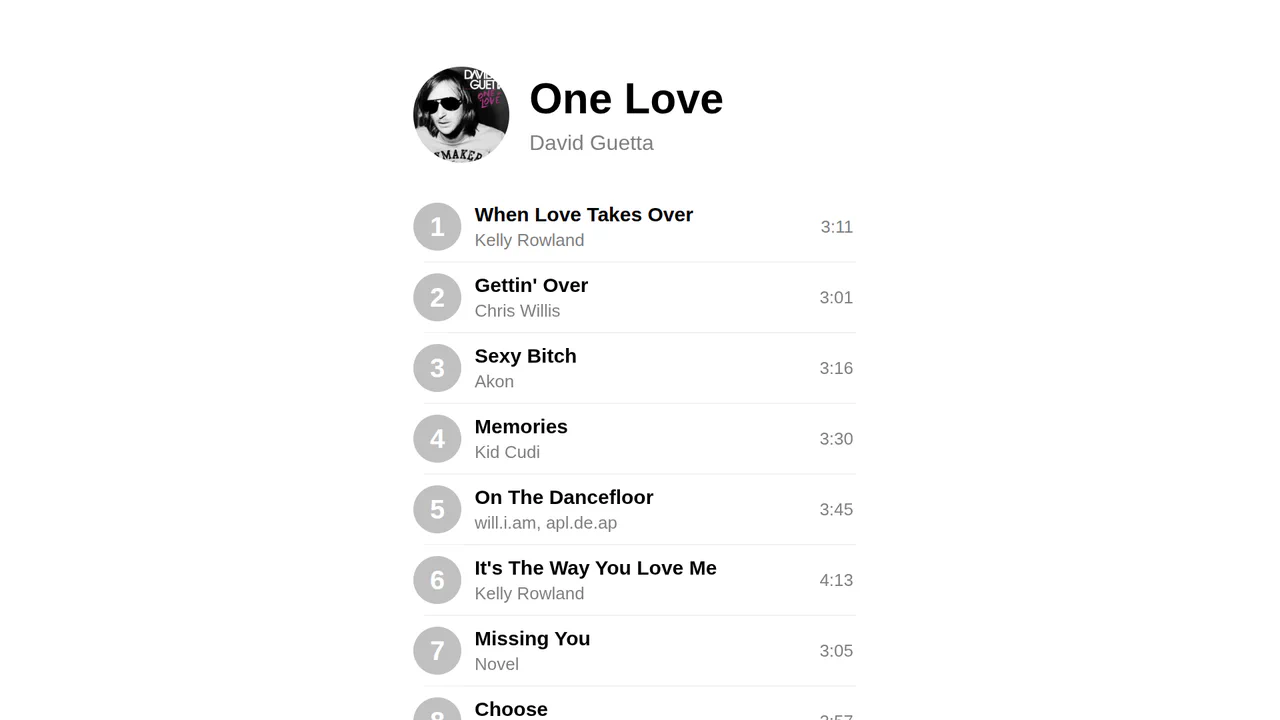
React: Sortable List
A clean, performant React demo showcasing Drag and Drop (DnD) functionality from scratch. It’s a great reference for how to track the draggedFrom and draggedTo state to manage and update the order of a list, highlighting efficient and native client-side implementation.
See the Pen React: Sortable List.
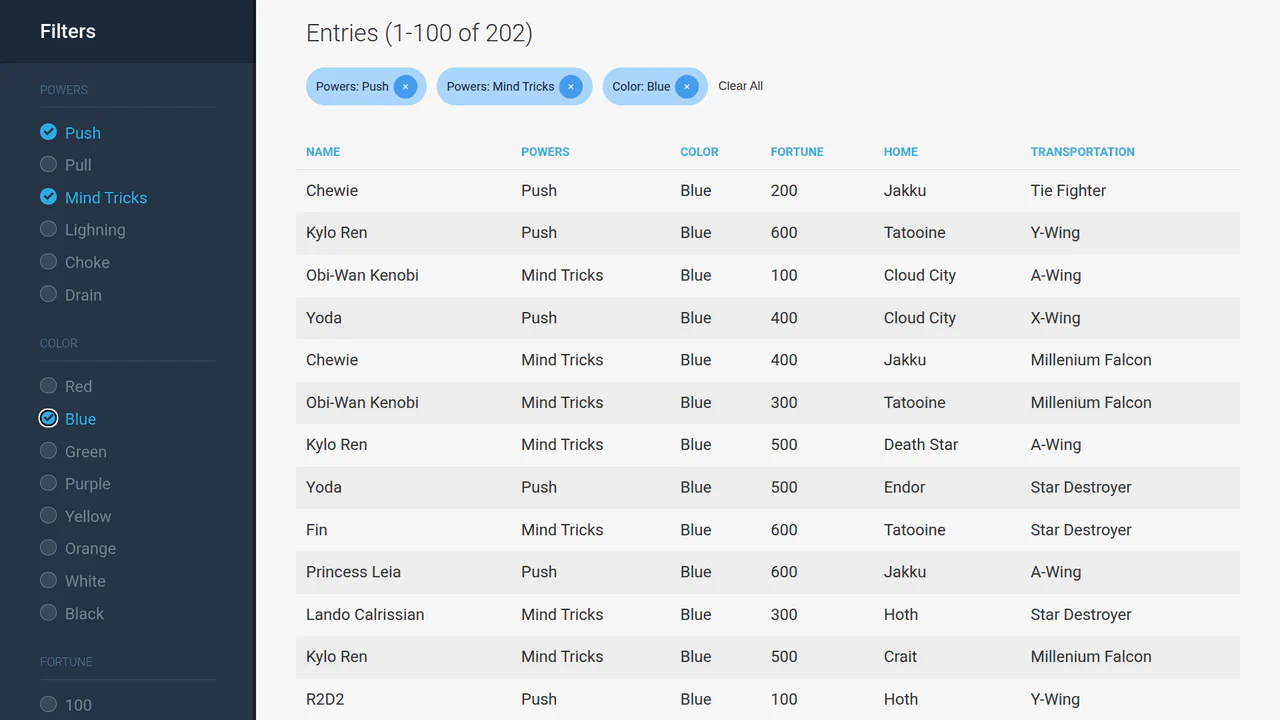
React/Redux: Filtering Large Datasets
This demo showcases a high-performance React/Redux solution for handling large datasets. It features efficient client-side filtering and pagination of 5,000 entries, providing a responsive, instantaneous user experience without server-side delays.
See the Pen React/Redux: Filtering Large Datasets.
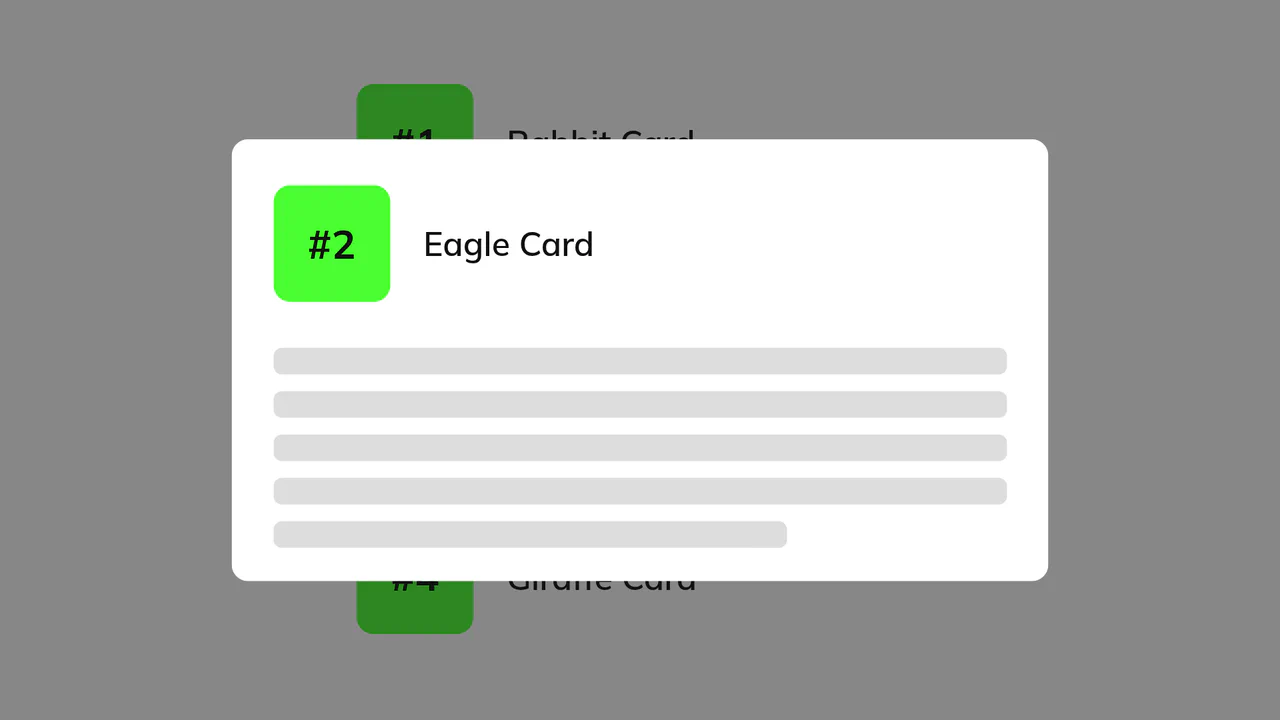
Modal Layout Animation with React and Framer Motion
An interactive UI demo showcasing seamless transitions between different element states. A key feature is the use of layoutId to link components in different parts of the DOM, creating the effect of a smooth transformation from a list to a modal window.
See the Pen Modal Layout Animation with React and Framer Motion.