7 React Menu
Discover essential React menu examples. Learn to build accessible and responsive navigation components using controlled components, Portals, and modern design patterns.
Examples
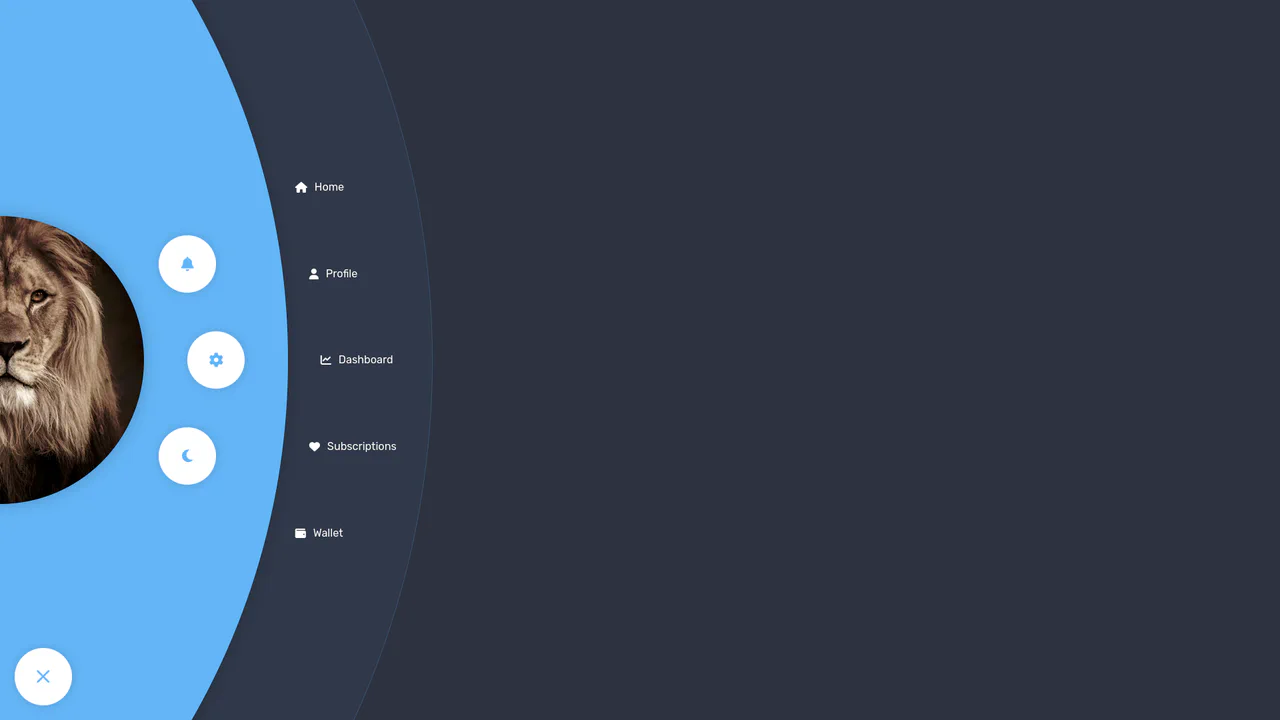
Radial Navigation Menu
A stylish, responsive sidebar menu built with React and SCSS, featuring a staggered reveal animation orchestrated by dynamic transition-delay calculation. The layout combines a radial quick-action menu around a user avatar with a cascading list of full navigation options, all controlled via React Context.
See the Pen Radial Navigation Menu.

Stripe-Style Dropdown (React + Tailwind)
A Stripe-style dropdown menu component built with React and Tailwind CSS, featuring smooth reveal animations for nested navigation links.
See the Pen Stripe-Style Dropdown (React + Tailwind).
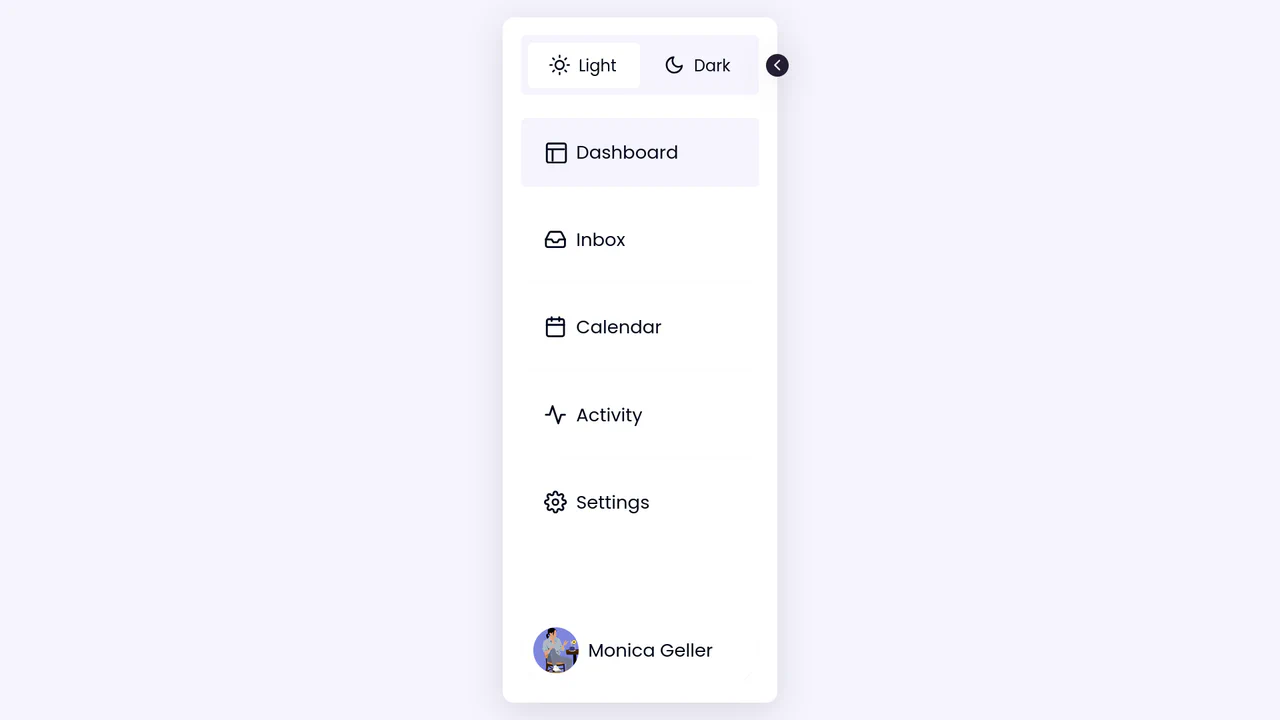
Collapsible React Sidebar with Dark Mode
A collapsible React sidebar featuring a smooth shrink transition and integrated dark mode toggle managed via useState hooks and CSS Custom Properties. The component utilizes SCSS loops for staggered list animations and conditional rendering to seamlessly adapt the layout between full-width and icon-only states, while global theme variables ensure instant restyling across the entire DOM.
See the Pen Collapsible React Sidebar with Dark Mode.

React App Menu with Lock Screen
An immersive OS-like dashboard where React Context orchestrates global state transitions alongside a custom onMouseMove drag-to-scroll implementation. The UI achieves a fluid, glassmorphic aesthetic through dynamic SCSS class switching, backdrop-filter effects, and intricate CSS animations.
See the Pen React App Menu with Lock Screen.
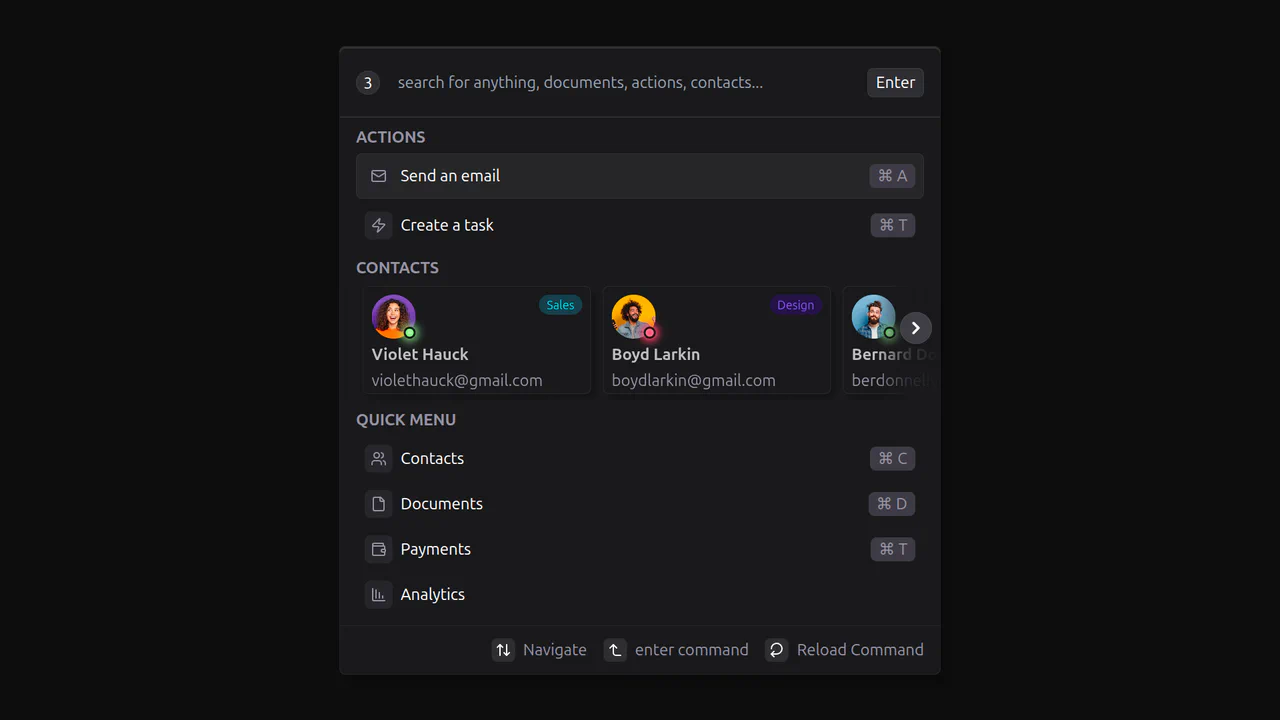
React Command Menu
Technically, this is a great example of a React component that manages state and displays dynamic data from a static array. The demo uses CSS variables and conditional classes with clsx for styling, along with the third-party library lucide-react for icons, which keeps the code clean and readable.
See the Pen React Command Menu.

Advanced Framer Motion Demo
An advanced Framer Motion demo that combines multiple animation techniques. It features smooth navigation state transitions with layoutId, an animated sidebar with staggerChildren for staggered reveals, and interactive grid filtering using layout.
See the Pen Advanced Framer Motion Demo.
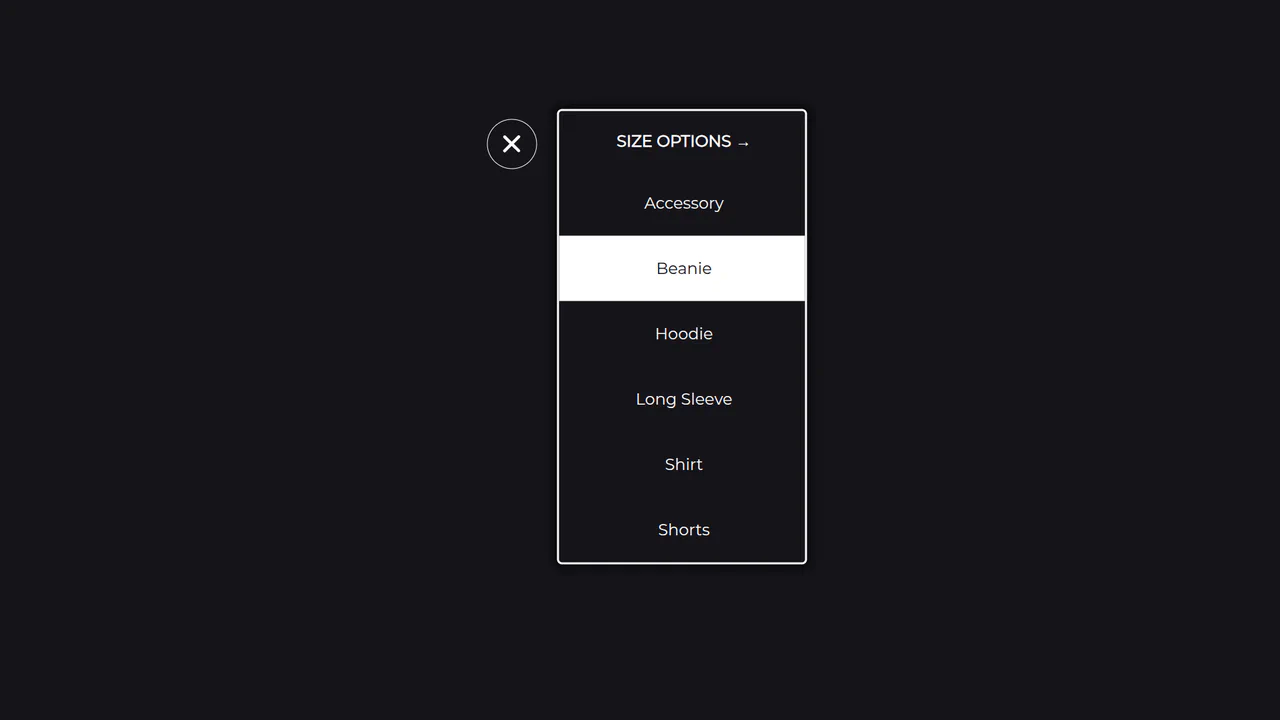
Multi-Level Dropdown Menu with Framer Motion
An elegant implementation of a responsive menu in React, where the useCycle hook is used to switch between two states — open/close and content change. The SVG icon animation and smooth transitions between blocks are realized with Framer Motion.
See the Pen Multi-Level Dropdown Menu with Framer Motion.