6 React Progress Bars
This “React Progress Bars” collection demonstrates how to create progress bars for visualizing different states: data loading, task completion, and step progression. It shows how to use React hooks to manage progress state and how to animate its changes with CSS transitions or GSAP. Examples include circular and linear indicators, as well as custom solutions that react to scroll, making them ideal for interactive user interfaces.
Examples
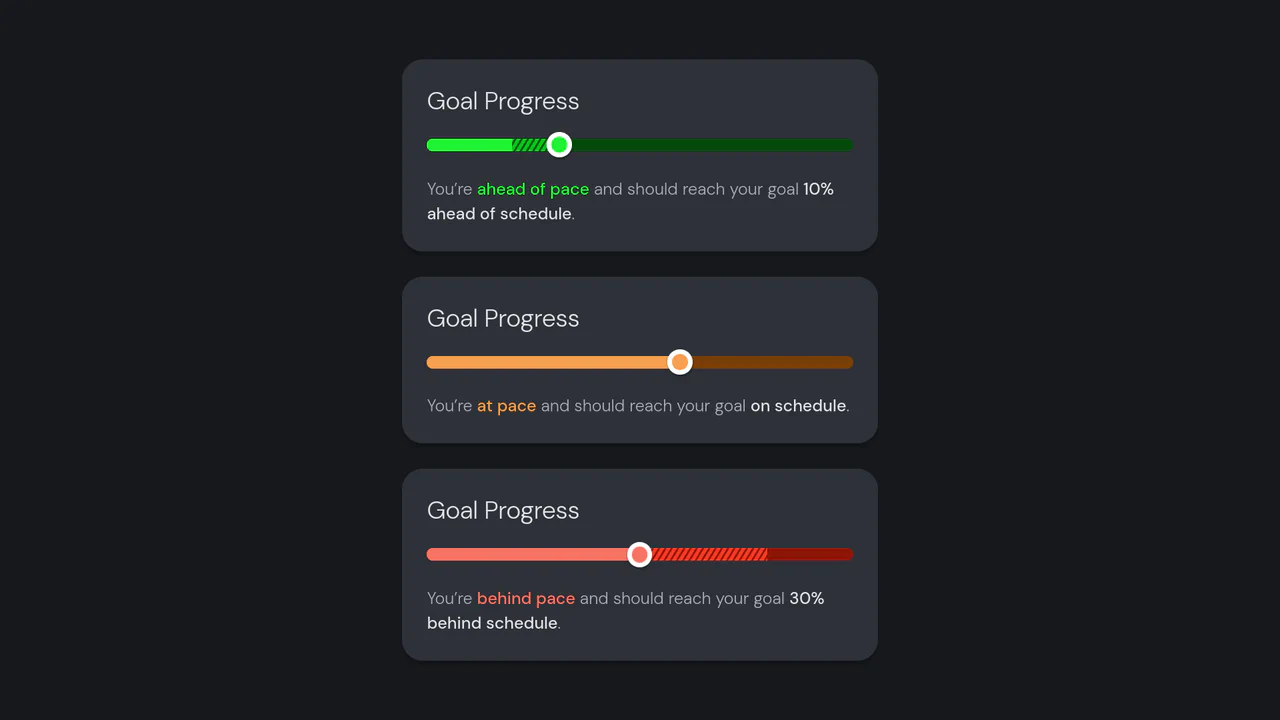
Goal Progress
A React-based goal tracker component that visually contrasts actual progress against a target pace using layered bars and dynamic status colors.
See the Pen Goal Progress.

Fitness Stat Animations with React
A highly animated React component for fitness statistics, featuring performant number counting and circular progress bars driven by requestAnimationFrame and a custom easeInOutCubic easing function, ensuring smooth, non-CSS transitions.
See the Pen Fitness Stat Animations with React.
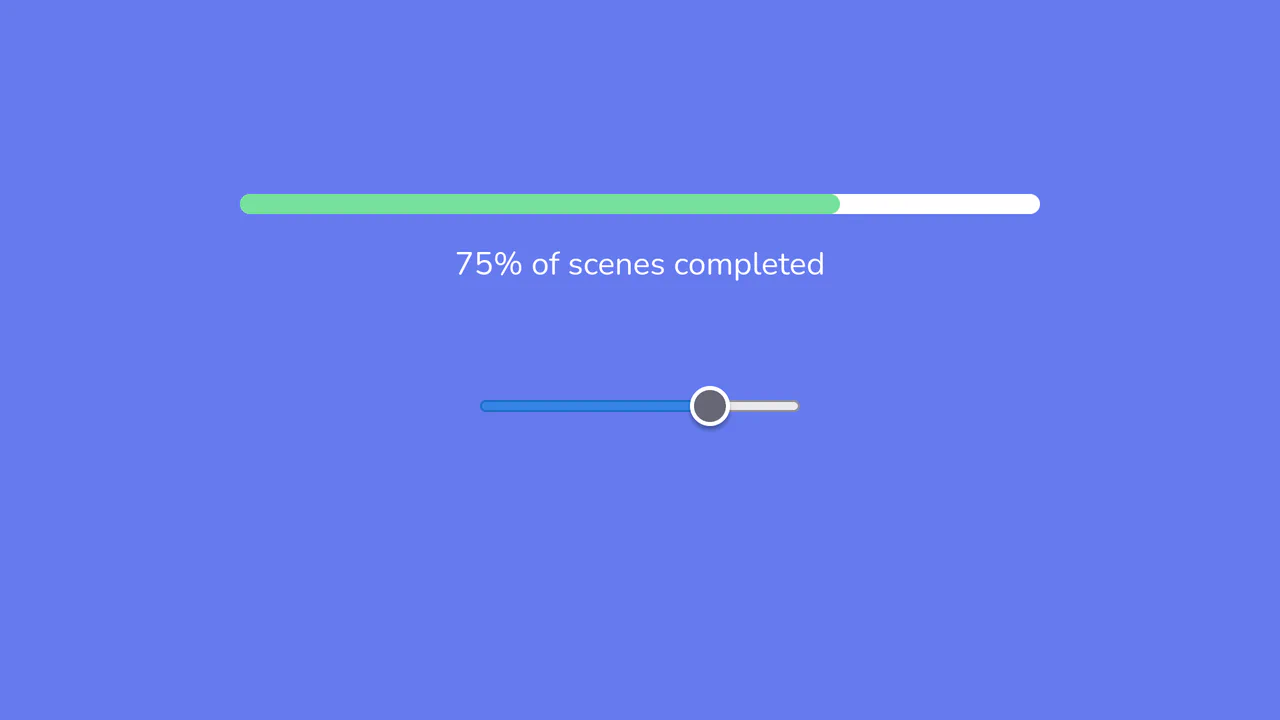
React Progress Bar Component
A feature-rich, reusable React component ProgressBar controlled by the state of its parent component, utilizing a built-in input type='range' for interactive, immediate value changes and visual updates.
See the Pen React Progress Bar Component.

Progress Button Microinteractions with ReactJS
This React progress bar button leverages GSAP to create a seamless, multi-step animation, from shape morphing to a full progress fill and a final checkmark reveal.
See the Pen Progress Button Microinteractions with ReactJS.
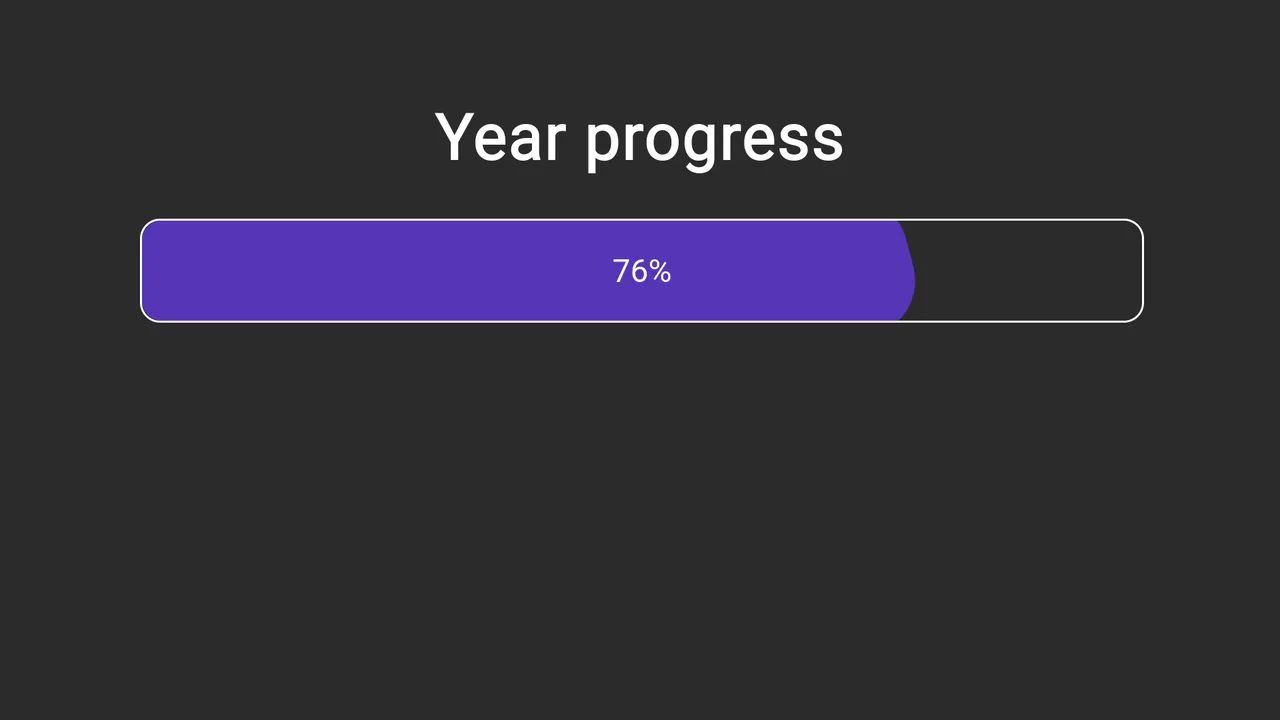
Dynamic Year Progress Bar in React
A dynamic React year progress bar that calculates the elapsed time percentage in real-time, leveraging native Date() methods for accuracy and pure CSS animation for a cool “liquid” effect.
See the Pen Dynamic Year Progress Bar in React.

Segmented Progress Bar in React
A segmented progress bar component in React, where the fill animation is triggered via setTimeout in componentDidMount, and the tooltip’s visibility is controlled by this.state.show state on hover events.
See the Pen Segmented Progress Bar in React.