10+ React To-Do Lists
This collection of React To-Do List demos highlights the evolution of state management from Class Components to modern Hooks. You’ll see fundamental patterns like adding, editing, and deleting items, along with key features like conditional rendering and controlled inputs. It’s a practical resource for understanding how different React approaches handle real-time UI updates and data flow in a simple but powerful application.
Examples

Bear TODOs
A unique, “playful” application that uses advanced animation control to create a personalized and emotional user experience.
See the Pen Bear TODOs.

Magic Todo List
A gamified task categorization UI built with React and TypeScript, featuring a continuously sliding conveyor belt of tasks.
See the Pen Magic Todo List.
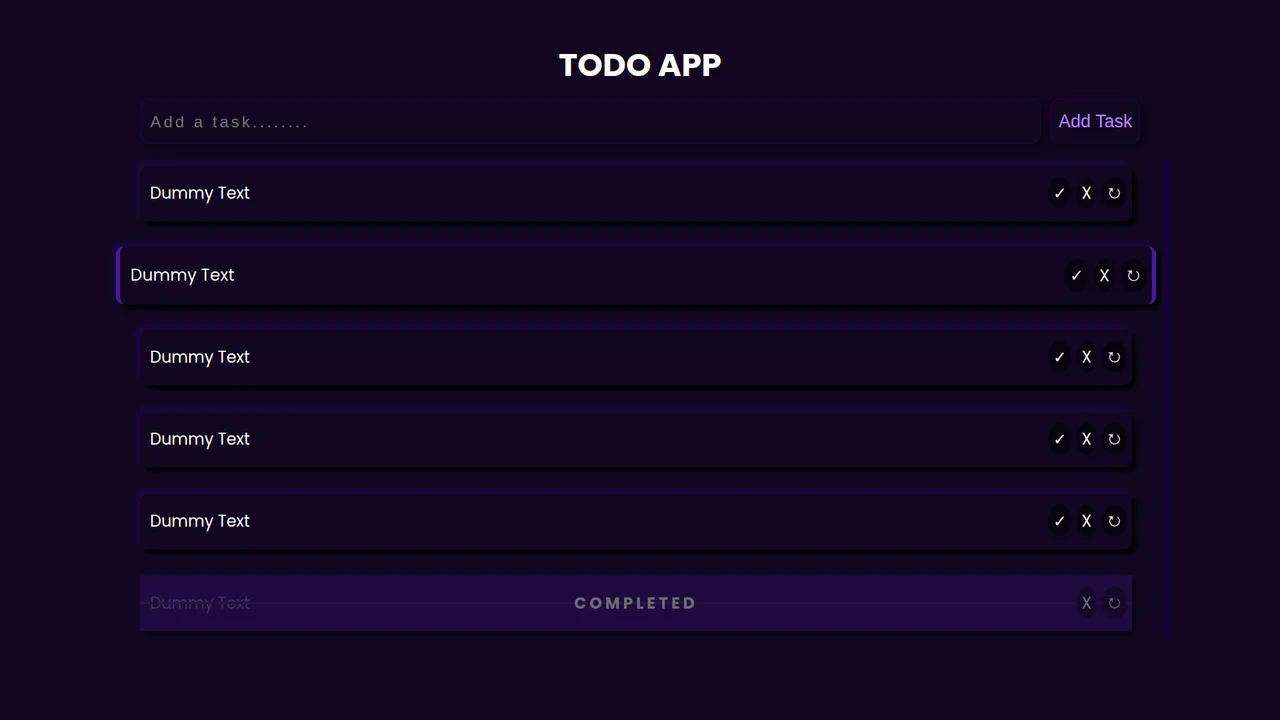
Functional React Todo List App
A simple yet functional React-based ToDo application demo. It leverages hooks (useState, useEffect, useRef) for efficient state management, DOM interaction, and event handling, including Enter key navigation.
See the Pen Functional React Todo List App.
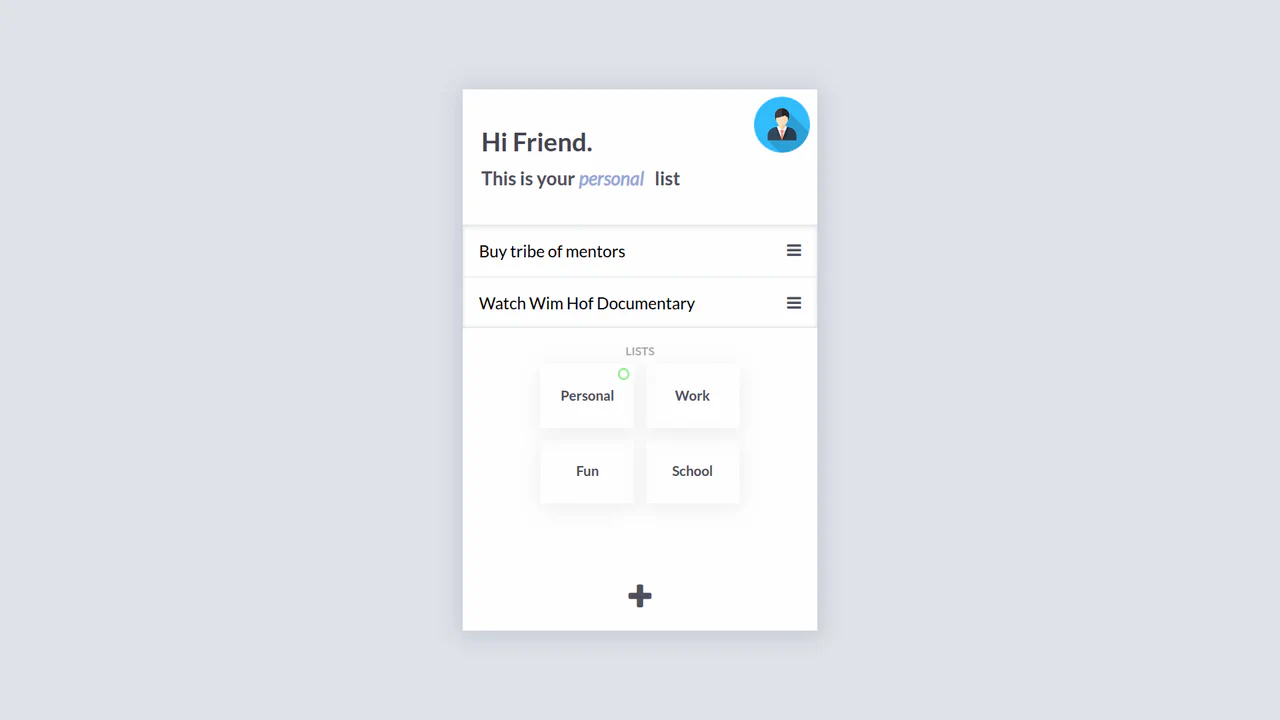
React and Flux To-Do List
This demo offers a deep dive into advanced React patterns with a self-built state management solution. The application utilizes Immutable.js for efficient state updates and a custom Store class that acts as a central hub for data. The core technical feature is a sophisticated EventEmitter implementation that enables components to trigger actions and re-render only when necessary, avoiding unnecessary top-level re-renders and improving performance.
See the Pen React and Flux To-Do List.
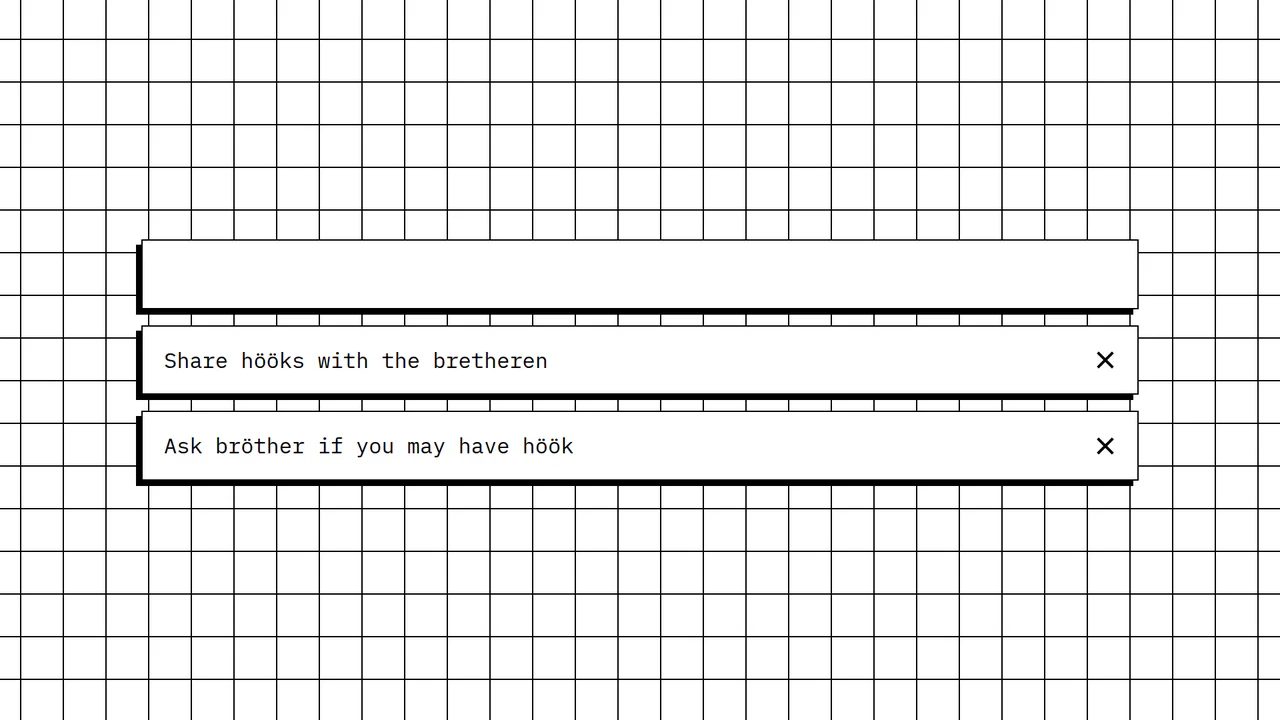
React Hooks: Todo List
Explore this clean React demo to learn how to build a dynamic list using hooks (useState) for real-time state updates. The app showcases how to handle user input from a form and update the list, along with a practical example of improving accessibility by making list items clickable via the Enter key.
See the Pen React Hooks: Todo List.
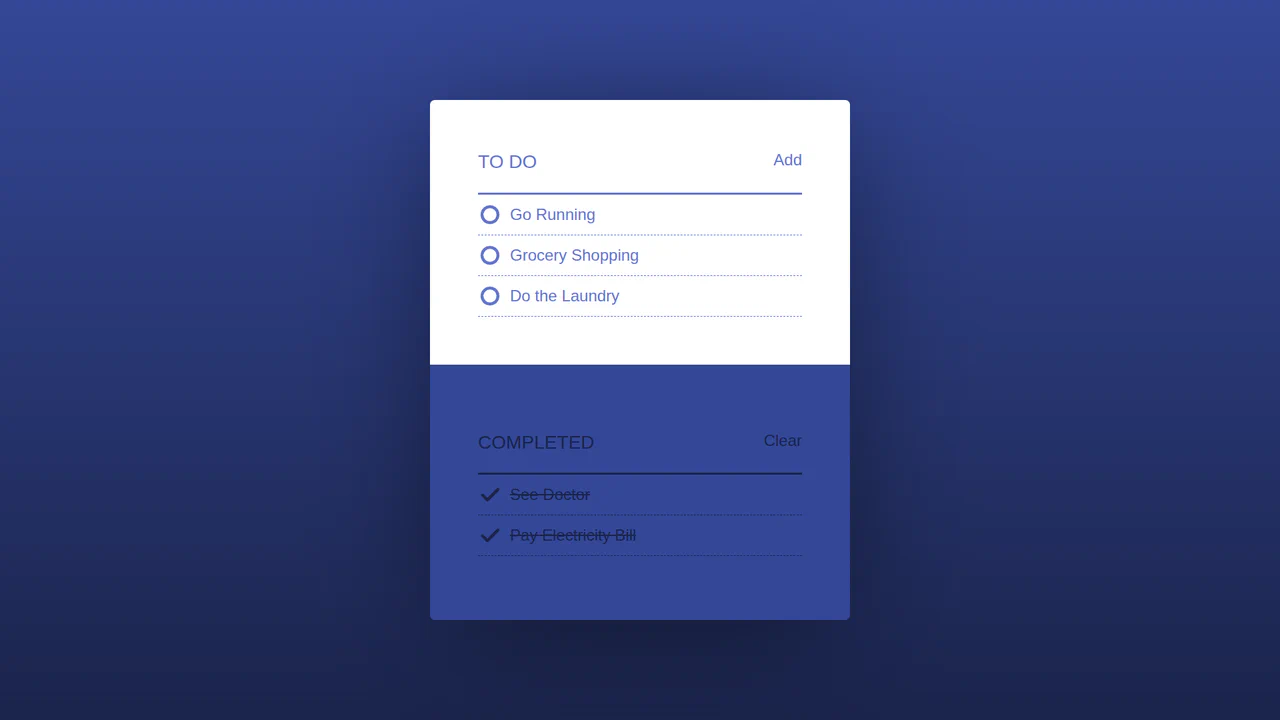
React Redux Todo App
A well-structured To-Do List application built with React and Redux. The demo effectively illustrates how to manage application state using Redux reducers, handle component logic, and perform view updates. A key feature is the use of React Motion for subtle and elegant UI animations on state changes, proving that a robust architecture doesn’t have to sacrifice a polished user interface.
See the Pen React Redux Todo App.
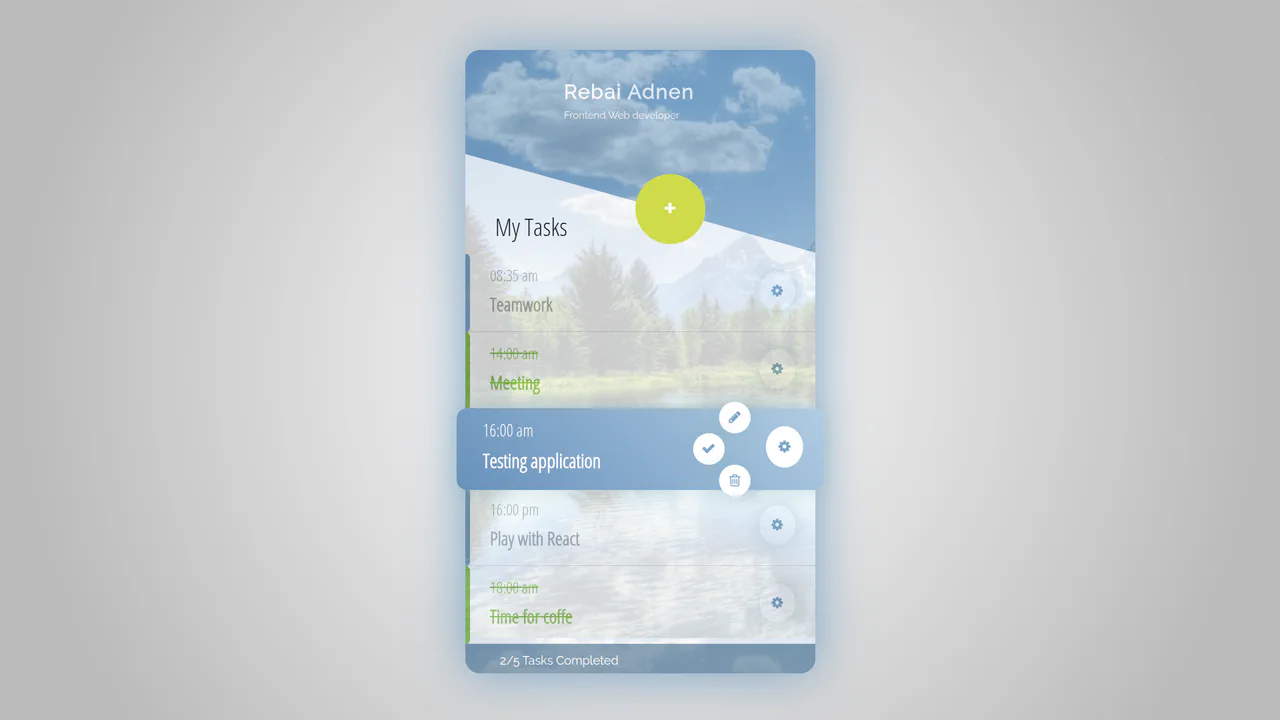
React Todo List UI with Class Components
Explore a robust To-Do List demo that uses Class Components to create a rich user experience. The application provides full CRUD functionality and a clear display of completed tasks. Technically, it highlights how to manage complex component hierarchies, pass state and methods as props, and use event handlers to manage user interactions like opening and closing modals.
See the Pen React Todo List UI with Class Components.
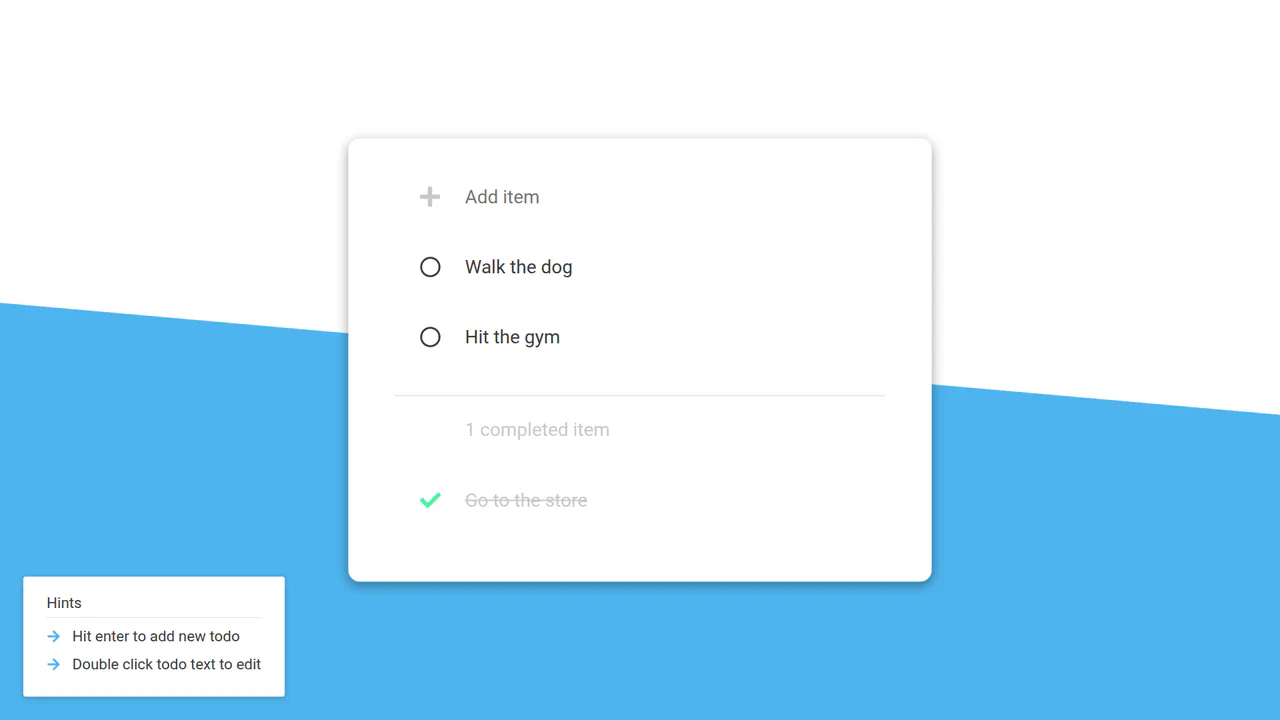
React Todo List with Class Components
A working example of a React application without hooks, showcasing state and lifecycle management through class components. The code includes functions for adding, editing, and deleting tasks with smooth animations.
See the Pen React Todo List with Class Components.
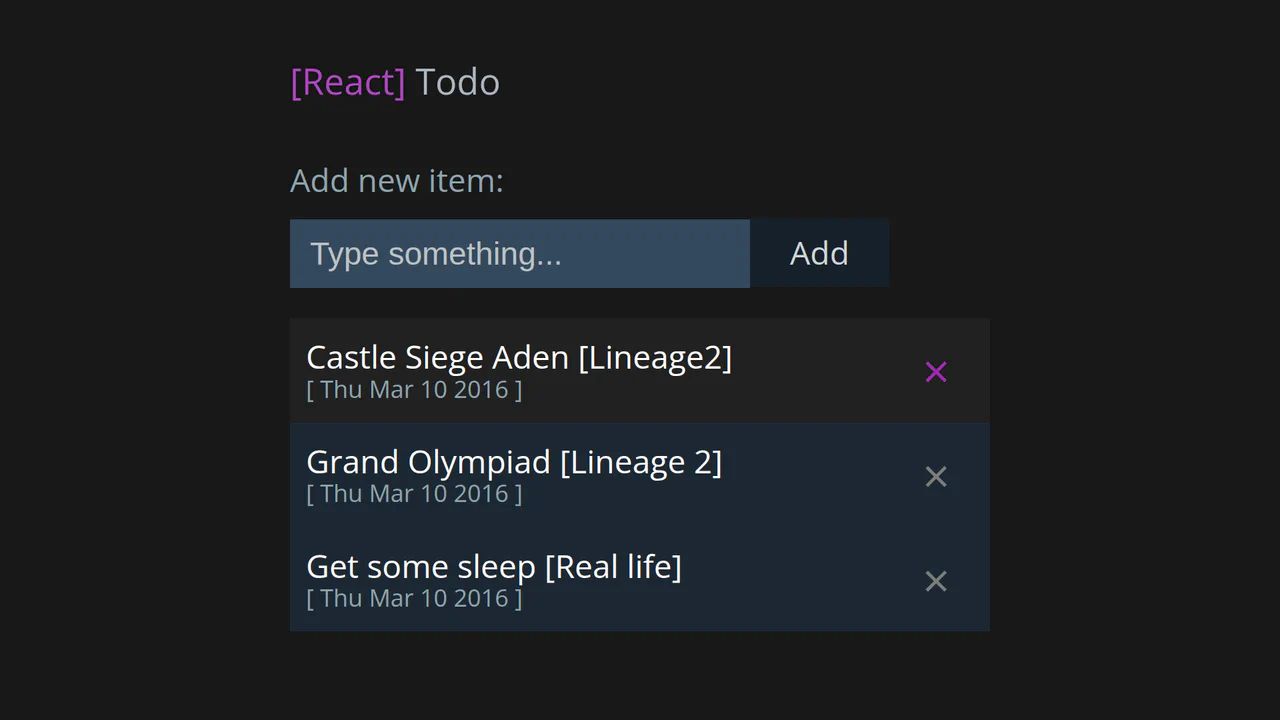
React Todo List with Class Components
This React demo is a textbook example of a To-Do List app built with class components. It showcases fundamental state management by using this.state to handle the addition and deletion of items. A notable technical detail is the direct manipulation of the state array, offering a clear look at a common pattern in legacy React.
See the Pen React Todo List with Class Components.
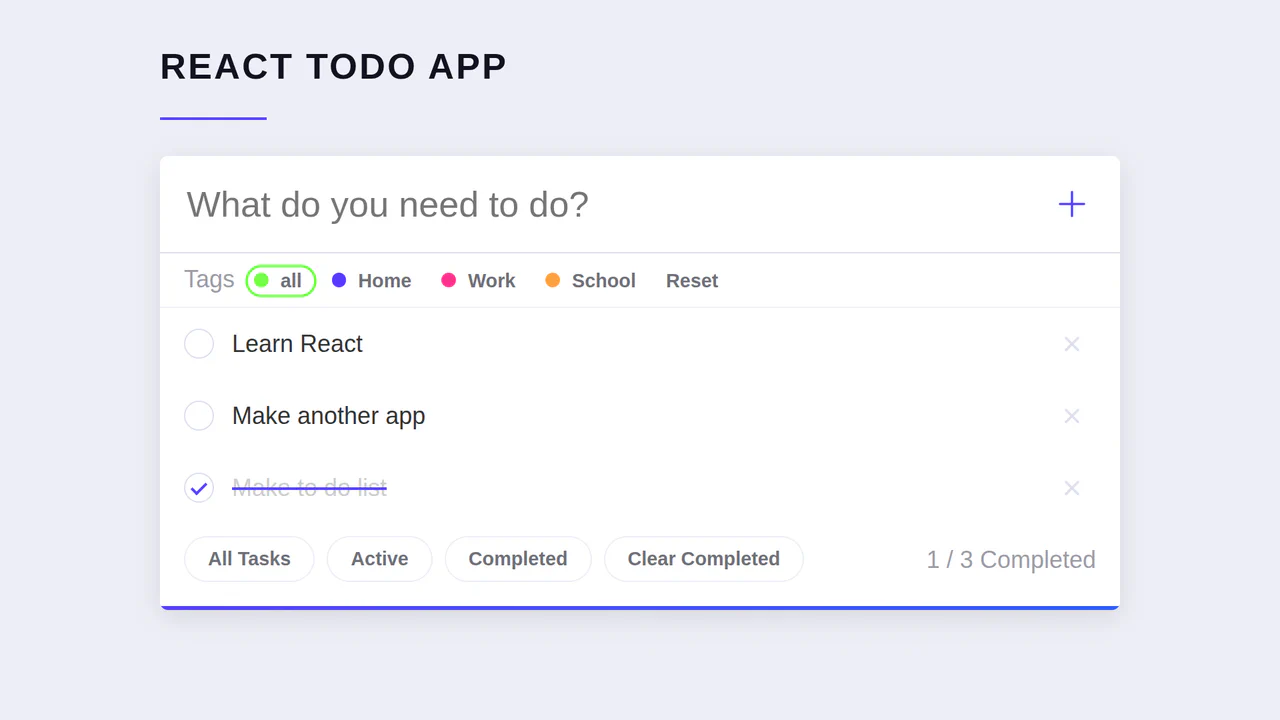
React Todo List with Functional Components
An efficient React ToDo app demo where each feature is a separate component (AddTask, TaskList, TaskControls). The project’s architecture is based on props passing, making the code readable and scalable.
See the Pen React Todo List with Functional Components.