10+ Splitting.js Examples
Splitting.js is a lightweight JavaScript library that makes it easy to divide text and elements into manageable parts - letters, words, lines, or grids. Perfect for creative typography, scroll effects, and animations, it helps developers achieve dynamic and visually appealing designs with minimal effort.
Examples
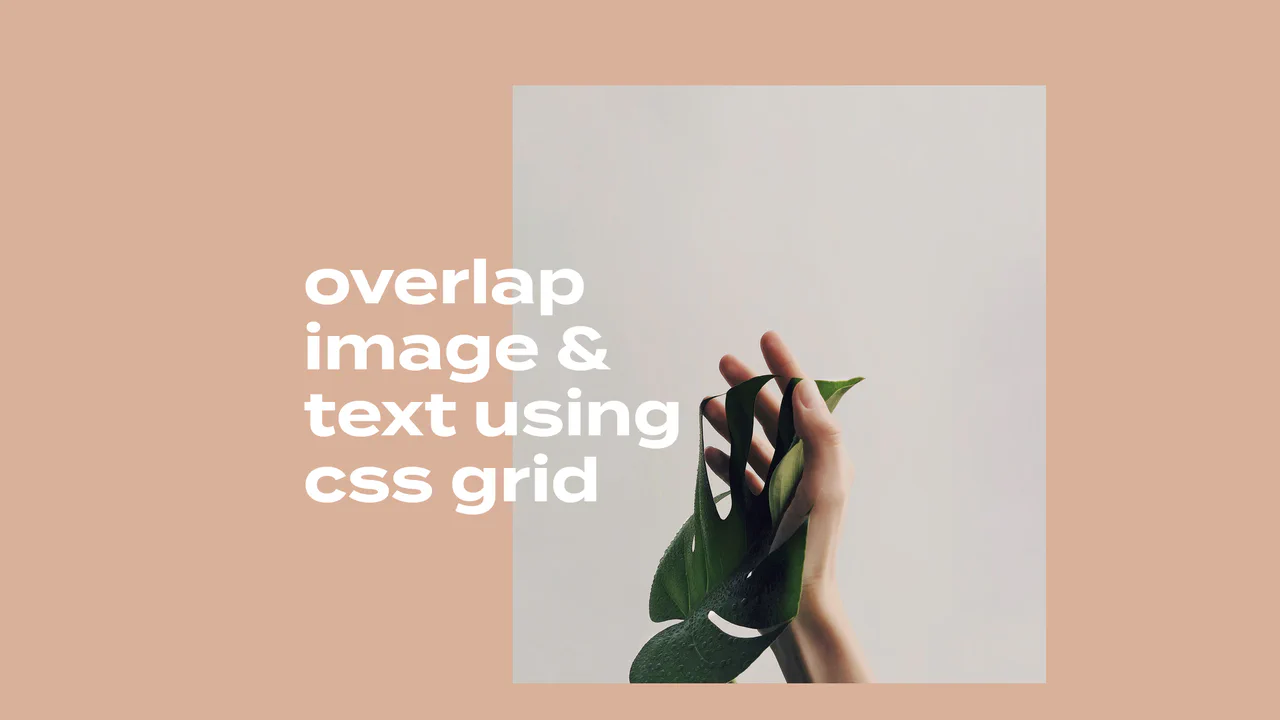
Overlapping Grid Editorial Reveal Cards
This elegant, magazine-style layout features overlapping typography and image blocks on a multi-column CSS grid. By integrating the Intersection Observer API with GSAP and Splitting.js, the component monitors viewport scroll. Once in view, each text line and image executes a staggered reveal transition, sliding up, fading in, and un-skewing smoothly. (Requires: gsap.js, splitting.js)
 Chrome 57+
 Edge 16+
 Firefox 55+
 Safari 12.1+
See the Pen Overlapping Grid Editorial Reveal Cards.

Split Staggered Reveal Cards
This Split Staggered Reveal Card creates a dramatic, cinematic effect suitable for portfolios or featured content sections. Upon interaction, the background image recedes while two semi-transparent overlays slide in to create a high-contrast backdrop. Simultaneously, the title and description animate in with a precise staggered delay - letters for the title and words for the paragraph - powered by CSS variables. (Requires: Splitting.js)
Chrome 88+
Edge 88+
Firefox 87+
Safari 14+
See the Pen Split Staggered Reveal Cards.
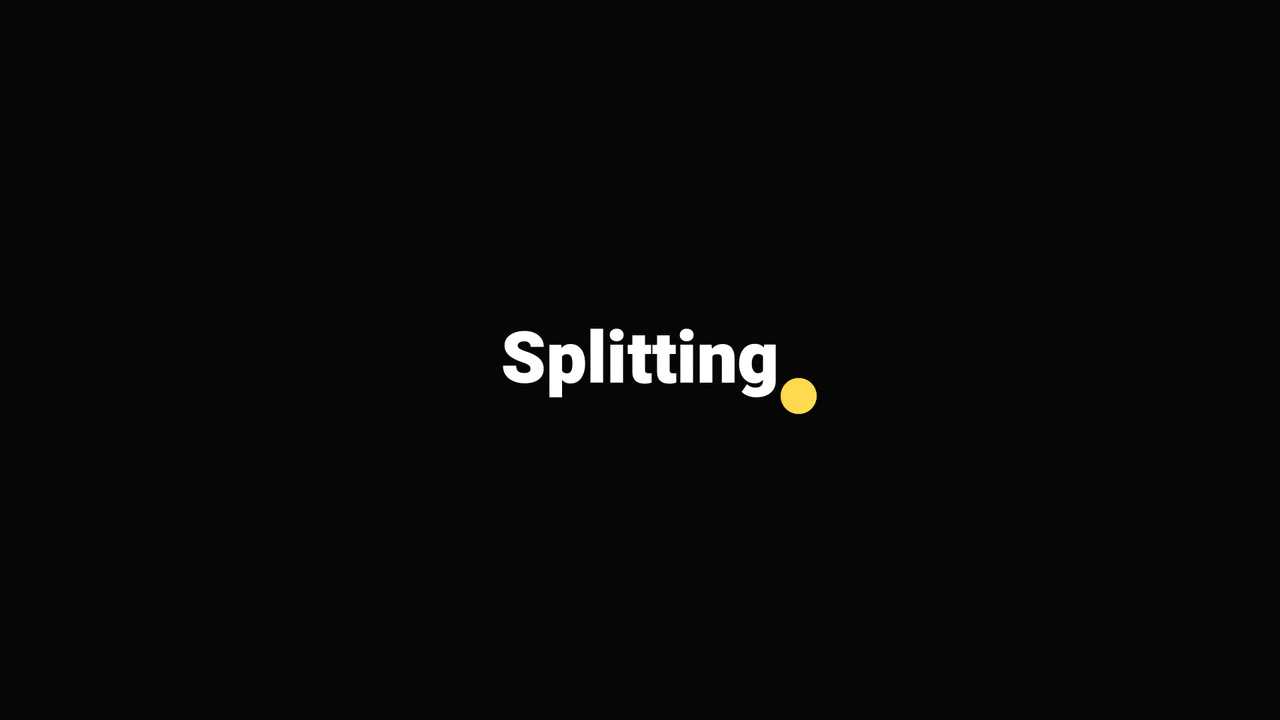
Bouncy CSS Text Animation with Splitting.js
A playful typographic vignette where Splitting.js enables granular CSS control, while complex @keyframes orchestrate a physics-based liquid dot that physically interacts with specific letters via data-char attributes.
See the Pen Bouncy CSS Text Animation with Splitting.js.

Selected Demos 2019-2020
A highly interactive portfolio showcase powered by GSAP ScrollTrigger and Splitting.js. It features a custom fluid cursor, complex SVG text masking effects, and a seamless page transition system that loads external iframes into a 3D-transformed modal overlay upon interaction.
See the Pen Selected Demos 2019-2020.

Fancy Image Hover Effects with Splitting.js
Explore a variety of sophisticated hover effects, where complex animation patterns are created using advanced CSS selectors like :nth-child(-n + 3). These selectors target specific ranges of “cells” generated by Splitting.js.
See the Pen Fancy Image Hover Effects with Splitting.js.

Text Reveal with Splitting.js
This demo is a showcase of Splitting.js, a library that splits HTML elements into granular parts for detailed animation. The “Course Clear” heading is split into individual characters, and a grid overlay is created with data-splitting="cells", allowing for complex, staggered animations on each part.
See the Pen Text Reveal with Splitting.js.

Turbulent Buttons with SVG Filters
A complex UI animation in SCSS and JS, where the Splitting.js library splits text into characters for per-character transform: translateY animation - this is combined with SVG filters animated via requestAnimationFrame for a comprehensive visual effect.
See the Pen Turbulent Buttons with SVG Filters.

Super Mario Scrollytelling Timeline with GSAP
Classic ‘scrollytelling’ with GSAP - creating the illusion of movement by animating transform: translateX on position: fixed elements based on the vertical scroll of an extra-long page.
See the Pen Super Mario Scrollytelling Timeline with GSAP.

CSS Glitchy Text Reveal with Splitting.js
A demonstration of per-character text manipulation using Splitting.js to create a striking CSS glitch animation, where each character receives a unique set of random custom properties for varied and dynamic text reveal effects.
See the Pen CSS Glitchy Text Reveal with Splitting.js.
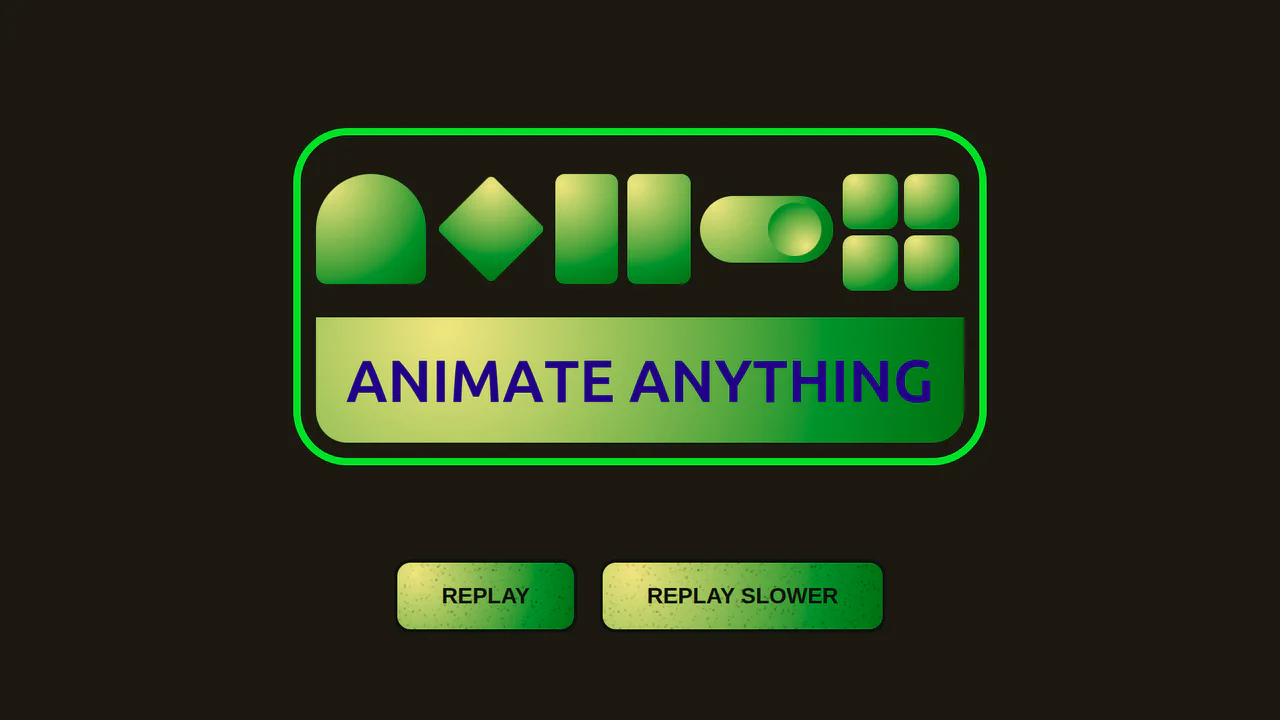
Replay Button for GSAP Timeline Animation
A great example of GSAP choreography, where stagger and positioning ("-=0.4", "<") are used to create a complex chain of interactions between elements. It features dynamic text animation with the Splitting.js library and also allows for controlling the entire animation’s speed via JavaScript.
See the Pen Replay Button for GSAP Timeline Animation.

Splitting.js Image Hover Effect
This demo shows how modern CSS can power rich interactions. It combines Splitting.js and advanced CSS Grid with dynamic custom properties to create a complex, performant, and responsive image hover effect.
See the Pen Splitting.js Image Hover Effect.