10+ Tailwind Call to Action
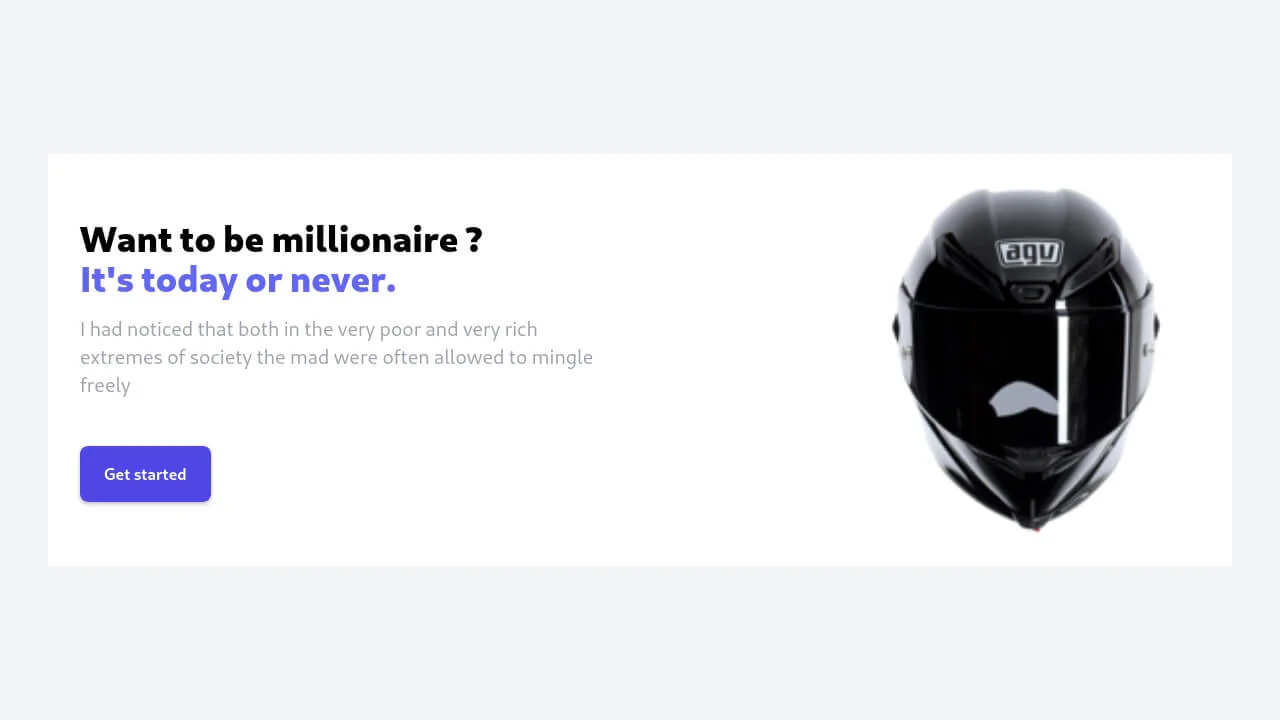
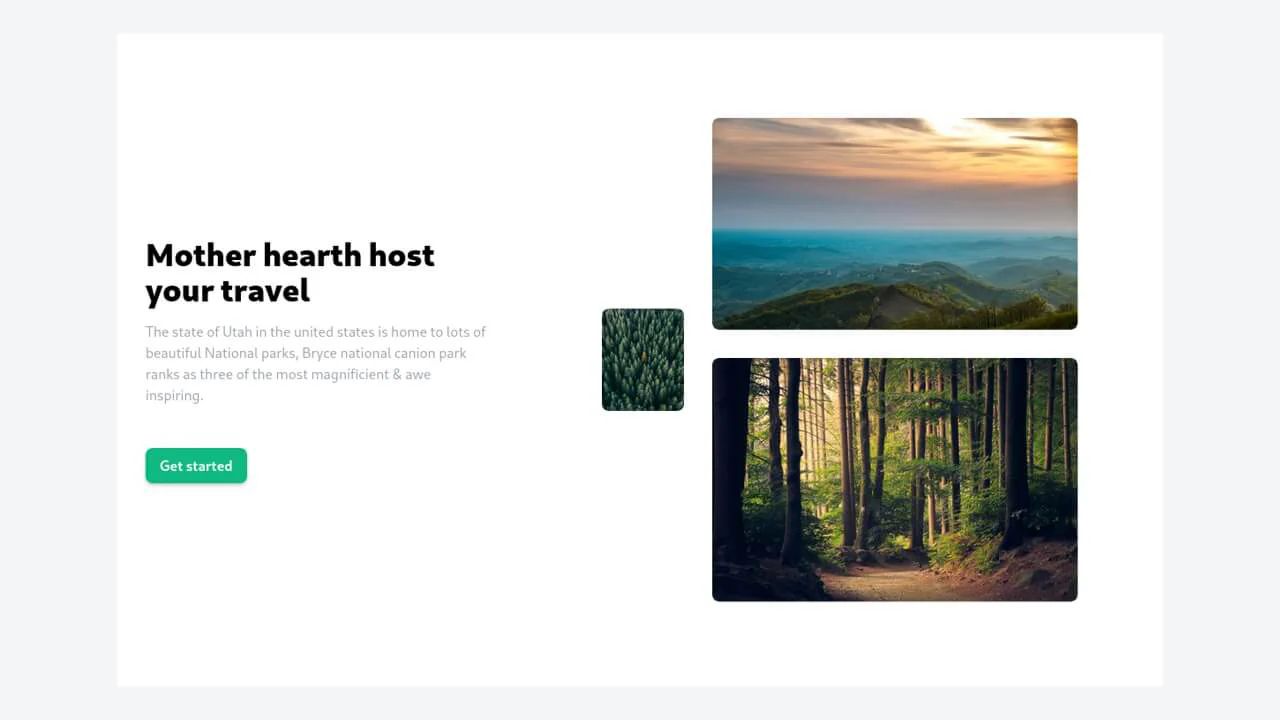
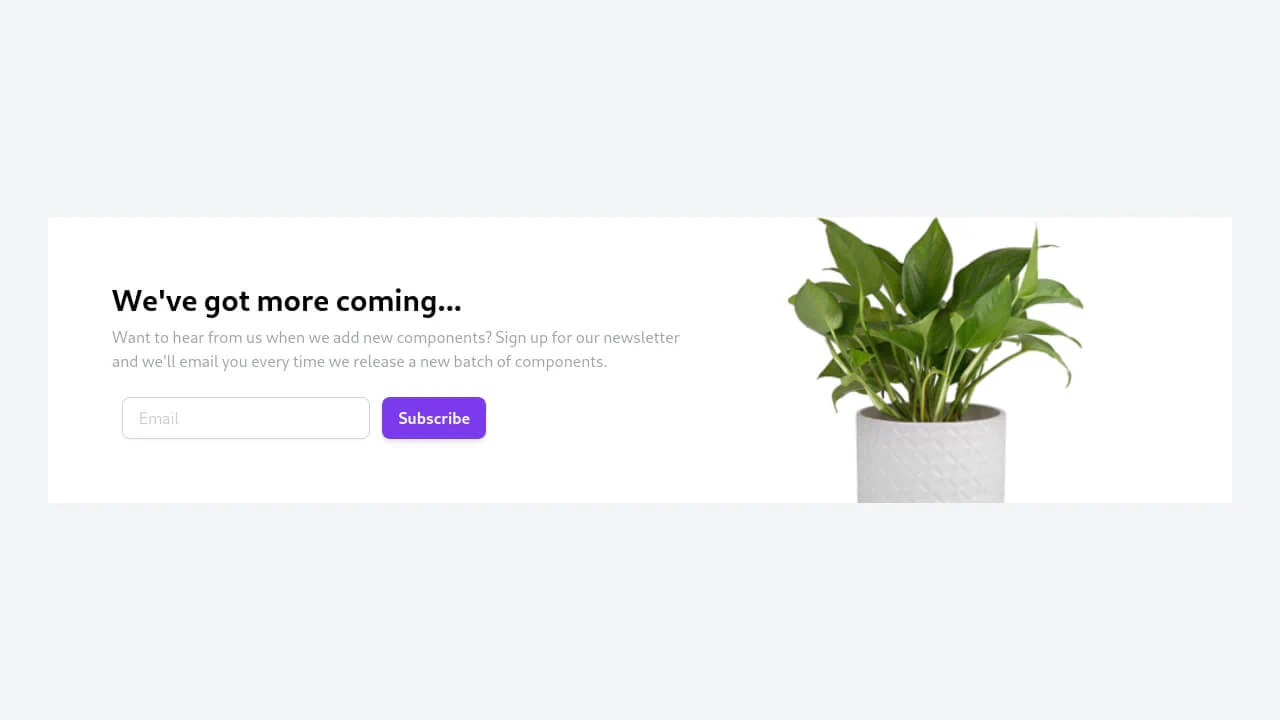
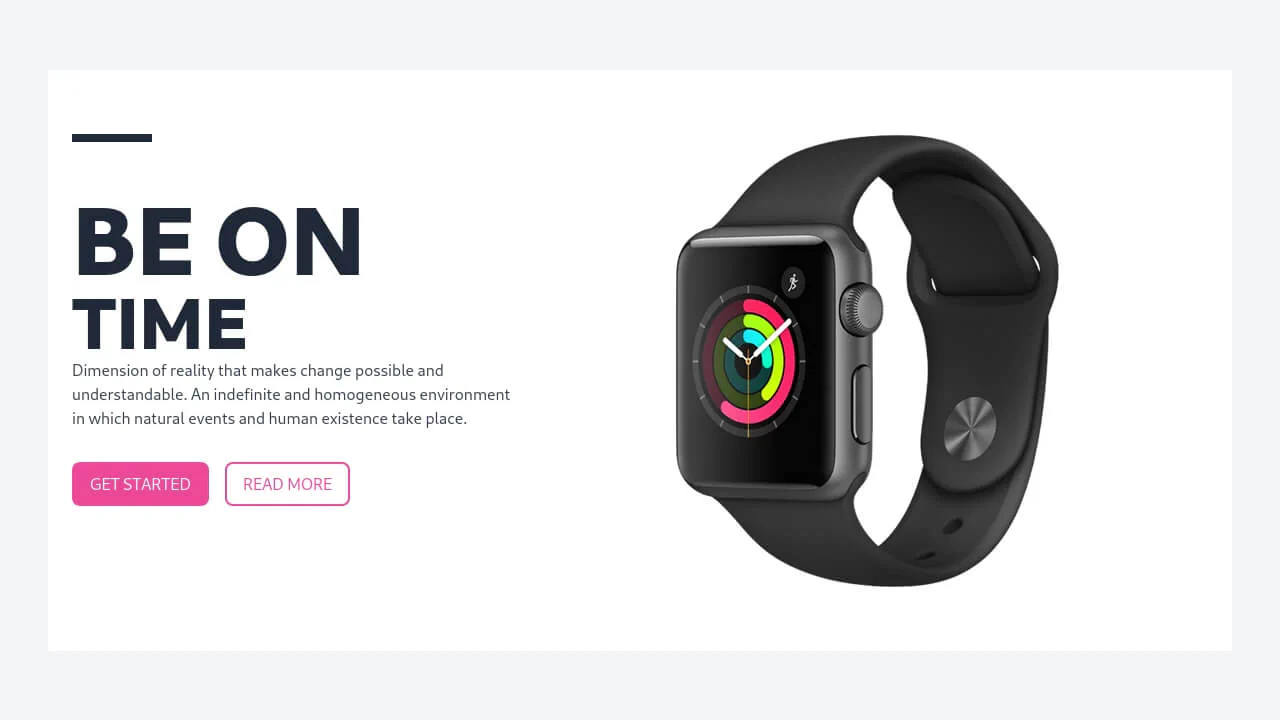
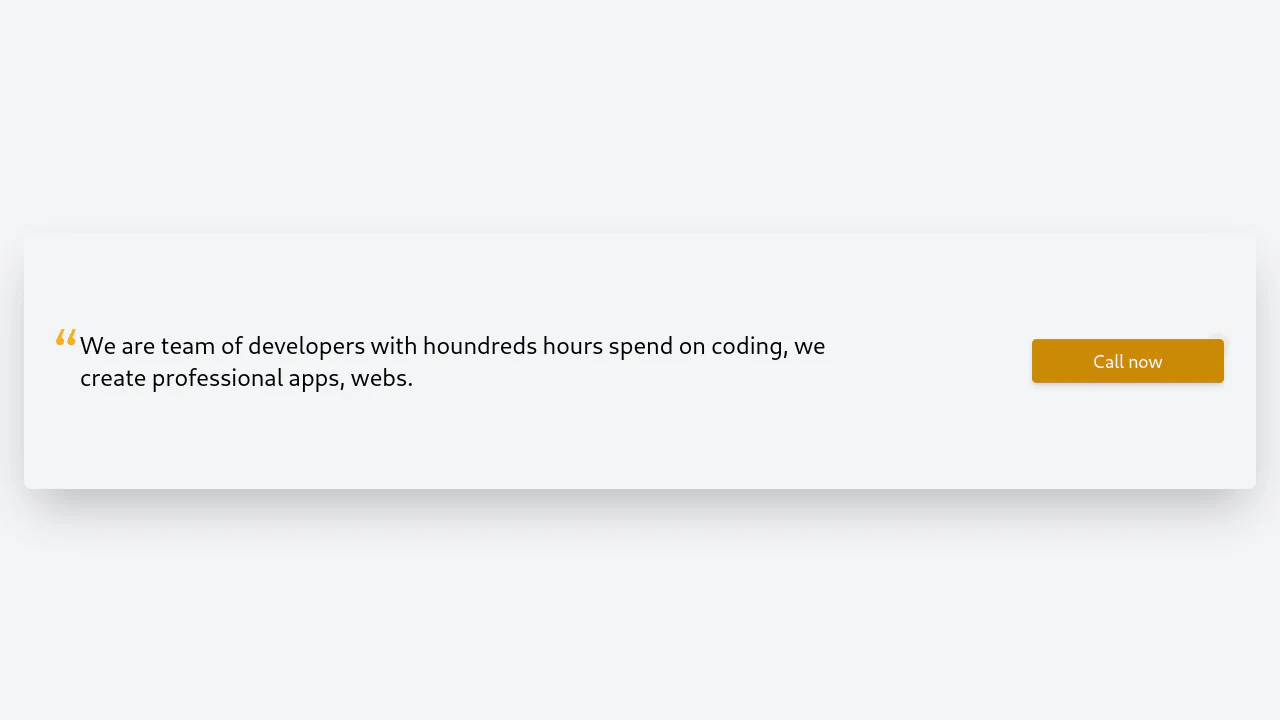
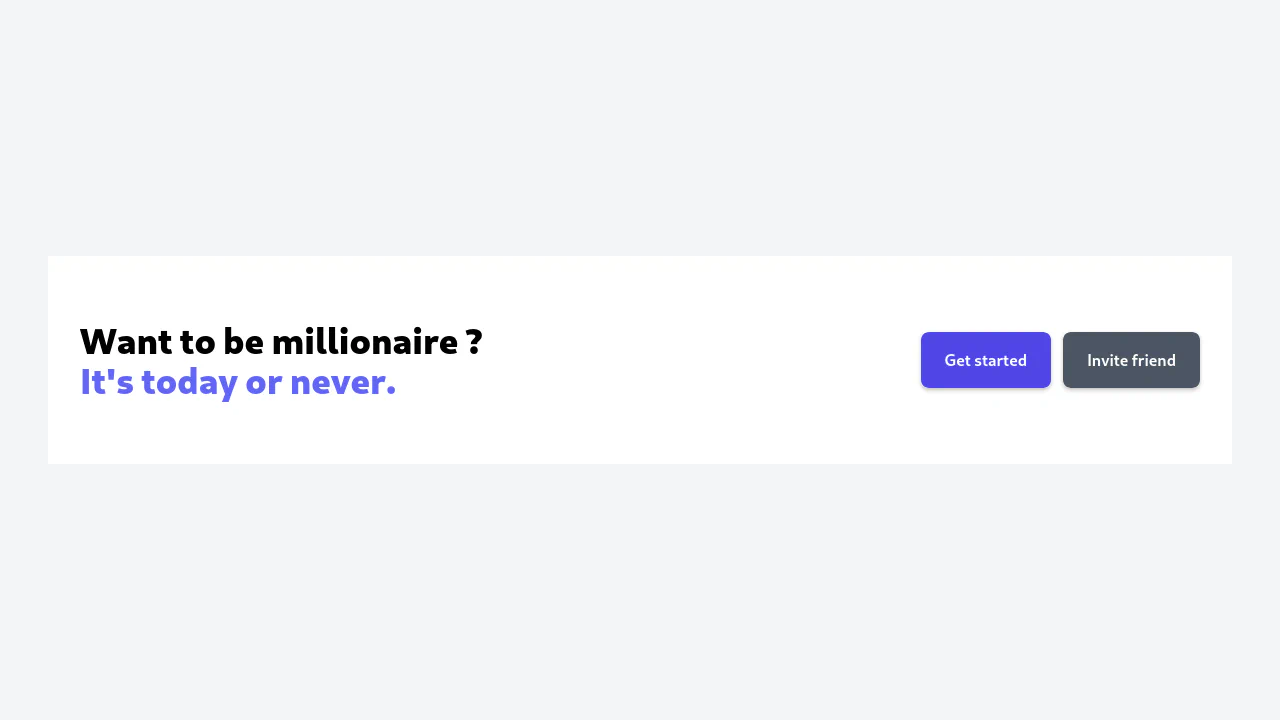
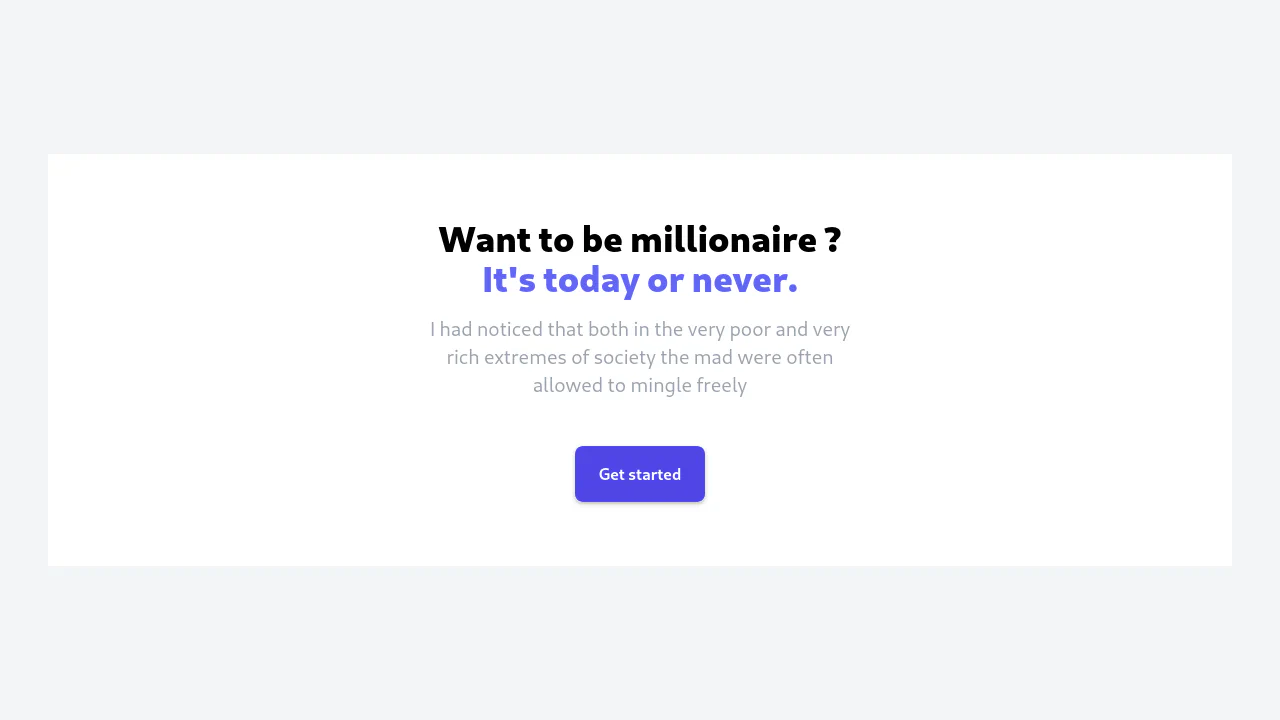
This collection is a set of production-ready solutions for building high-conversion CTA blocks with Tailwind CSS. Flexbox and Grid are employed to build responsive layouts, while gradients and decorative SVG elements are applied for visual appeal. Interactivity is added via hover: effects and lightweight animations that draw attention to the button. These are fast, fully customizable templates for any marketing website.
Examples

Animated Button with Hover Effects (Tailwind CSS)
A stylish, futuristic button with a “neon spin” border effect on hover, creating a premium interface feel.
See the Pen Animated Button with Hover Effects (Tailwind CSS).

CTA Animation on Hover with Tailwind CSS
An impressive, cinematic interaction experience where hovering over the button dims the background to focus attention, triggers a rotating gradient border, and swaps the static text for a dynamic scrolling marquee.
See the Pen CTA Animation on Hover with Tailwind CSS.
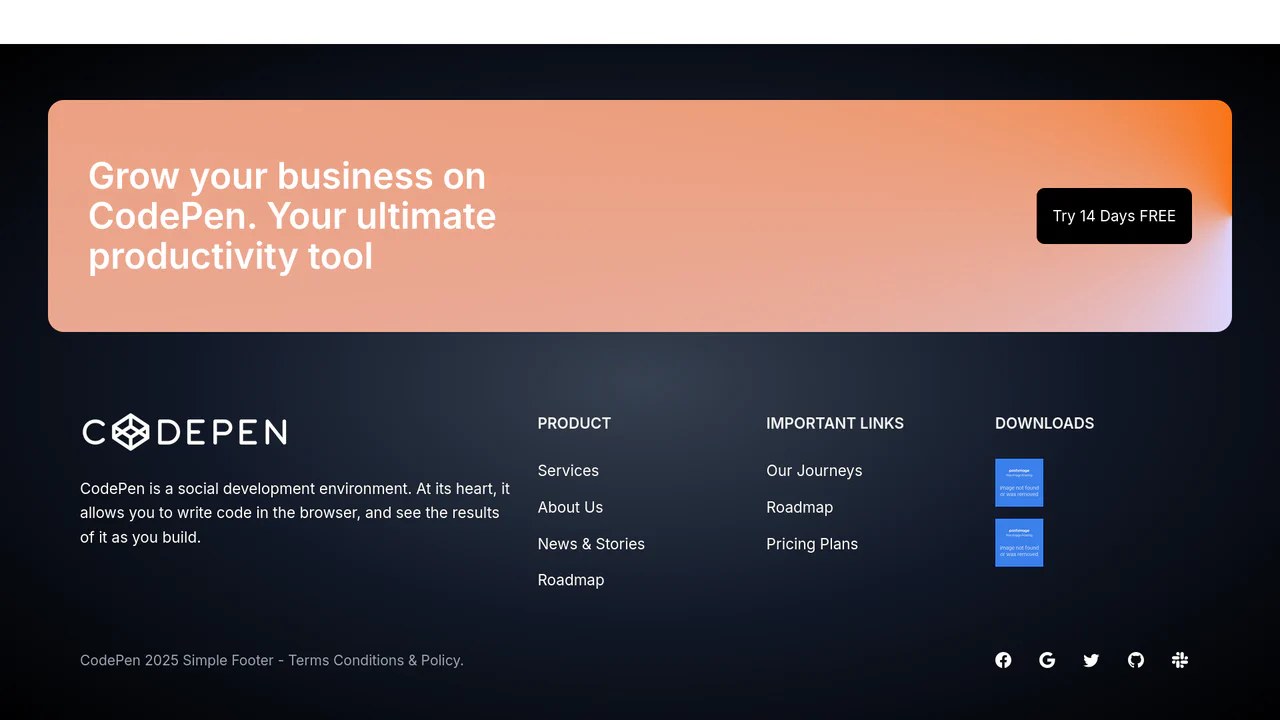
Footer Template
A comprehensive, dark-themed website footer built with Tailwind CSS, featuring a dynamic conic-gradient CTA section and a responsive multi-column layout for product links and download options.
See the Pen Footer Template.

Shiny Buttons on Hover with Tailwind CSS
A polished button component featuring a sleek “shine” hover effect created entirely with Tailwind CSS.
See the Pen Shiny Buttons on Hover with Tailwind CSS.
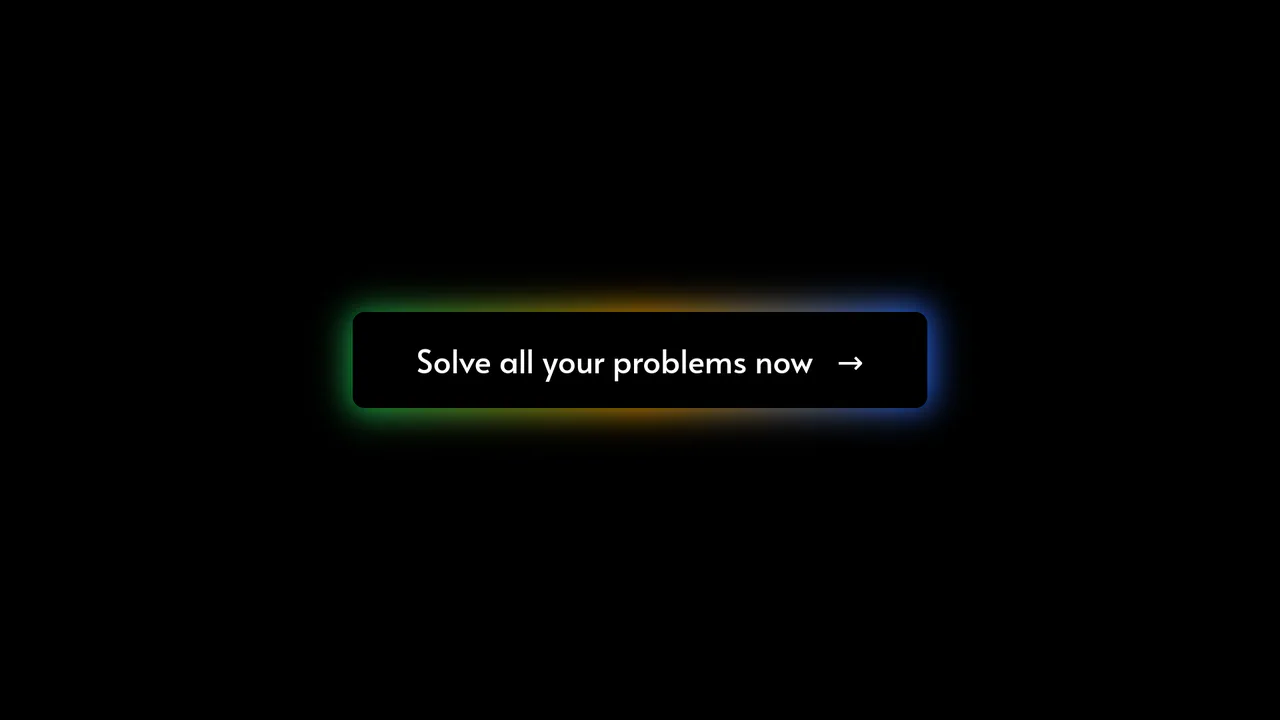
Tailwind CSS Glowing Button
A futuristic call-to-action button featuring a multi-colored, glowing gradient border created by layering a blurred, absolute-positioned div behind the main element.
See the Pen Tailwind CSS Glowing Button.
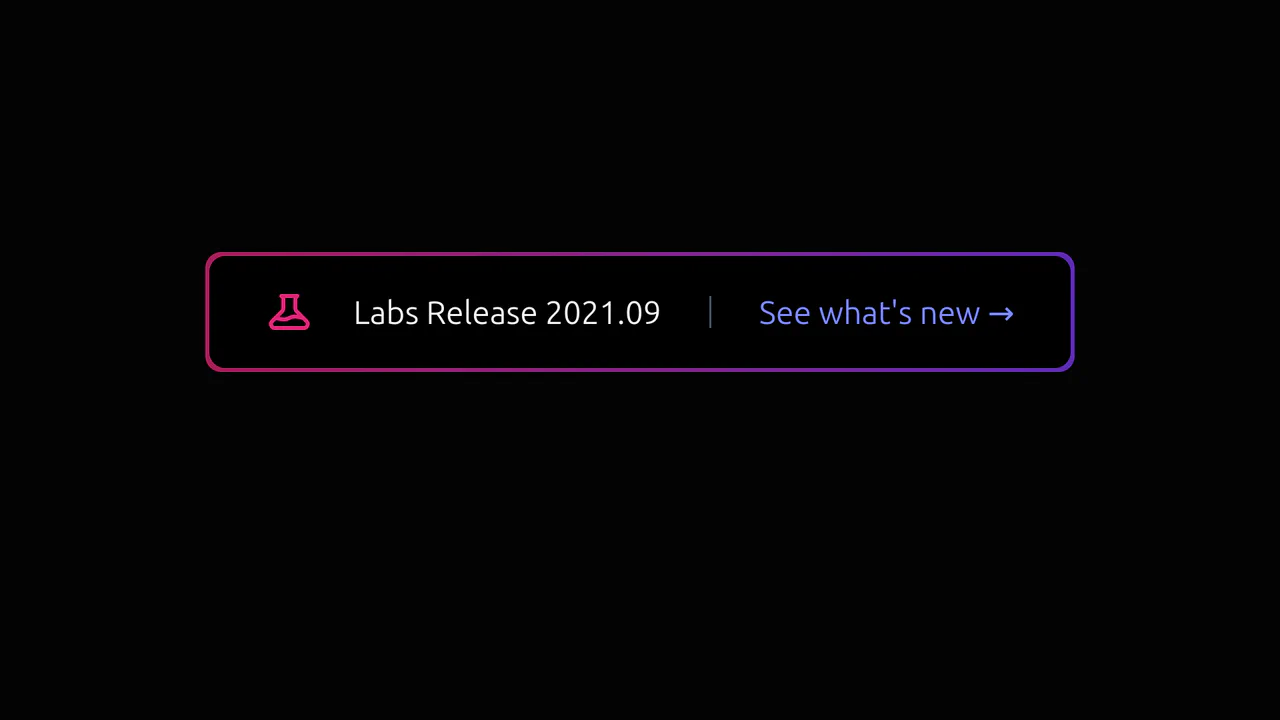
Tailwind Glowing CTA
A futuristic button with a dynamic, pulsating glow that actively responds to hover, drawing user attention to the product update.
See the Pen Tailwind Glowing CTA.