3 Tailwind Filter and Sort
This collection is a complete guide to building interactive filter and sort systems with Tailwind CSS. It demonstrates how to style the active state of filter buttons and create custom sort dropdowns with proper focus handling. Special attention is paid to user experience: smooth transitions (transition, opacity, scale) are used to animate the appearance and disappearance of items, preventing jarring interface jumps and making the UI more responsive.
Examples
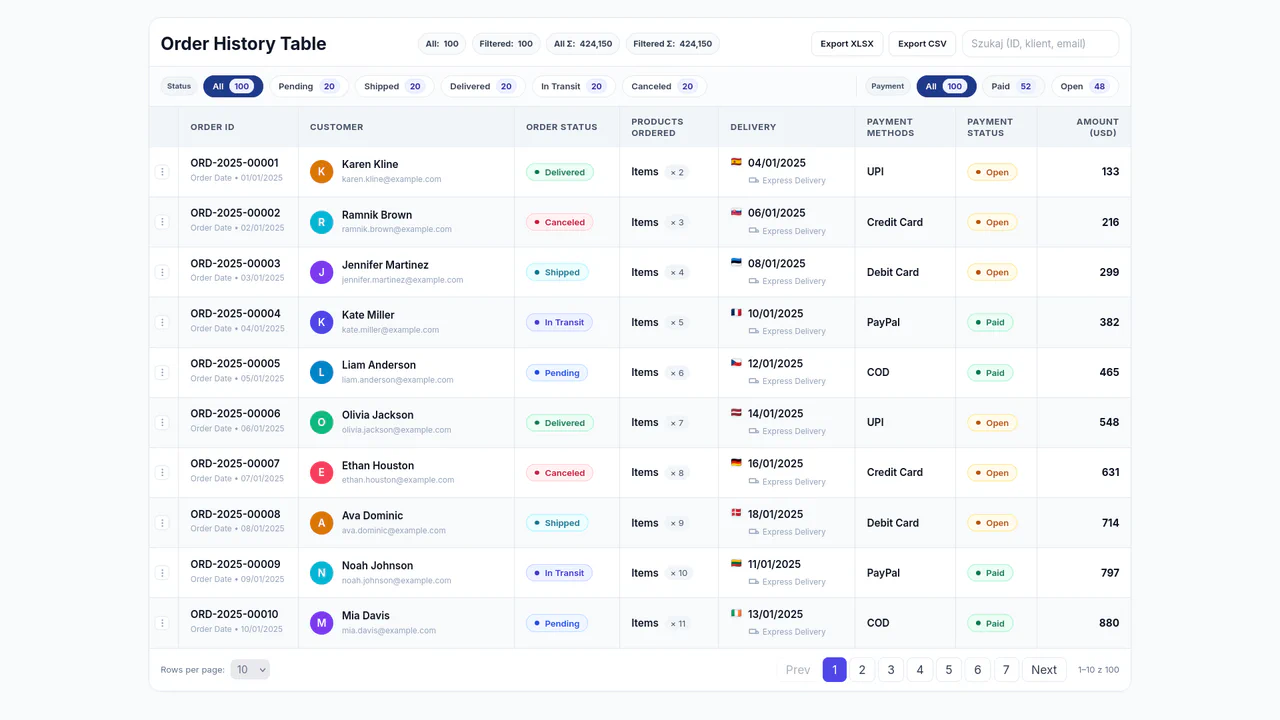
Table with Tailwind
A complex, fully functional tool for handling tabular data that, despite its full reliance on client-side JS for logic, provides fast responsiveness and a professional appearance.
See the Pen Table with Tailwind.

Users List with Vue 3 and Tailwind
A responsive user directory application built with Vue 3 Composition API and styled using Tailwind CSS. It features real-time search functionality and tag-based filtering implemented via a reactive computed property, allowing users to instantly sift through profiles by name or category (e.g., “actor”, “editor”) within a clean, grid-based layout.
See the Pen Users List with Vue 3 and Tailwind.
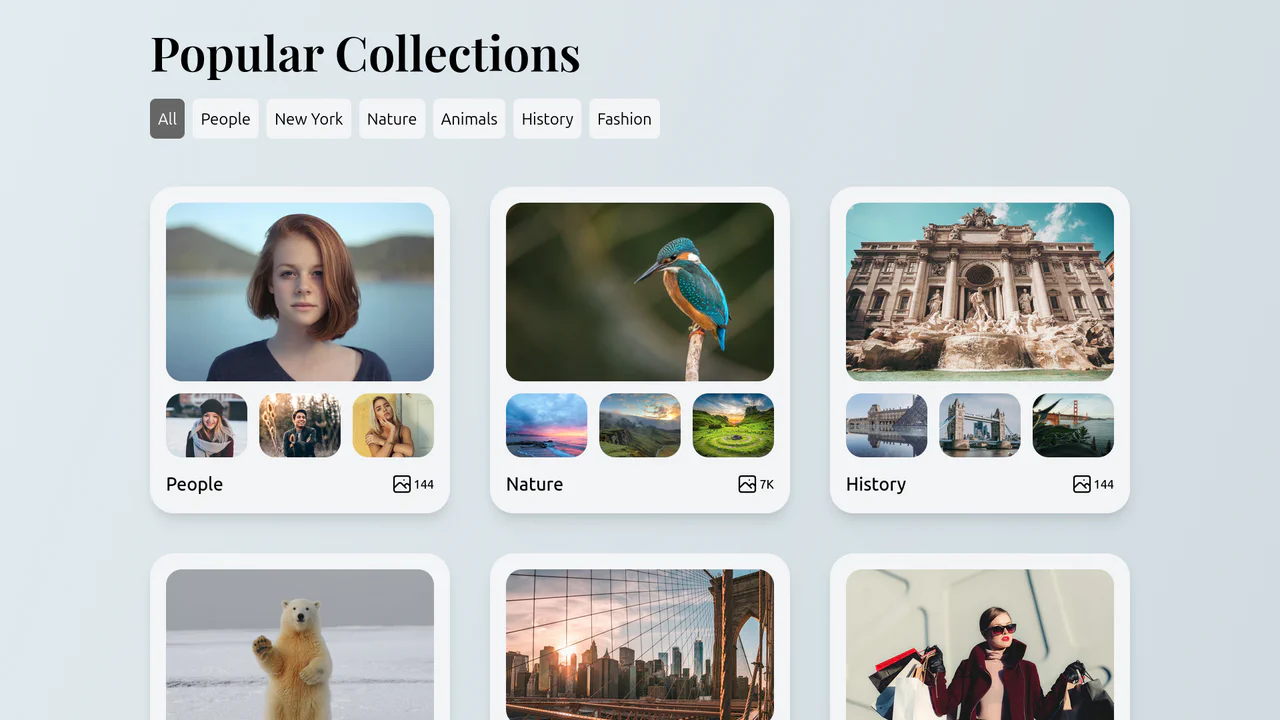
Collections List with Filtering
A convenient and visually appealing gallery where the user can instantly switch between content categories (people, nature, history, etc.) without reloading the page.
See the Pen Collections List with Filtering.