20+ Tailwind Notifications
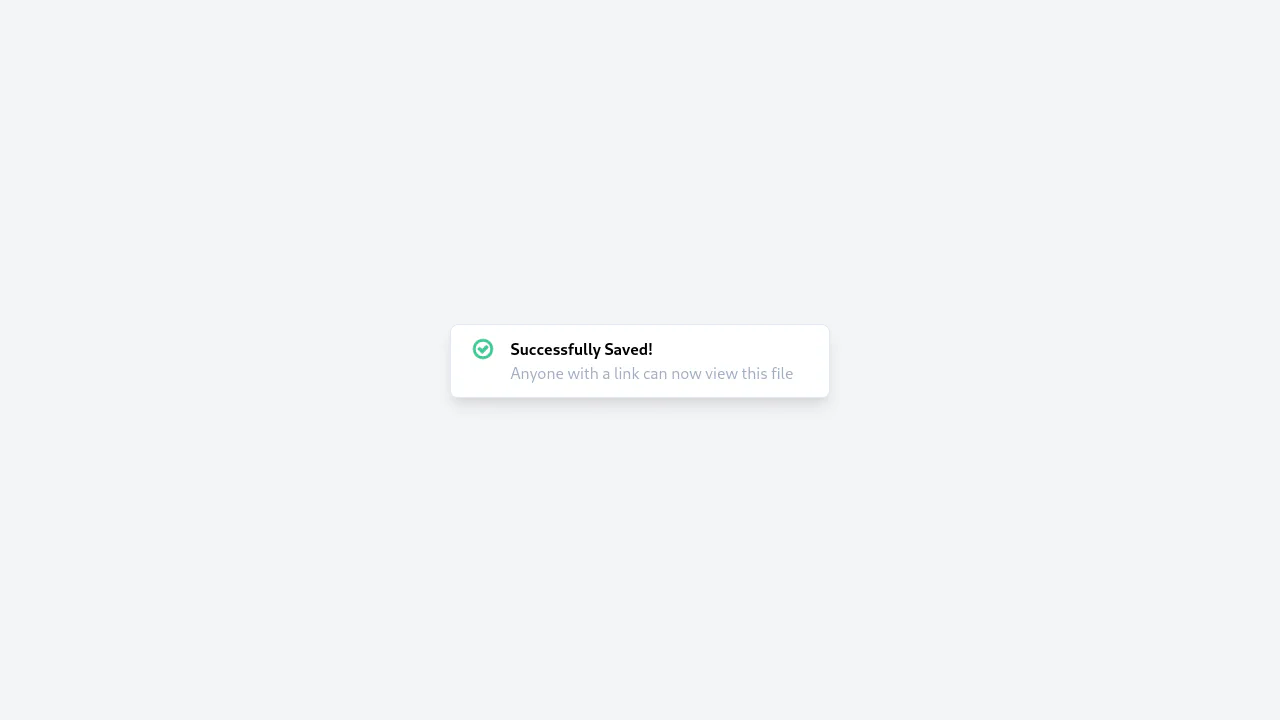
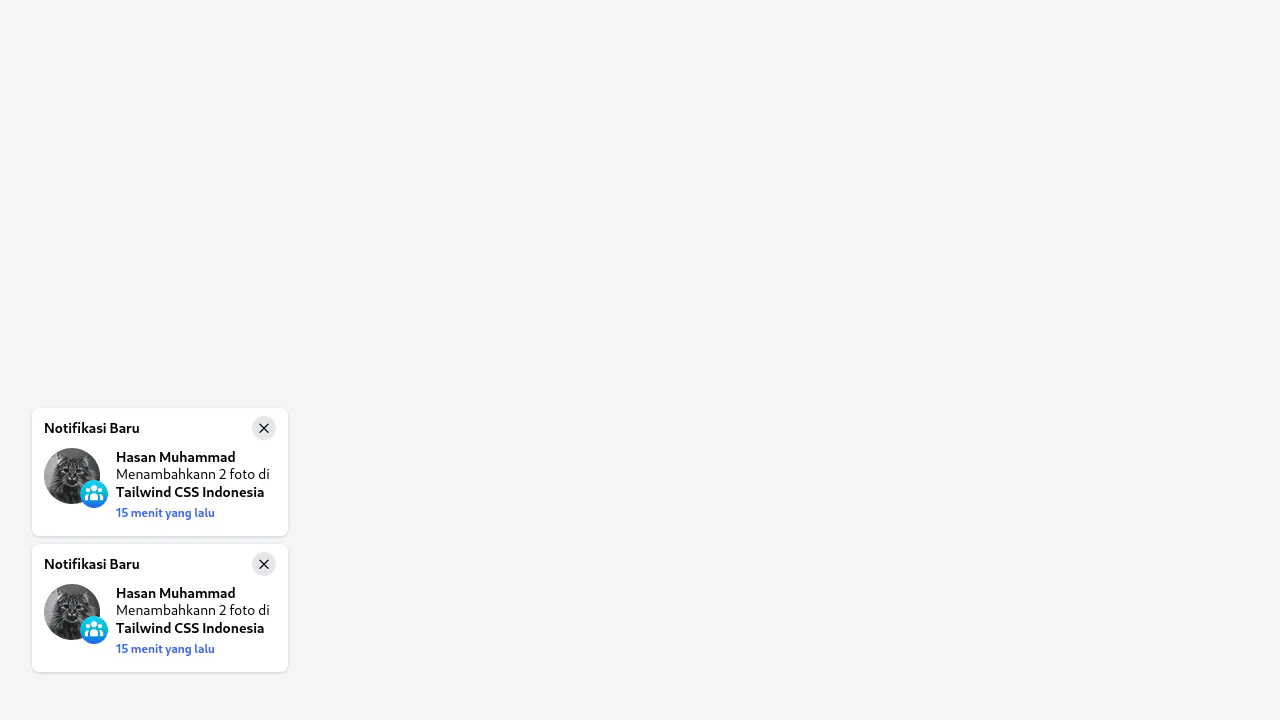
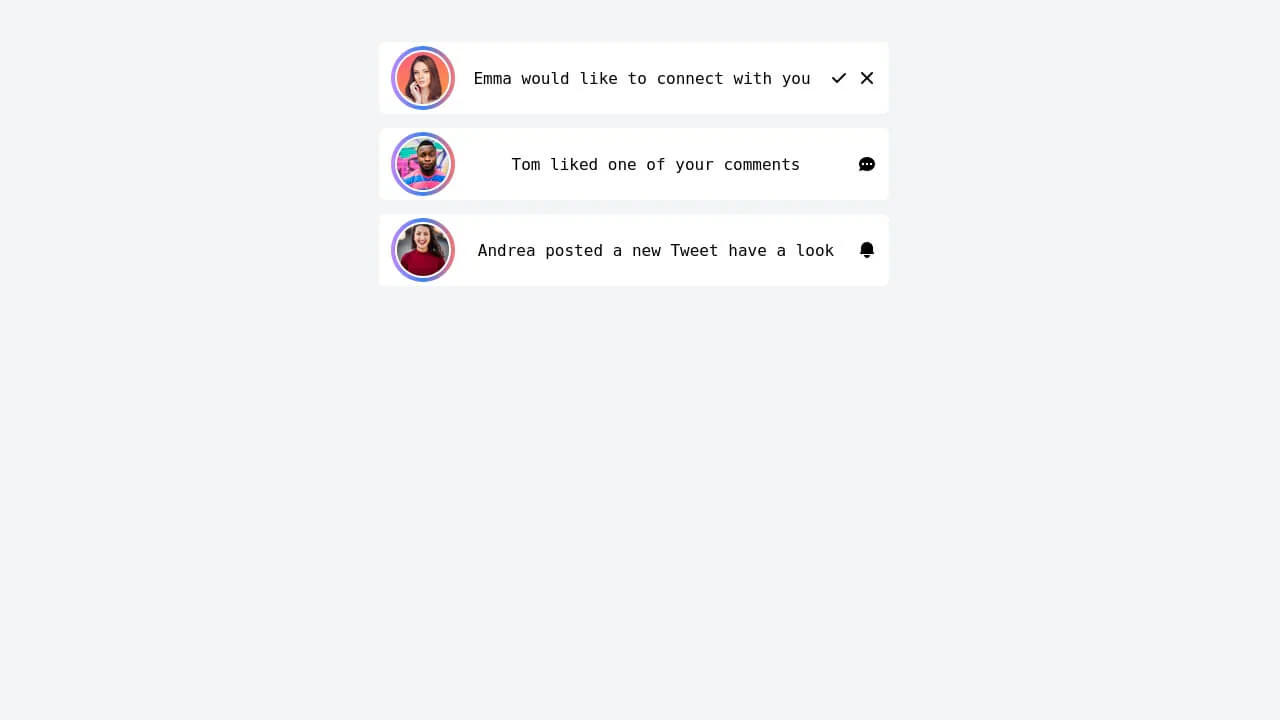
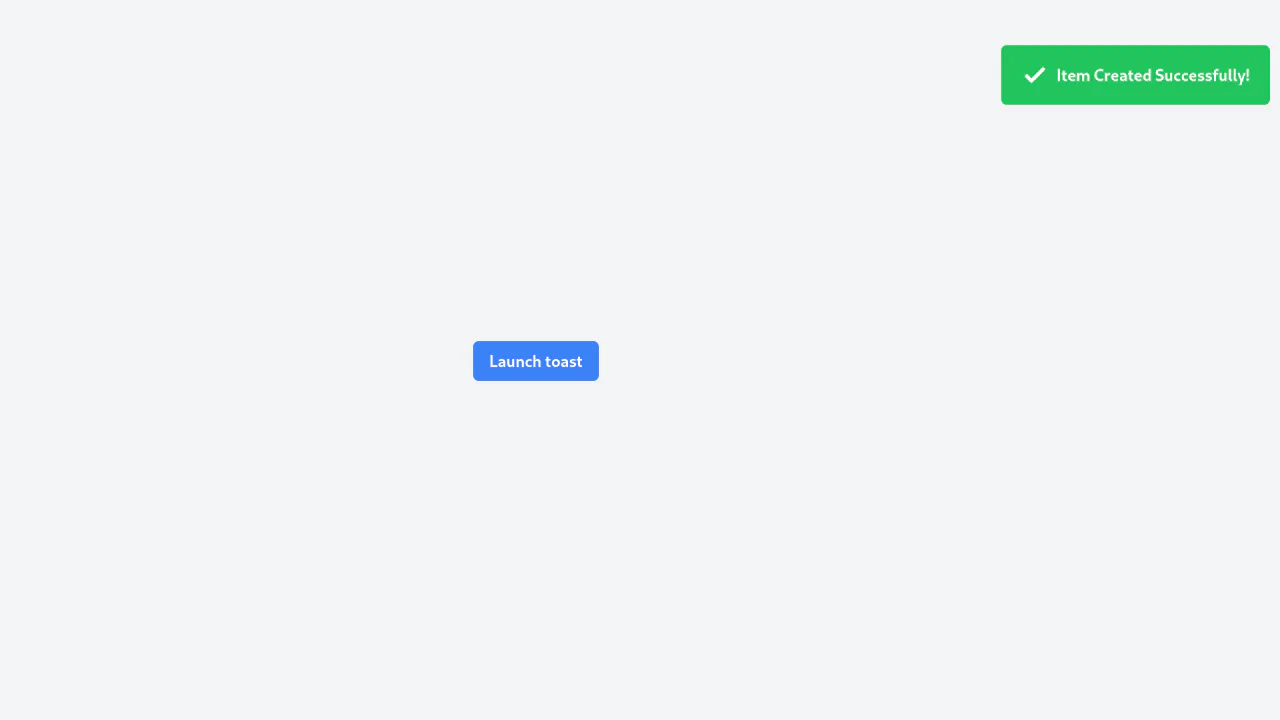
Create modern and functional notifications with Tailwind CSS. Both static banners and “toast” notifications positioned with fixed are covered. Smooth appearance and disappearance animations with transition enhance the UX. The examples include styling with a Glassmorphism effect and full Dark Mode support, allowing you to create professional and responsive notifications for any application.
Examples
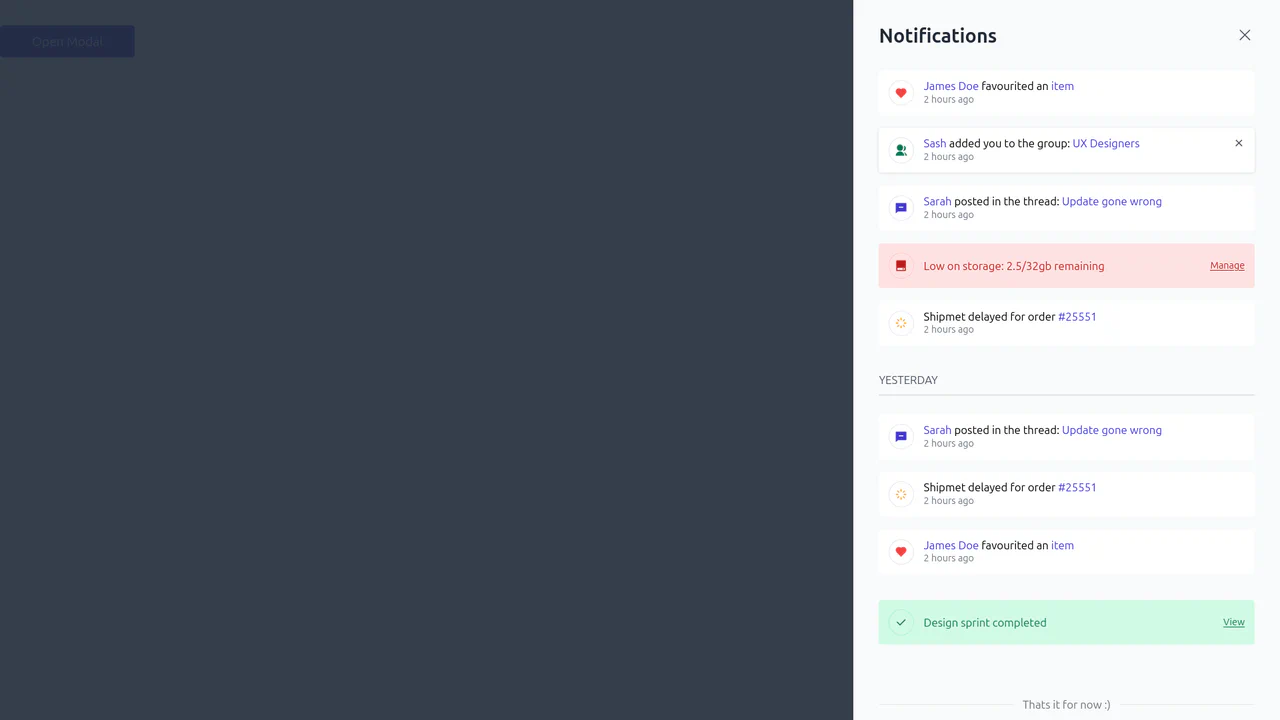
Free Tailwind CSS Notification Component
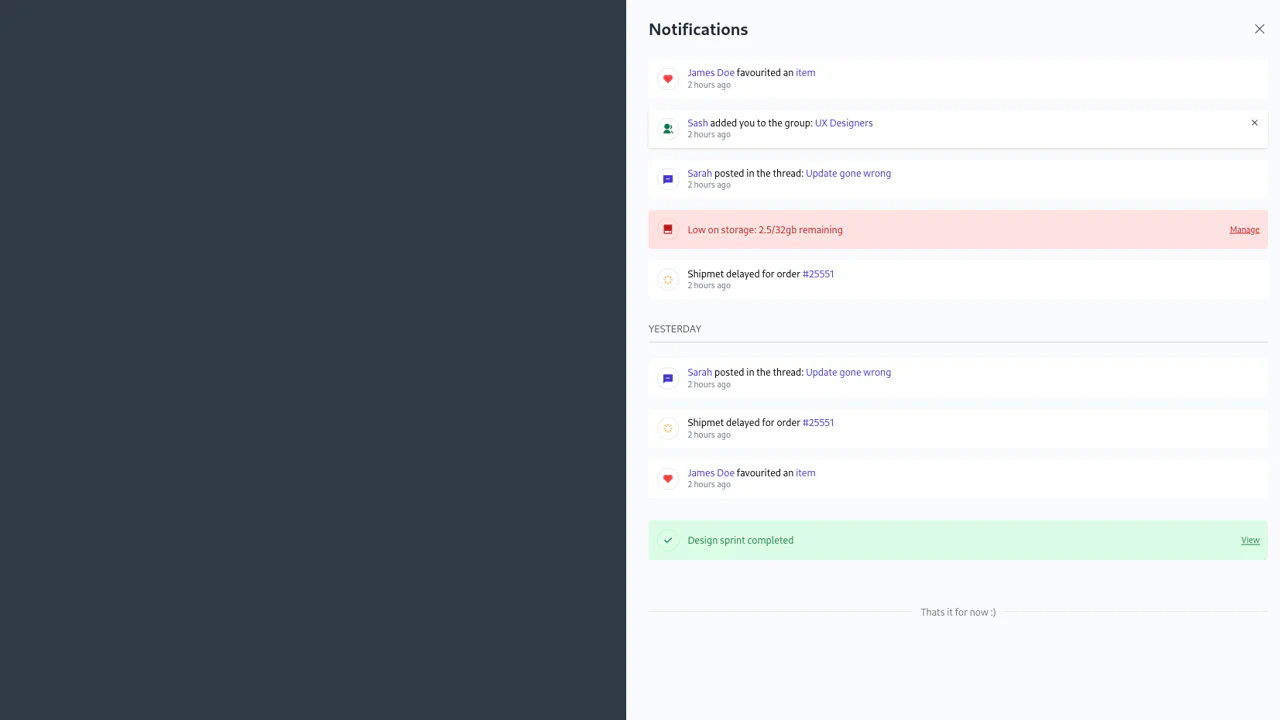
Smooth appearance of the notification panel over a dimmed background. Upon closing, the panel slides off-screen first, and only then does the backdrop fade out, creating a sense of interface integrity and weight.
See the Pen Free Tailwind CSS Notification Component.
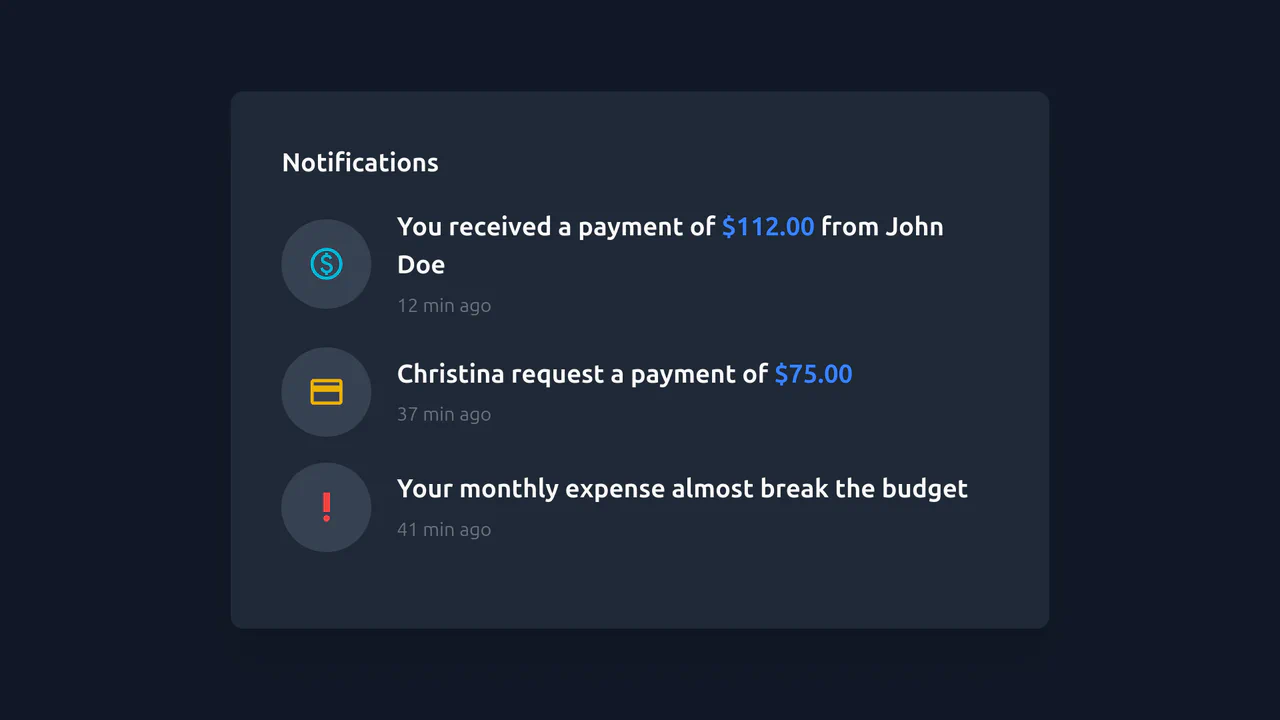
Payment Notification using Tailwind
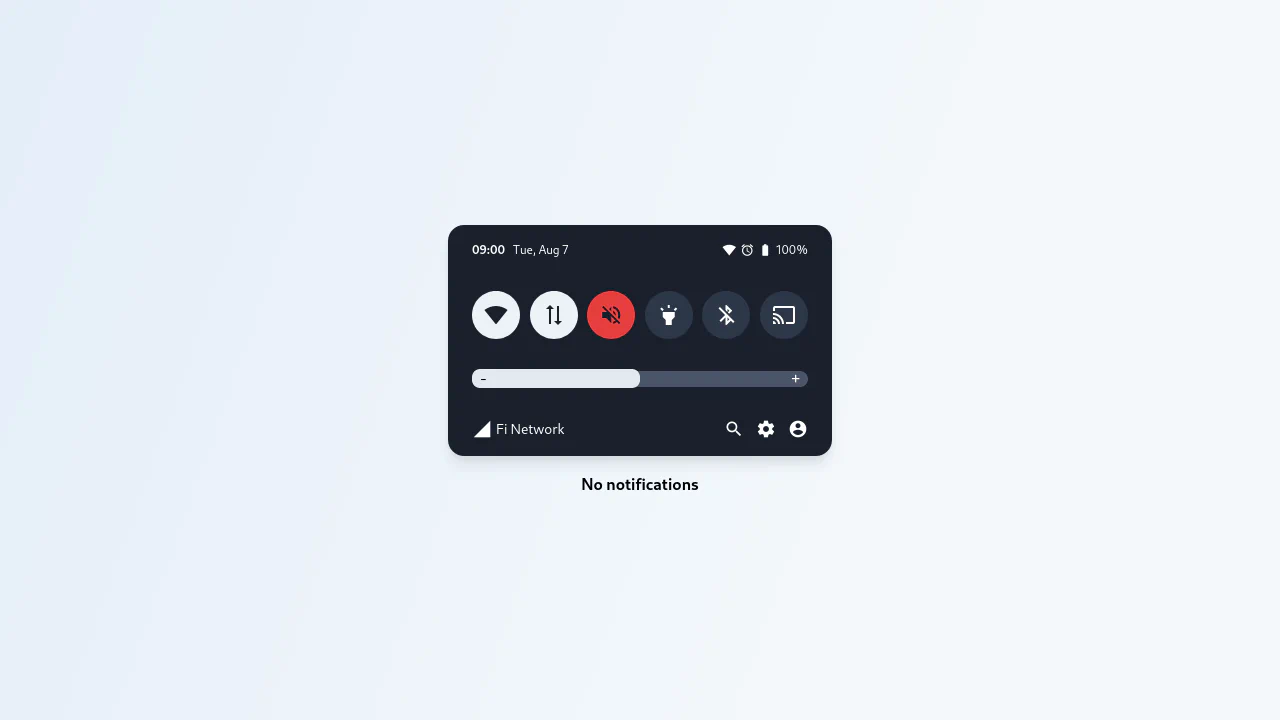
A static, dark-themed notification widget constructed purely with Tailwind CSS utility classes.
See the Pen Payment Notification using Tailwind.
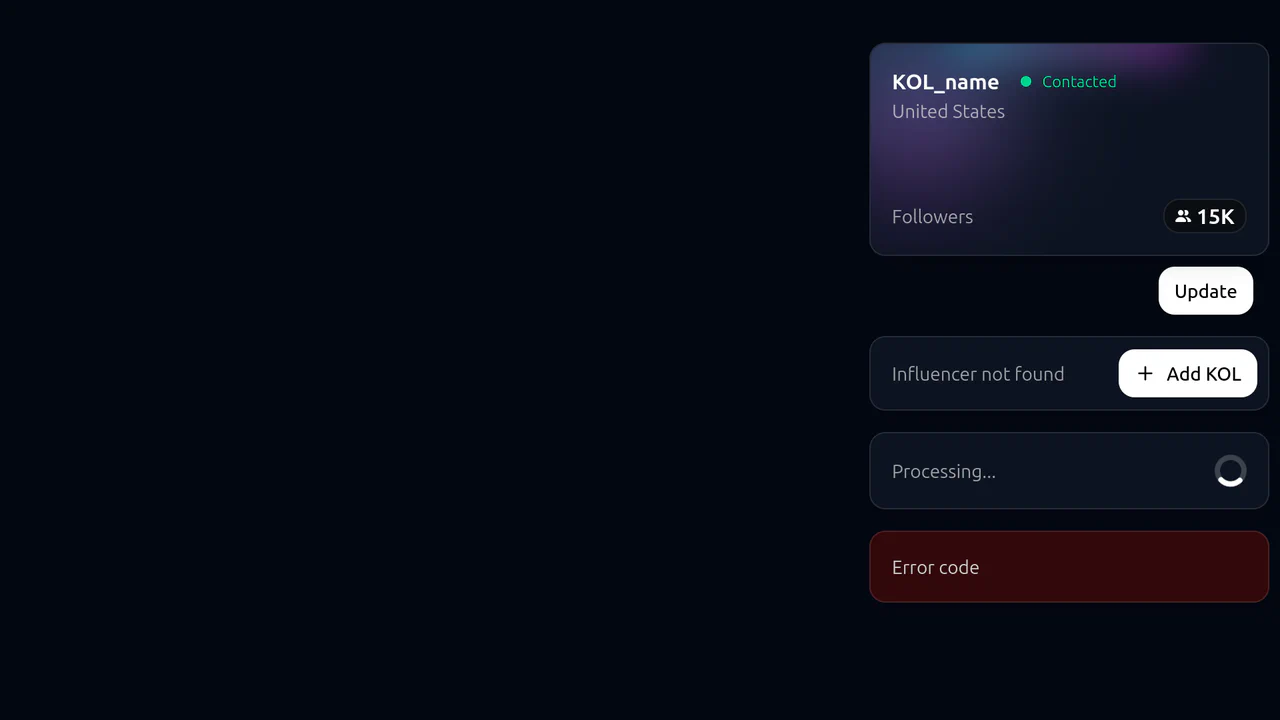
Tailwind CSS Notifications
A static notification toast system with a futuristic aesthetic.
See the Pen Tailwind CSS Notifications.
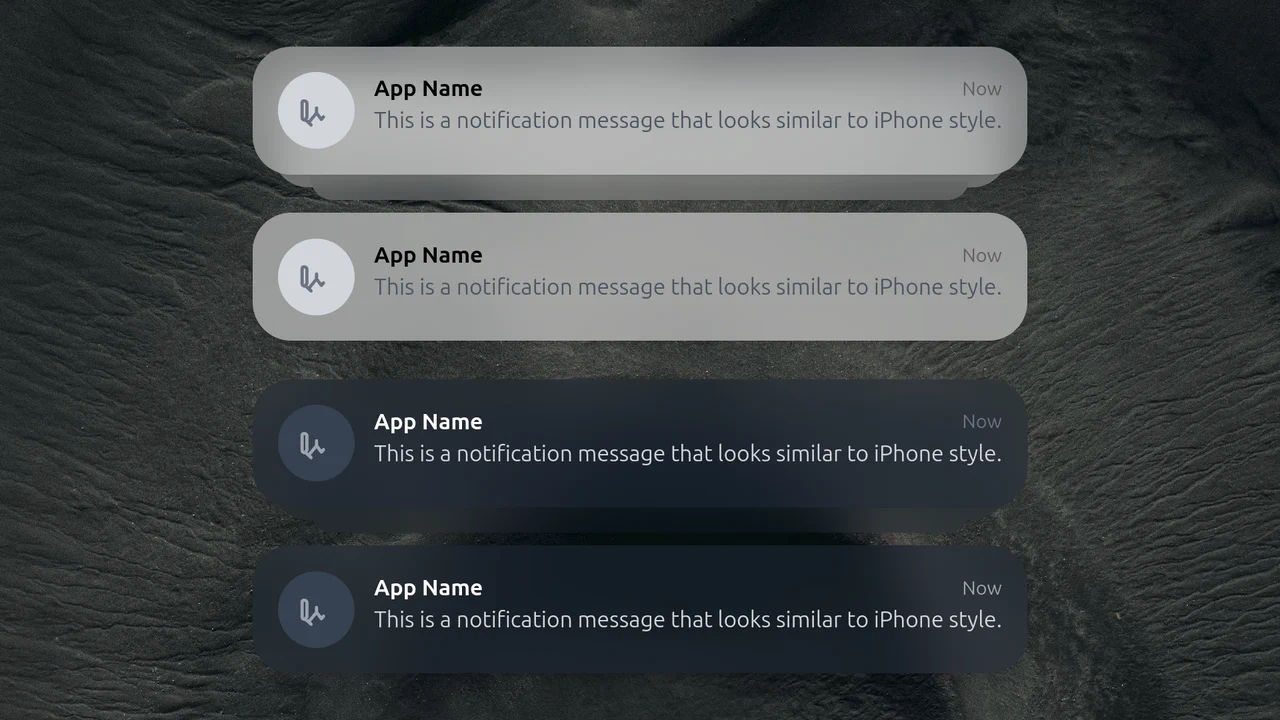
Tailwind Notification
A realistic imitation of iPhone lock screen notifications with a frosted glass effect that adapts to dark and light backgrounds while maintaining text and icon readability.
See the Pen Tailwind Notification.
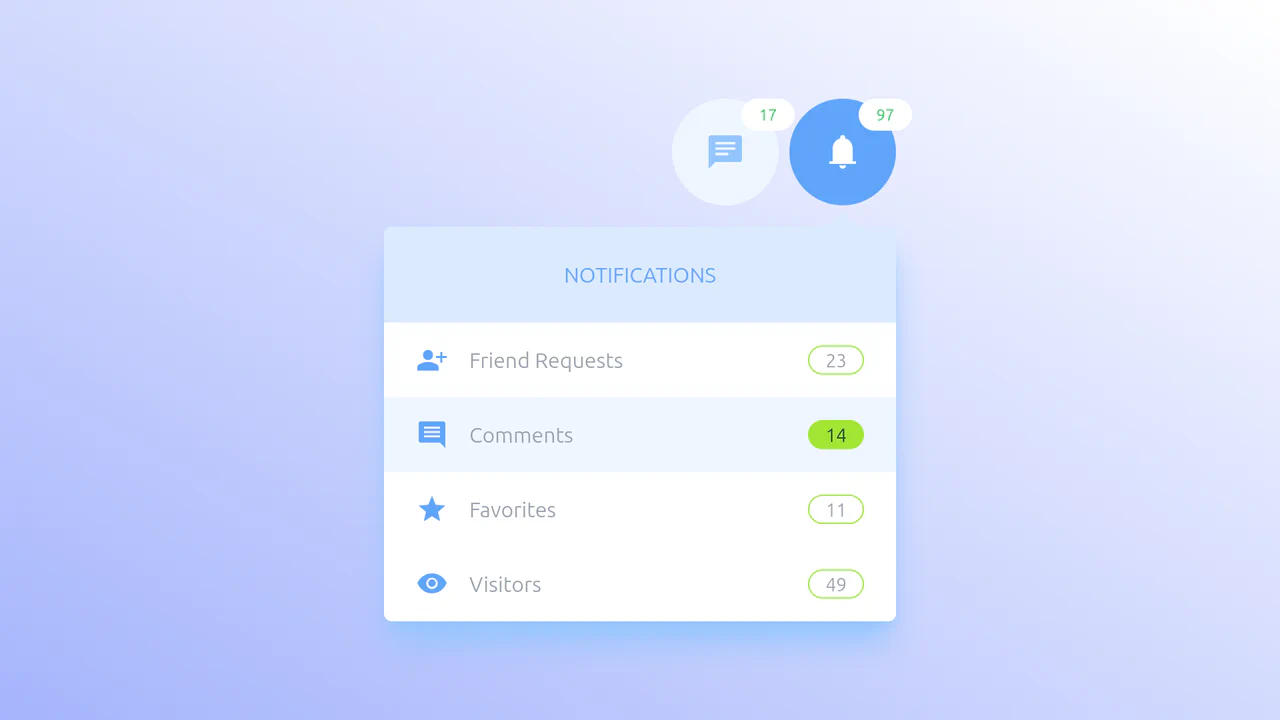
Tailwind Notifications and Messages
A pure CSS tab panel leveraging the “Radio Hack” and Tailwind’s peer modifier. Hidden inputs drive the logic, triggering staggered transition-delay effects for a smooth, cascading content entry without JavaScript.
See the Pen Tailwind Notifications and Messages.
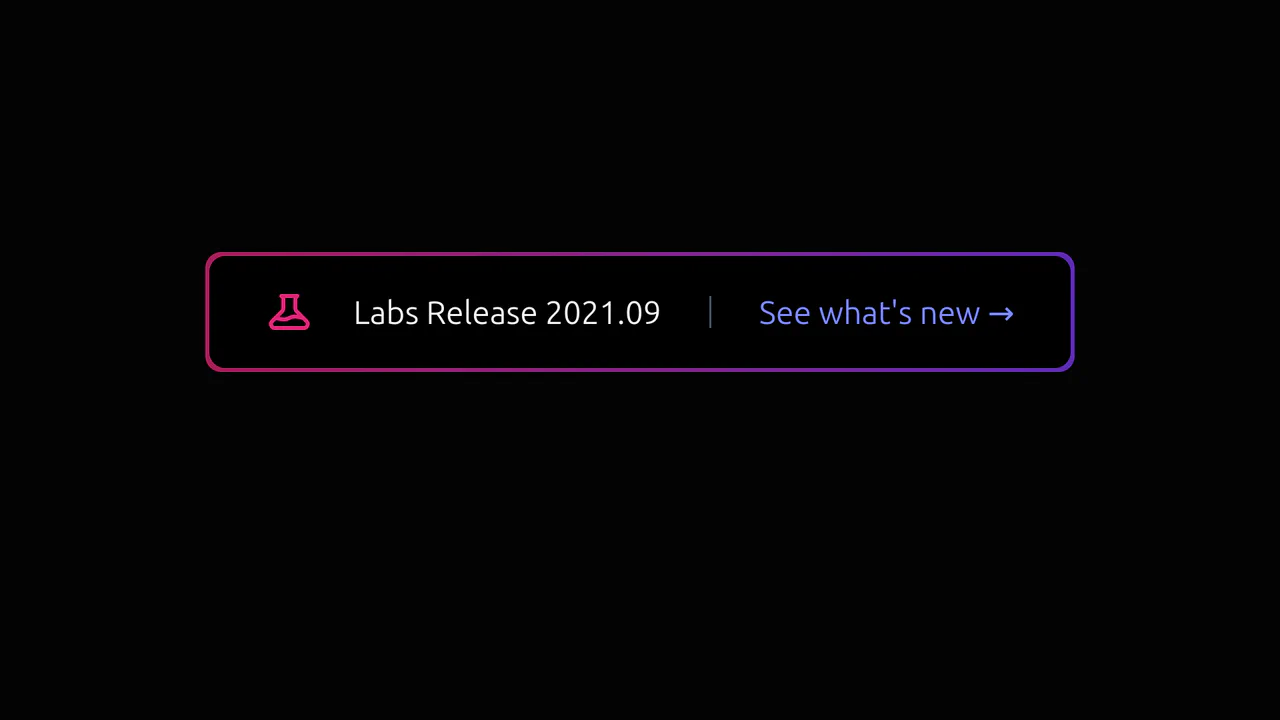
Tailwind Glowing CTA
A futuristic button with a dynamic, pulsating glow that actively responds to hover, drawing user attention to the product update.
See the Pen Tailwind Glowing CTA.

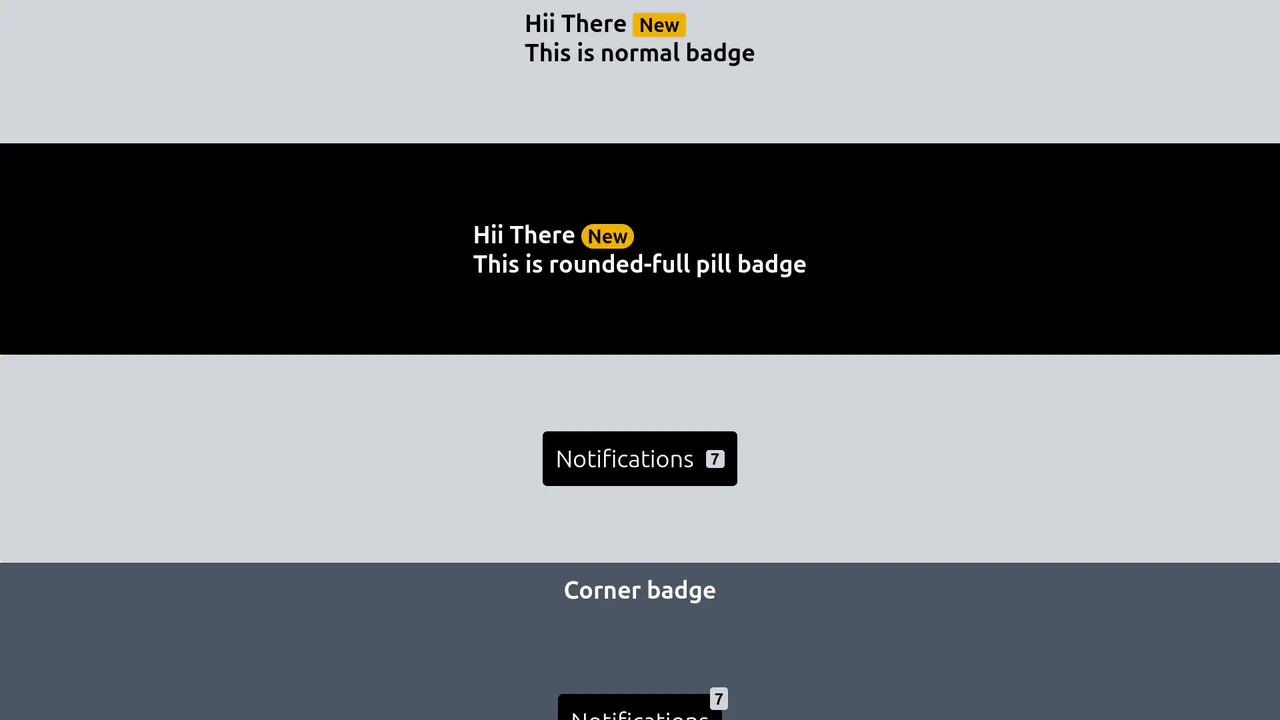
Badges
A showcase of various badge styles implemented with Tailwind CSS, ranging from inline text tags to absolute-positioned notification indicators.
See the Pen Badges.
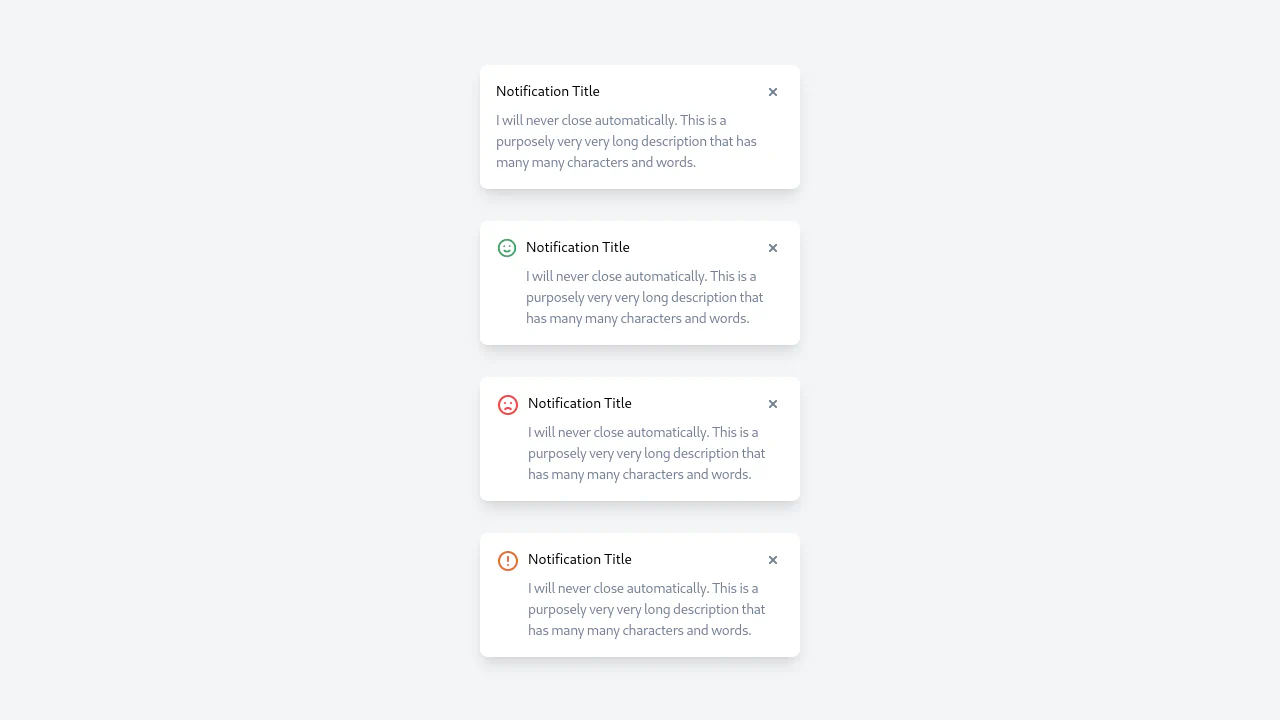
Notification Feed Animations with Dark Mode
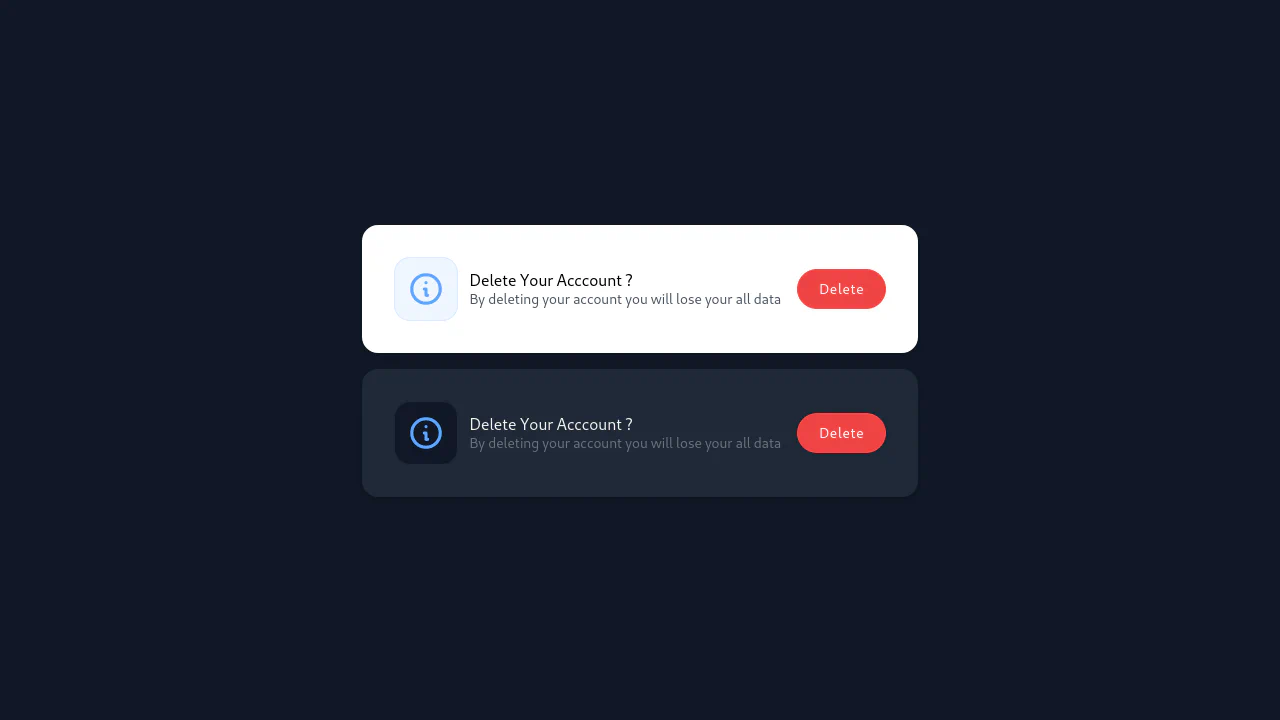
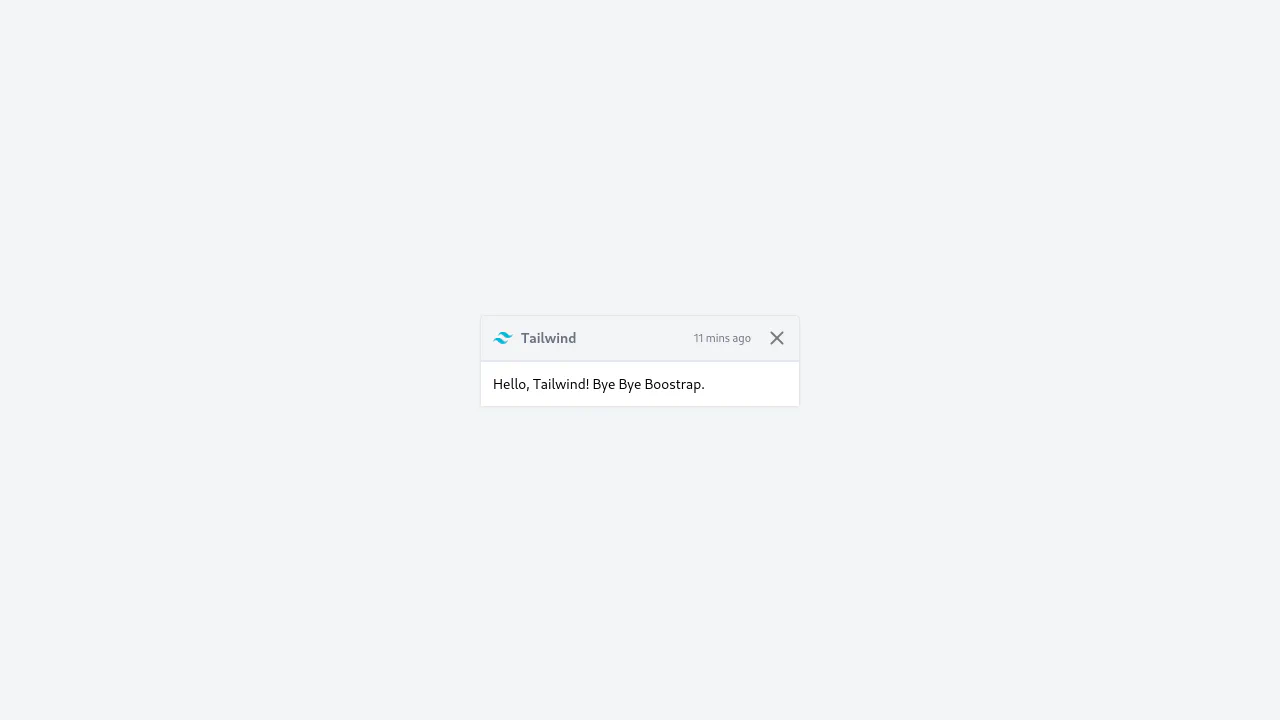
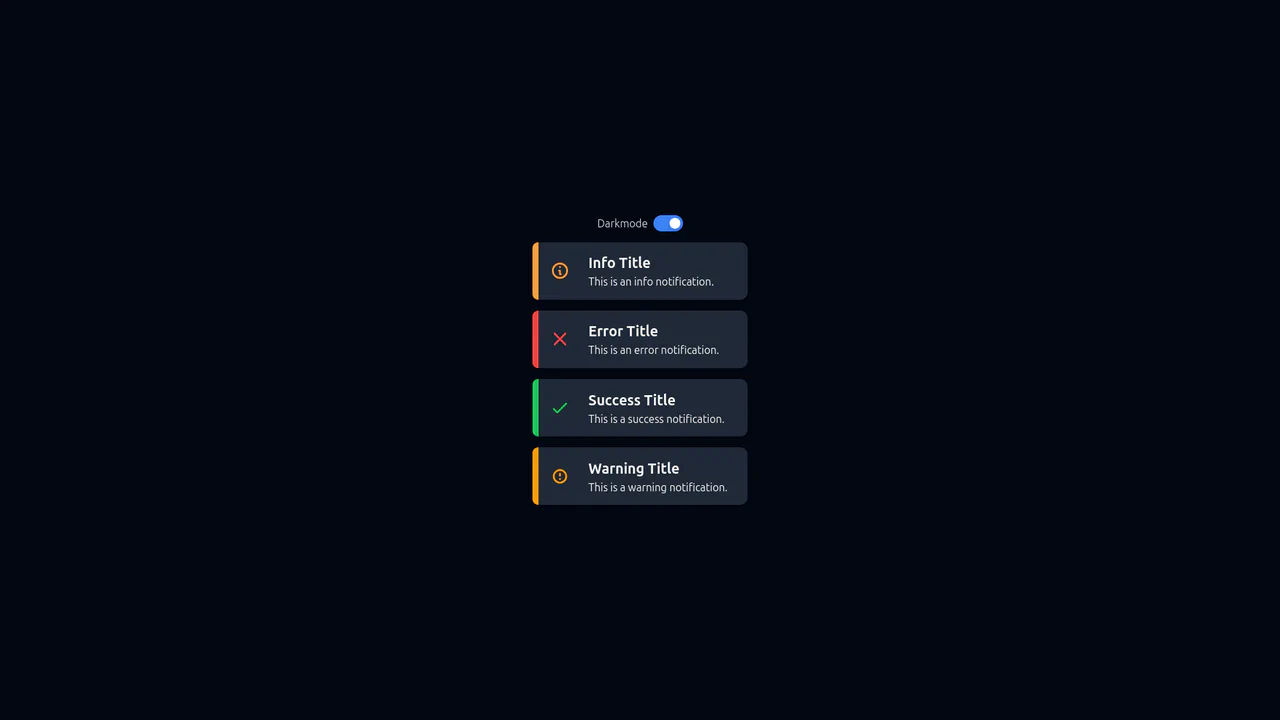
A modern, themeable notification component built with React Hooks and styled entirely with Tailwind CSS. The core technical feature is a functional Dark Mode toggle that dynamically manipulates the root DOM class via useEffect.
See the Pen Notification Feed Animations with Dark Mode.