30+ Tailwind Tables
This collection is a toolkit for building modern and functional tables with Tailwind CSS. Key techniques are covered: from the responsive “Table-to-Cards” pattern for mobile devices to using sticky to fix headers and columns on scroll. Interactivity is powered by sorting and drag-and-drop, while hover: state styling and dark: support add a professional polish. This is a set of production-ready solutions for any dashboard or report.
Examples
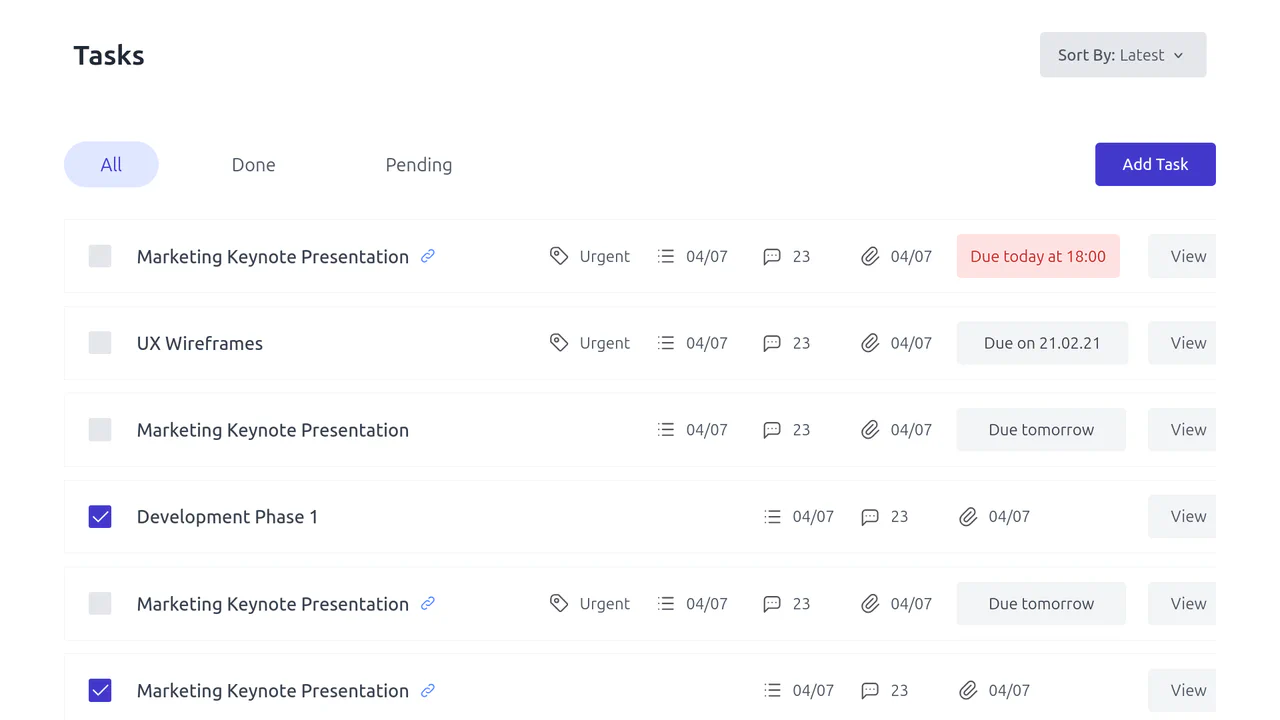
Free Tailwind CSS Advanced Table Component
A functional task management dashboard table featuring custom interactive elements.
See the Pen Free Tailwind CSS Advanced Table Component.
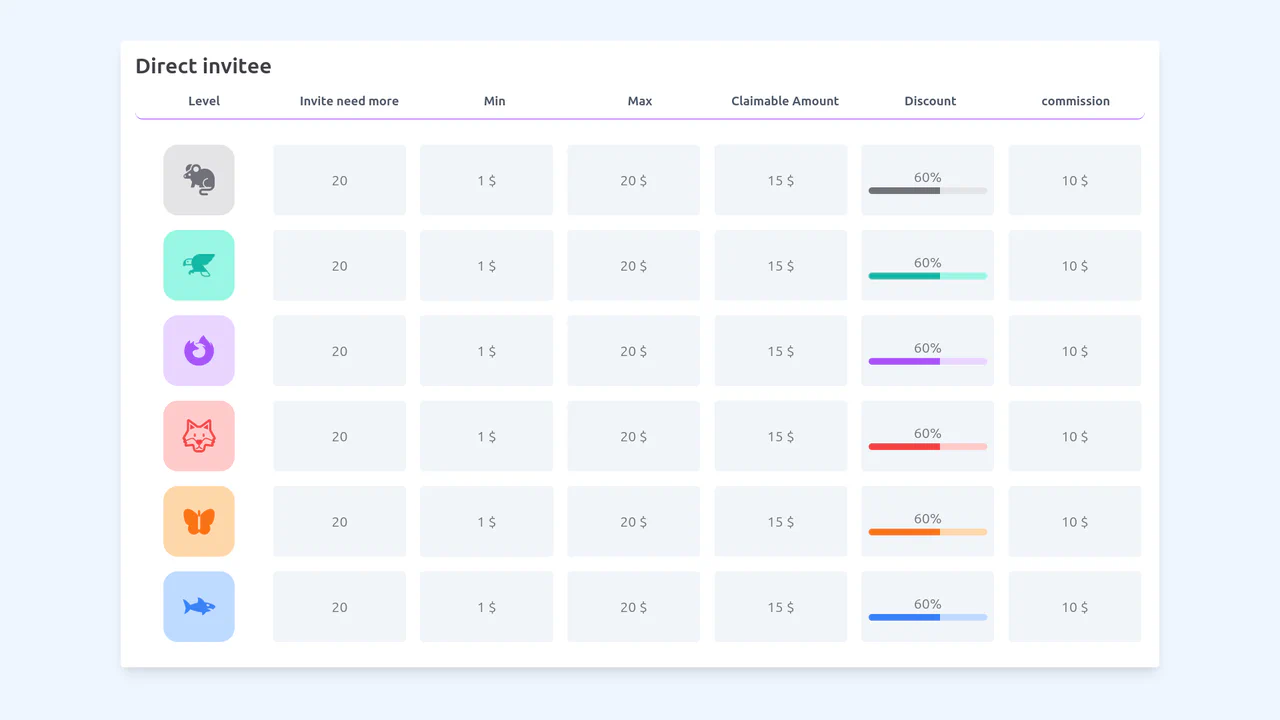
Responsive Icon Table with Tailwind
A complex, static, and responsive data table designed for a rewards program, achieving the “Desktop Table to Mobile Cards” pattern via pure CSS Flexbox.
See the Pen Responsive Icon Table with Tailwind.
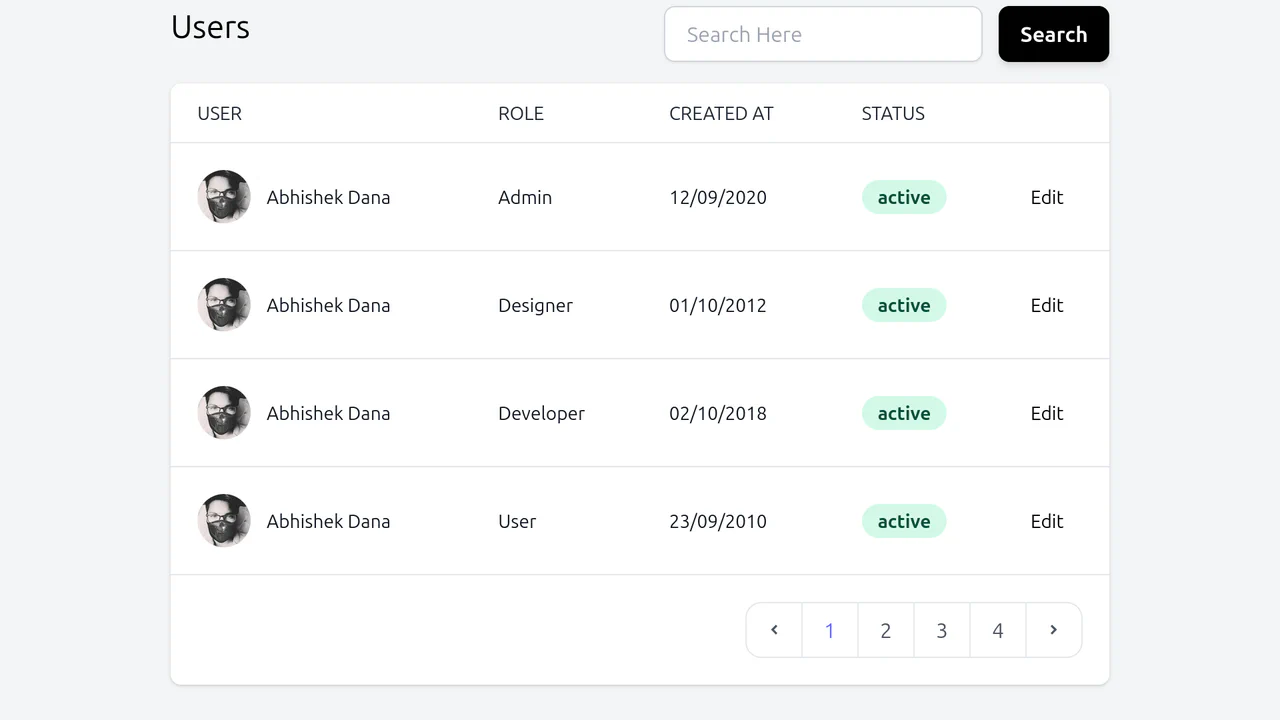
Responsive Tailwind Table
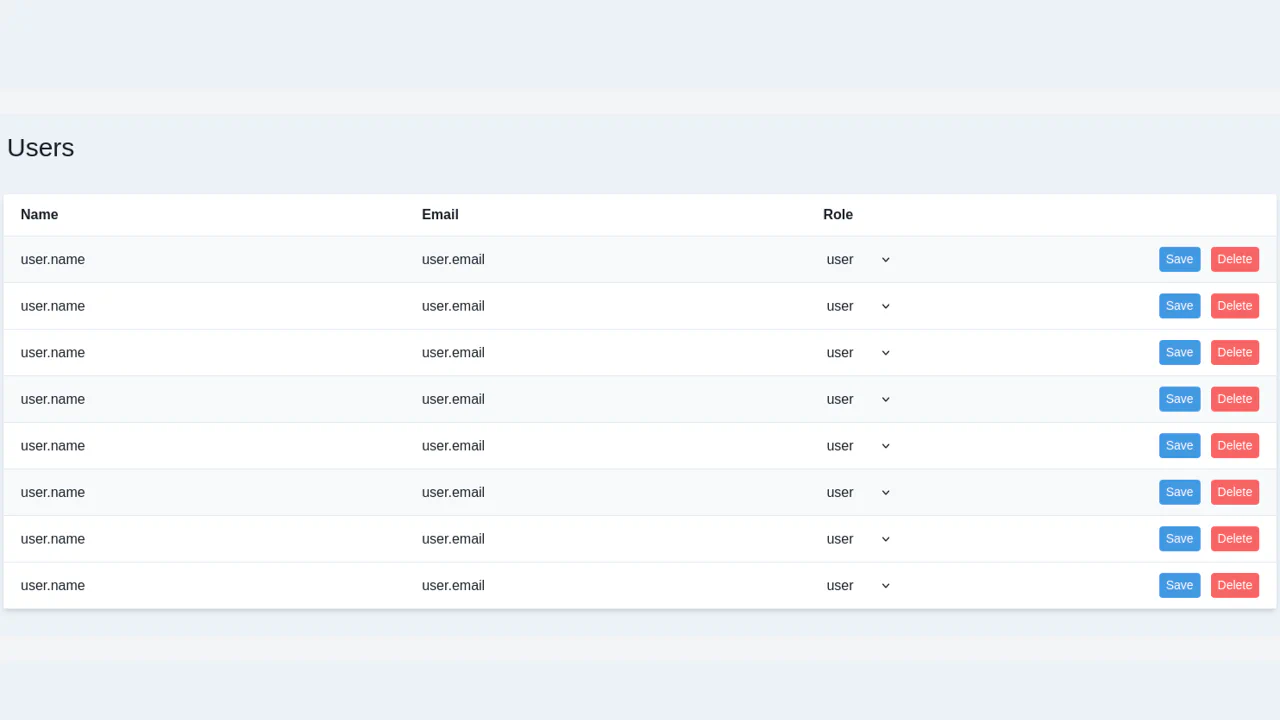
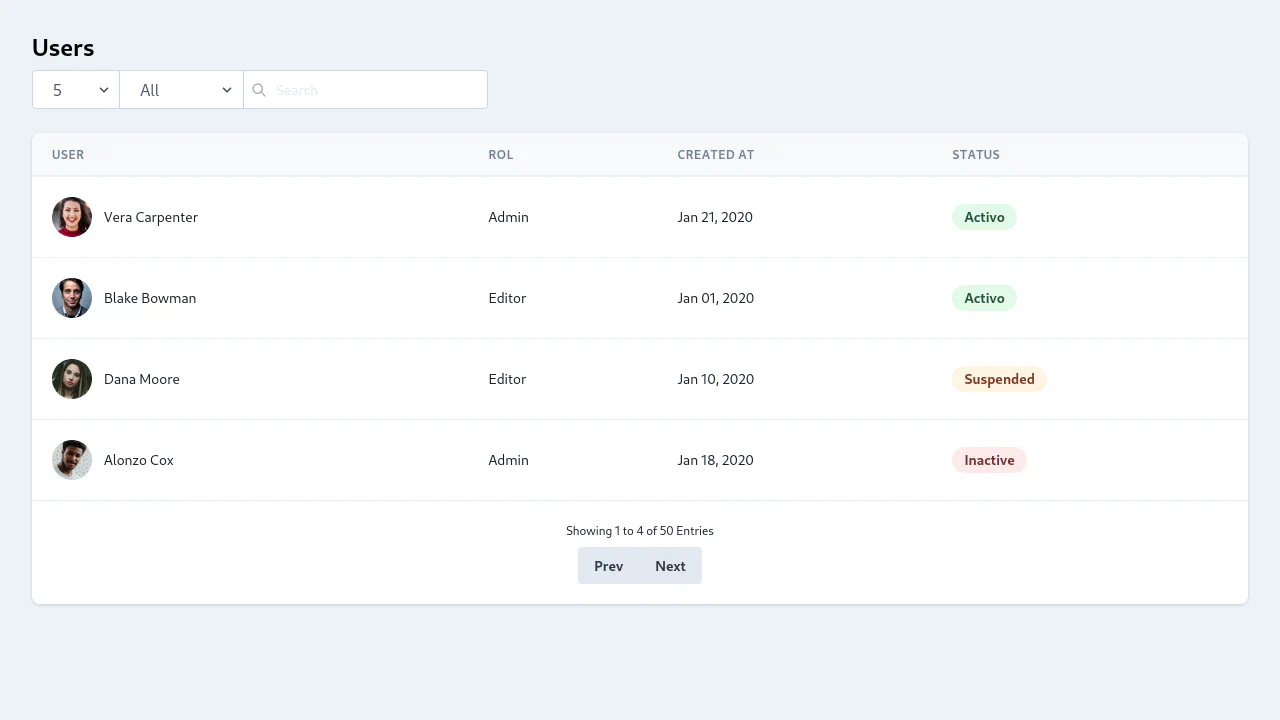
A static, responsive Users Management Table designed for dashboard interfaces, combining data display with essential controls (search and pagination).
See the Pen Responsive Tailwind Table.
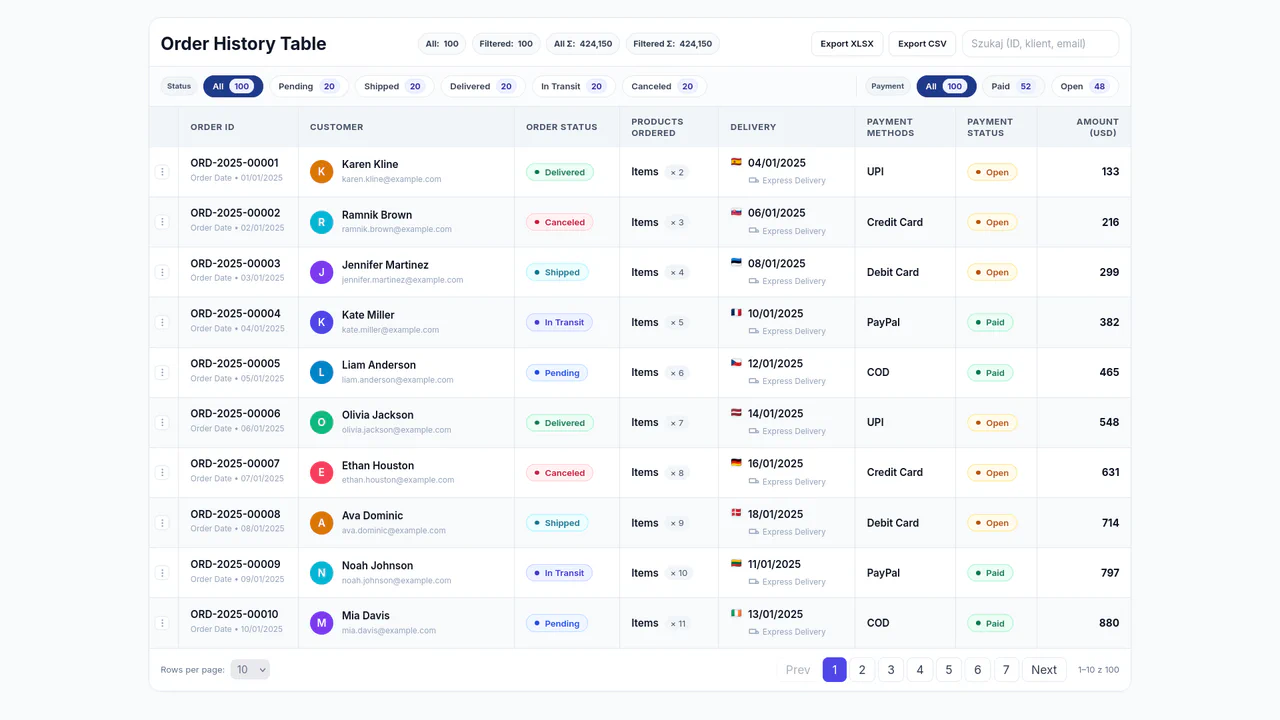
Table with Tailwind
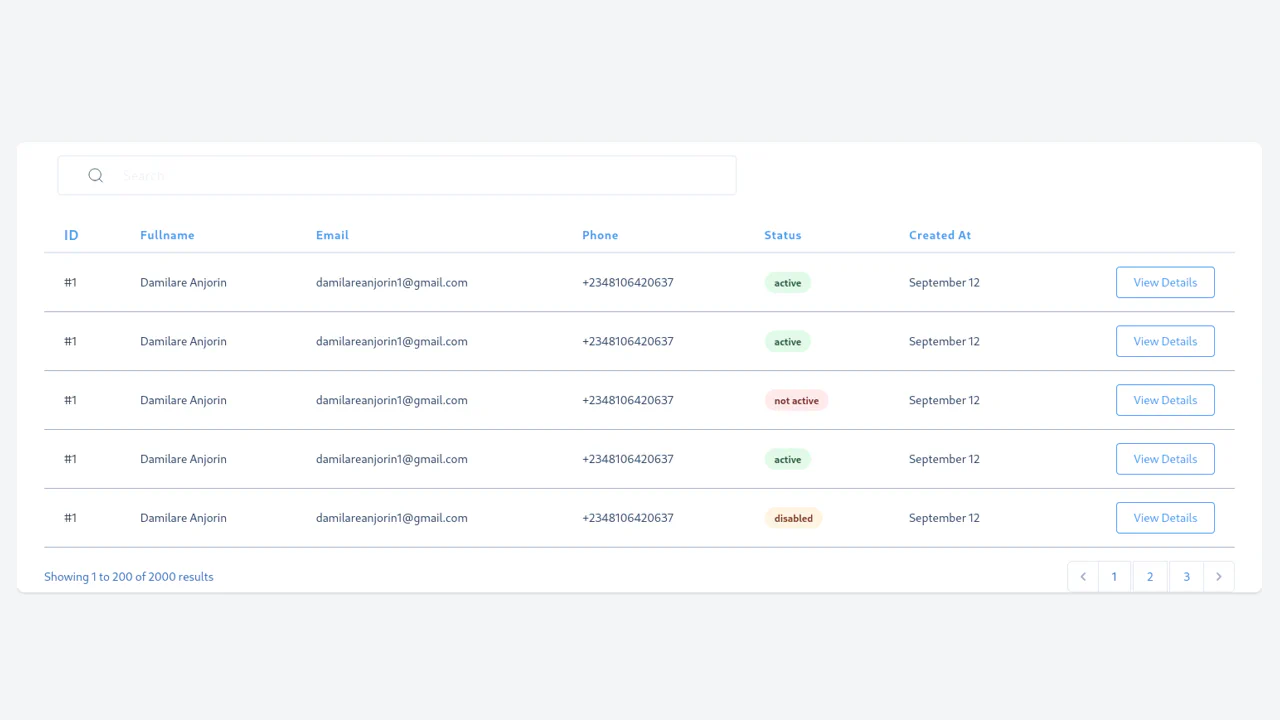
A complex, fully functional tool for handling tabular data that, despite its full reliance on client-side JS for logic, provides fast responsiveness and a professional appearance.
See the Pen Table with Tailwind.

Tailwind CSS Table with Sticky Column
An efficient and professional table for large datasets, which solves the UX problem of horizontal scrolling by keeping key control elements visible to the user.
See the Pen Tailwind CSS Table with Sticky Column.
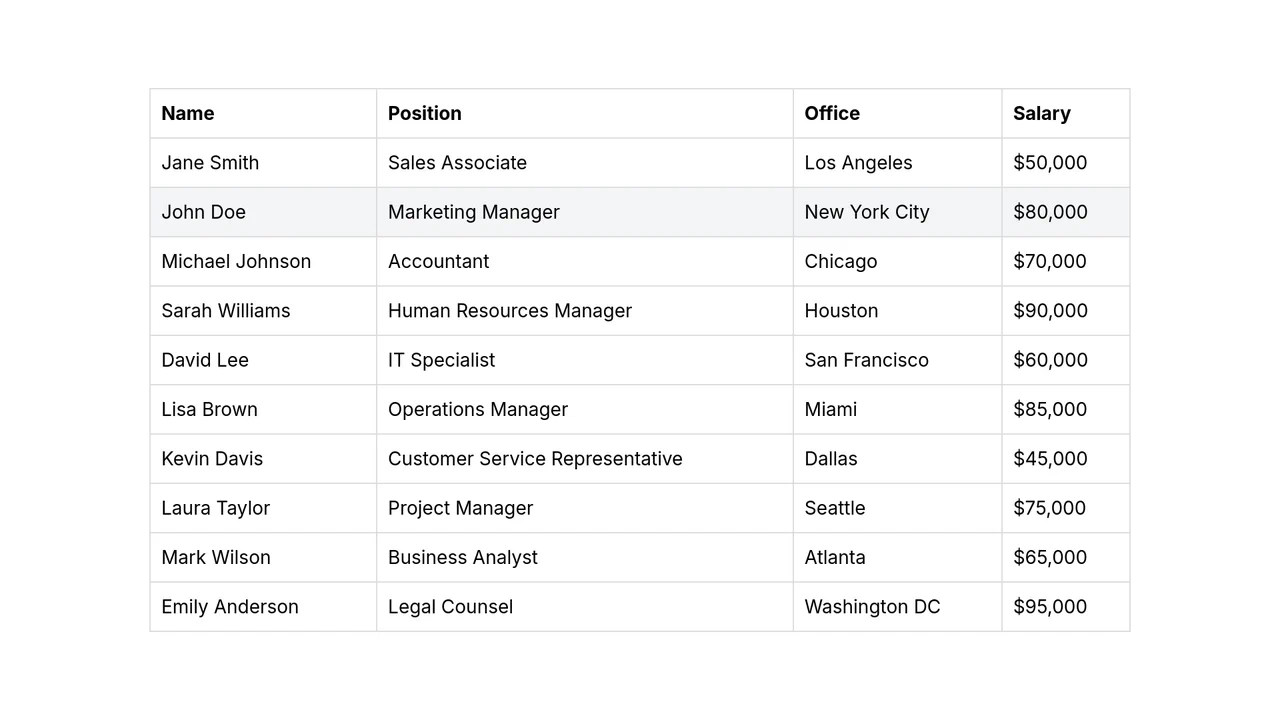
Drag and Drop Table
A responsive table built with Tailwind CSS that enables dynamic row reordering through the HTML Drag and Drop API and column resizing using CSS resize: horizontal.
See the Pen Drag and Drop Table.