5 Tailwind To-Do Lists
This collection is your starter kit for building modern to-do lists with Tailwind CSS. It utilizes utility classes for rapid styling of forms and states, implementing visual completion indication via line-through. Responsive layout is built on Flexbox, ensuring perfect element alignment on any screen. To enhance UX, smooth transitions and micro-animations for buttons are added, making the interface lively and responsive.
Examples

To-Do List Styling
A multi-list to-do application built with Vue.js and styled with Tailwind CSS, featuring nested tasks, progress tracking, and interactive editing capabilities.
See the Pen To-Do List Styling.
Simple To-Do Application with Tailwind
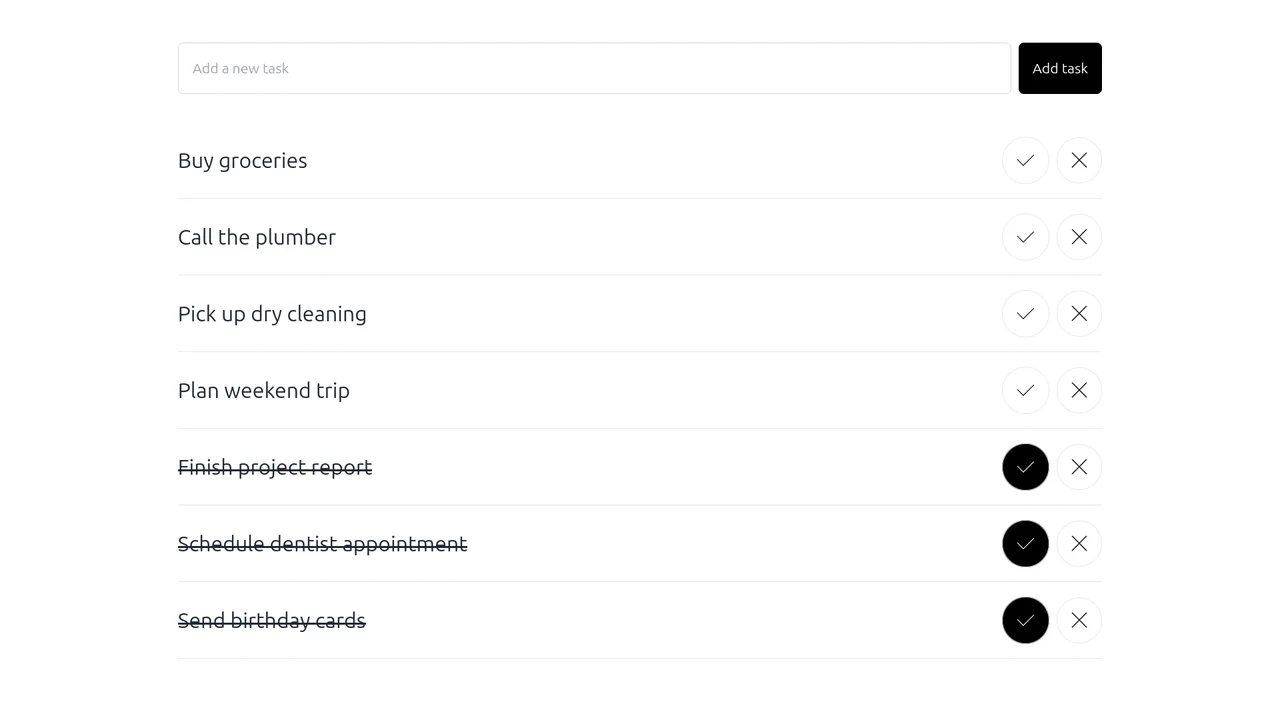
A vanilla JavaScript To-Do application styled with Tailwind CSS. It features dynamic DOM manipulation where the task list is re-rendered upon any state change. A key functionality is the automatic sorting mechanism that pushes completed tasks to the bottom, ensuring active items remain prioritized at the top of the UI.
See the Pen Simple To-Do Application with Tailwind.
Tailwind and Alpine.js To-Do List
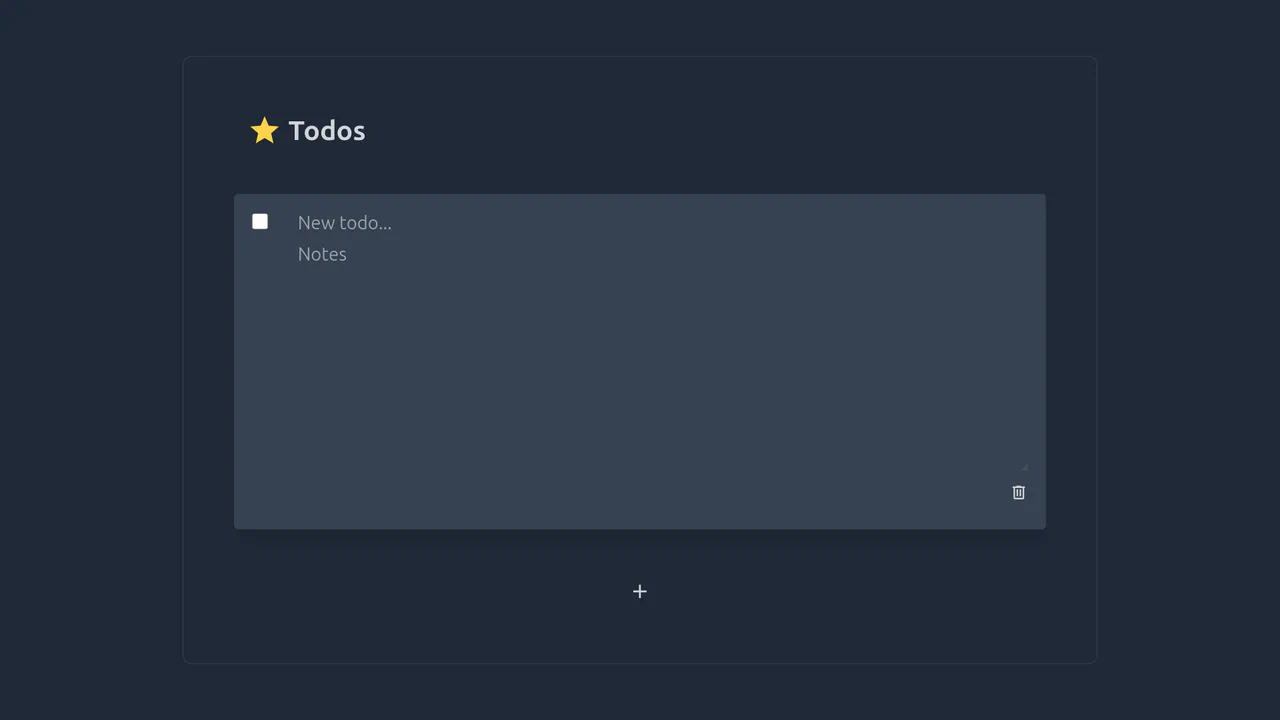
A convenient, minimalist todo list with notes support, featuring inline editing, task completion, and deletion capabilities.
See the Pen Tailwind and Alpine.js To-Do List.

To-Do List with Tailwind CSS and Vanilla JS
A stylish and responsive web application for task management with filtering capabilities and progress persistence.
See the Pen To-Do List with Tailwind CSS and Vanilla JS.
Simple To-Do List Built with Tailwind CSS
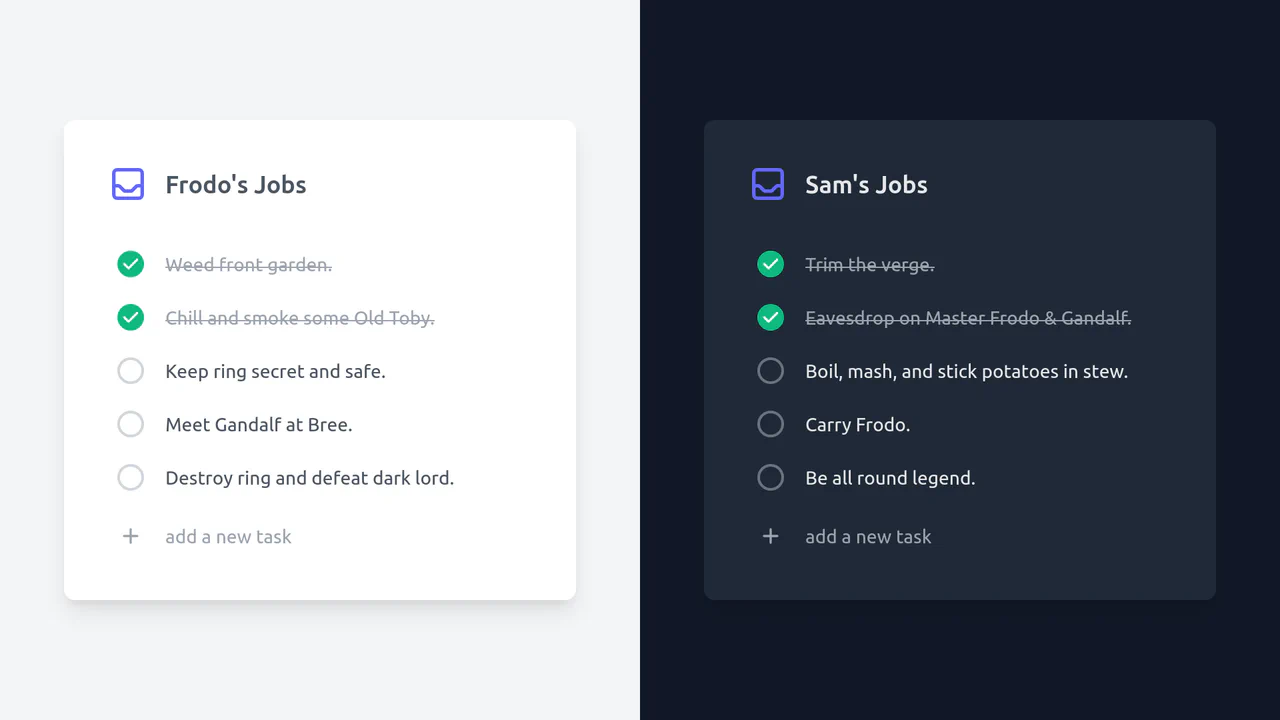
A responsive dual-theme todo list built with Tailwind CSS, relying on the input:checked + label selector hack for state management.
See the Pen Simple To-Do List Built with Tailwind CSS.