1 Vue Expand & Collapse Examples (2026)
Efficient screen real estate management is crucial for complex applications. Vue Expand/Collapse patterns - commonly known as accordions or collapsible panels - allow developers to implement “progressive disclosure,” revealing content only when the user requests it. This collection provides robust solutions for hiding and showing DOM elements with smooth transitions. Unlike simple “show/hide” toggles, these examples focus on the difficult task of animating height (especially height: auto) while maintaining performance and preventing layout jank.
Technically, these snippets move beyond the limitations of purely CSS-based transitions by leveraging Vue’s built-in <Transition> component. You will find modern implementations using CSS Grid (grid-template-rows interpolation) to animate height from 0fr to 1fr, which is more performant than the traditional max-height hacks. Advanced examples utilize JavaScript Hooks (@enter, @leave) within Vue to calculate the exact scroll height of content, ensuring smooth physics even for nested lists or dynamic content loading. We also cover recursive components for building interactive Tree Views and file system explorers.
Examples
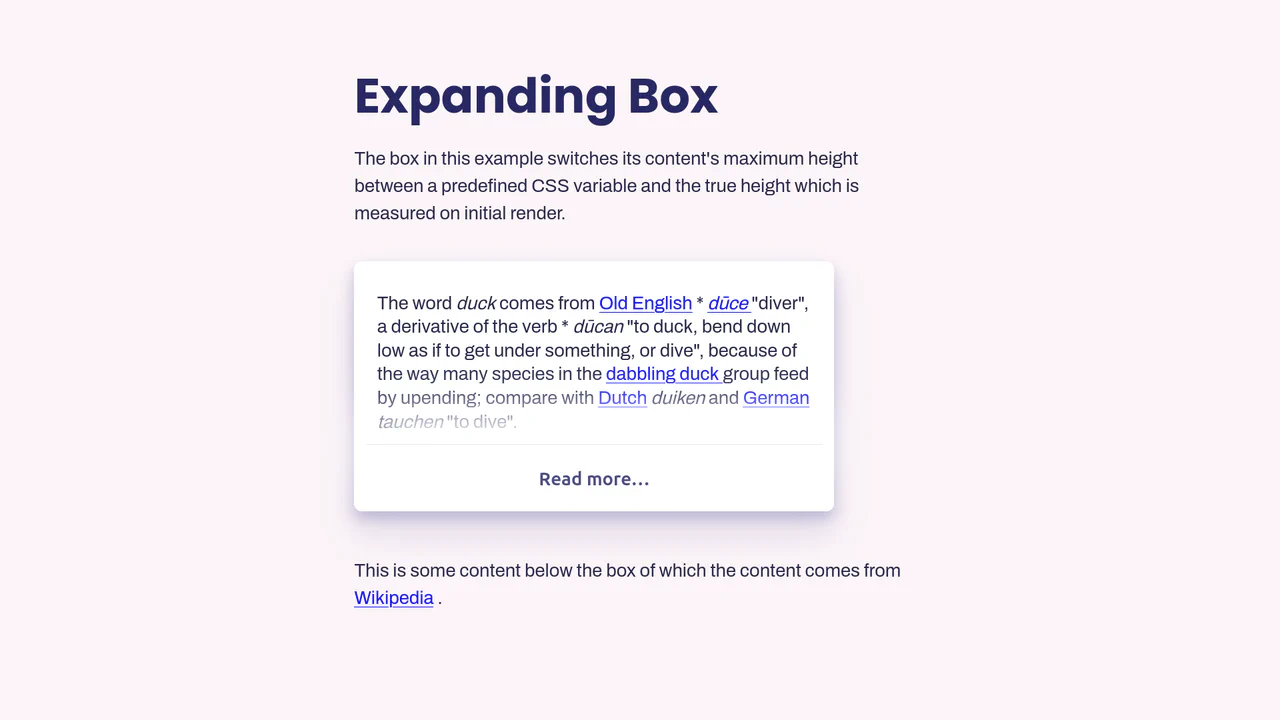
Vue.js Read More Expansion
This Vue.js Read More Expansion solves the classic “animate to height: auto” problem. It’s a robust component that truncates long text content and allows users to reveal the full article with a smooth animation. Unlike naive implementations that guess max-height, this solution calculates the exact pixel height of the content to ensure a perfect transition every time. (Requires: Vue.js)
 Chrome 49+
 Edge 15+
 Firefox 43+
 Safari 9.1+
See the Pen Vue.js Read More Expansion.