2 Vue Page Transitions
This collection demonstrates how to create smooth page transitions in Vue applications by effectively integrating them with Vue Router. The key technical takeaway is utilizing the <transition> component to connect CSS animations (transitions and keyframes), which ensures high performance and minimizes strain on the JS thread. You will see patterns for conditional rendering and preventing content “jumps,” making this an essential guide for dynamic UX design.
Examples
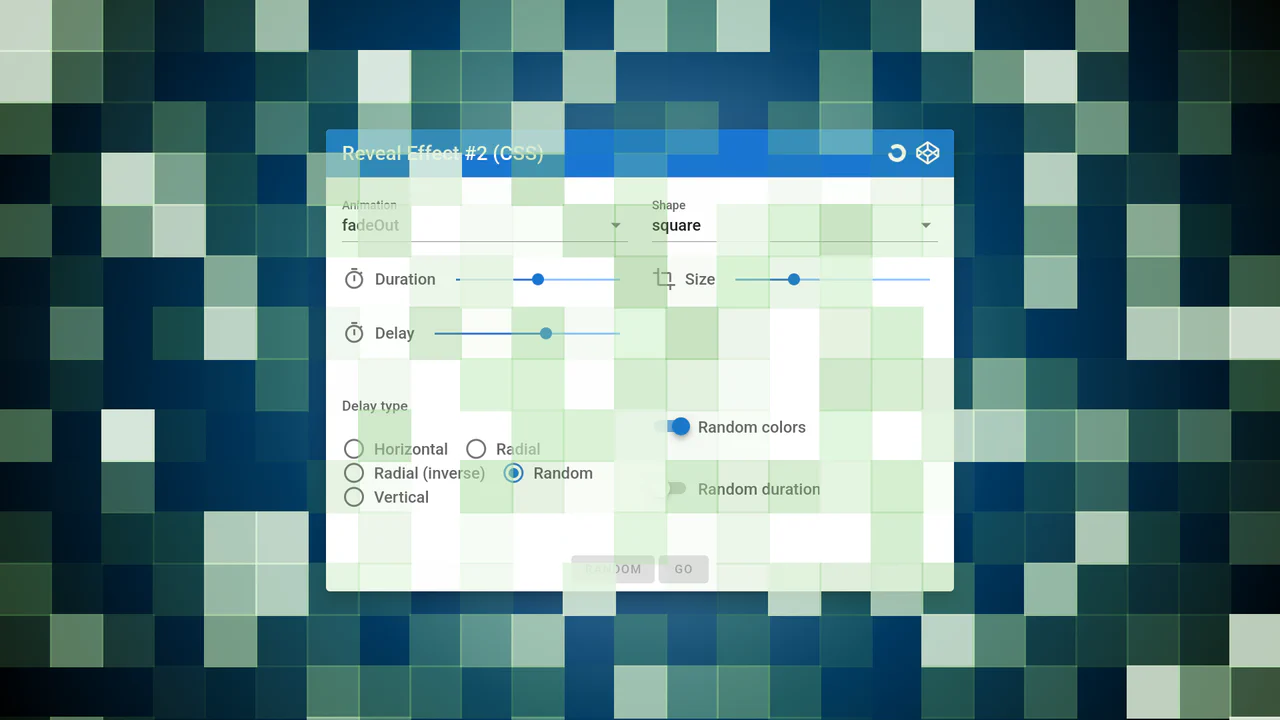
Page Reveal Effect (Vue.js)
This Vue.js component dynamically generates a full-screen grid of elements that is responsive to the viewport, applying a stunning sequential reveal effect by programmatically calculating radial animation delays based on each element’s distance from the center.
See the Pen Page Reveal Effect (Vue.js).
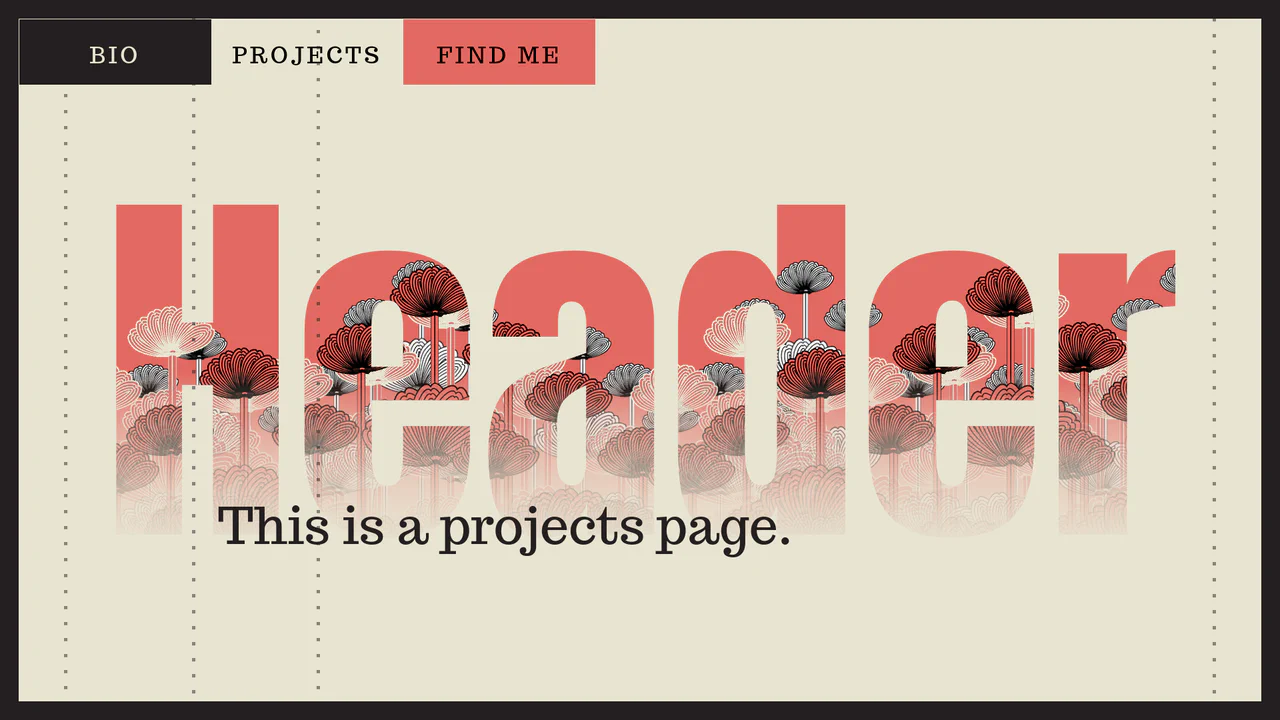
Play with Header on Page Transitions
A sophisticated yet elegant content switching animation using dynamic CSS variables and @keyframes to create the “running dots” background effect. The background transition itself is achieved through a smooth scaling effect using transform-origin and translateX.
See the Pen Play with Header on Page Transitions.