1 Vue Read More Components: Text Truncation & Toggles (2026)
Managing large blocks of text is a common challenge in UI design. Displaying full articles, comments, or product descriptions immediately can lead to a cluttered interface and overwhelm the user. This collection of Vue Read More components provides elegant solutions for text truncation (clamping), allowing developers to show concise previews while offering an option to reveal the full content. By implementing these patterns, you improve the visual hierarchy of your application and increase user engagement by preventing “scroll fatigue.”
Technically, these examples explore various methods of content limitation. Simple implementations utilize CSS line-clamp combined with Vue state to toggle a class, providing a performant, browser-native solution. More complex components leverage Vue 3 Composables or Directives to calculate element height or character count dynamically, essential for handling variable-width fonts or HTML content. You will see the use of Vue’s Transition system to animate height changes smoothly (max-height interpolation) and the implementation of Scoped Slots to allow full customization of the “Read More / Show Less” triggers. Accessibility is prioritized, ensuring toggle buttons utilize correct aria-expanded and aria-controls attributes.
Examples
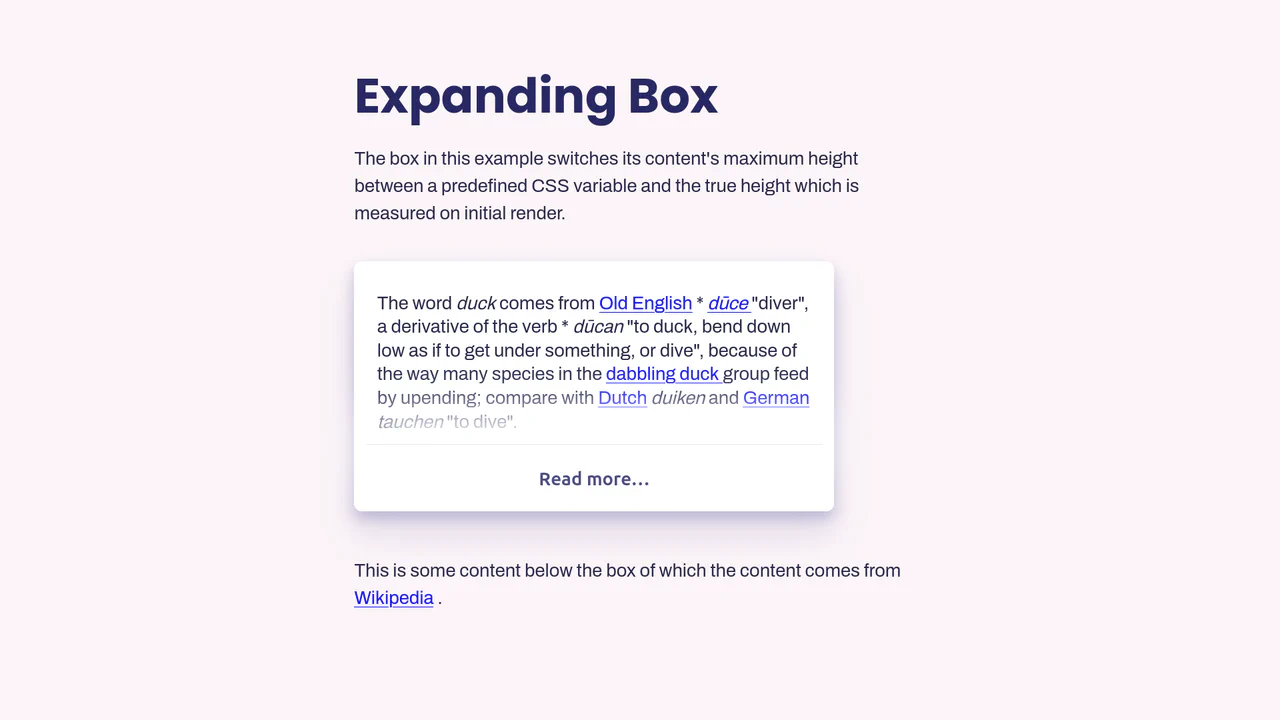
Vue.js Read More Expansion
This Vue.js Read More Expansion solves the classic “animate to height: auto” problem. It’s a robust component that truncates long text content and allows users to reveal the full article with a smooth animation. Unlike naive implementations that guess max-height, this solution calculates the exact pixel height of the content to ensure a perfect transition every time. (Requires: Vue.js)
 Chrome 49+
 Edge 15+
 Firefox 43+
 Safari 9.1+
See the Pen Vue.js Read More Expansion.